How to Activate Smart STB: Portal URL and Virtual MAC Address
Activate Smart STB step by step: find your virtual MAC, give it to your IPTV provider (MAG format), add the portal URL in STB Settings > Portals and restart the portal.
By IPTV Guide
7 min read
1 Comment
Quick Summary
To activate Smart STB, give the Virtual MAC shown on the home screen to your IPTV provider. Your provider registers it on their MAG portal and sends you a portal URL. In Smart STB, open Settings > STB Settings > Portals, enter the portal URL in URL 1, then select Restart portal. Your channels, movies and series load in a few seconds.
Good to Know: Smart STB Uses Portals, Not M3U
Smart STB works like a MAG set-top box: it loads your provider’s portal (Stalker / MAG portal) with your virtual MAC. It doesn’t use M3U links or Xtream Codes, and it includes no channels. When you order, choose the MAG format, not M3U.
After you install Smart STB, it opens on the Smart STB Demo Portal with a few demo channels. To watch your own IPTV subscription, you need to connect Smart STB to your provider’s portal. This guide shows every step, from your virtual MAC to the portal URL and your first channel.
Step 1: Find Your Smart STB Virtual MAC Address
Open Smart STB. On the home screen, the Device info box shows Your Virtual MAC in yellow, with the note Give this MAC to your IPTV provider. Write it down exactly as shown (it starts with 00:1A:79). The box also shows your Subscription: Trial with its end date.
Smart STB home screen: Your Virtual MAC in the Device info box
Step 2: Give Your Virtual MAC to Your IPTV Provider
When you order a subscription or a free trial from your IPTV provider, choose the MAG format and enter your virtual MAC. The screens below show a typical provider order page (the provider name is hidden). Your provider’s page may look different, but the steps are the same. You can also simply send your virtual MAC to your provider and ask for a MAG portal.
Choose MAG as the Product Type
In Select Product Type, choose MAG (not M3U).
Choose MAG as the product type on your IPTV provider order page
No M3U or MAG Option on Your Provider’s Page?
If your provider’s order page doesn’t let you choose M3U or MAG, contact your provider on WhatsApp. Send them your virtual MAC address and the countries you want to watch. They add your MAC manually and send you your portal URL.
Enter Your Virtual MAC in MAG Address
Type your Smart STB virtual MAC in MAG Address, in the format 00:1A:79:XX:XX:XX. Check every character, then select Continue.
Enter the Smart STB virtual MAC in the MAG Address field
Review Your Order and Check Out
Check your order and select Checkout. Then enter your name, email and password to create your account.
Review your order and select Checkout
Enter your personal details on the checkout page
Select Complete Order
At the bottom of the page, select Complete Order. Your provider sends a confirmation email.
Select Complete Order
Order confirmation: select Continue To Client Area
Step 3: Get Your Portal URL
In your provider’s client area, open your active service and select View Details.
Open your active service with View Details
The MAG Box section shows your portal URL (it often ends with /c/ or /portalstb) and your Current MAG device, which must match your virtual MAC. If you change TV or device, enter the new MAC in New MAG device and select Change. Many providers simply send the portal URL by email or WhatsApp instead.
The MAG Box section shows your portal URL and MAG device
Step 4: Add the Portal URL in Smart STB
Open STB Settings
On the Smart STB home screen, move to Settings and select STB SETTINGS.
Select STB SETTINGS on the Smart STB home screen
Select Portals
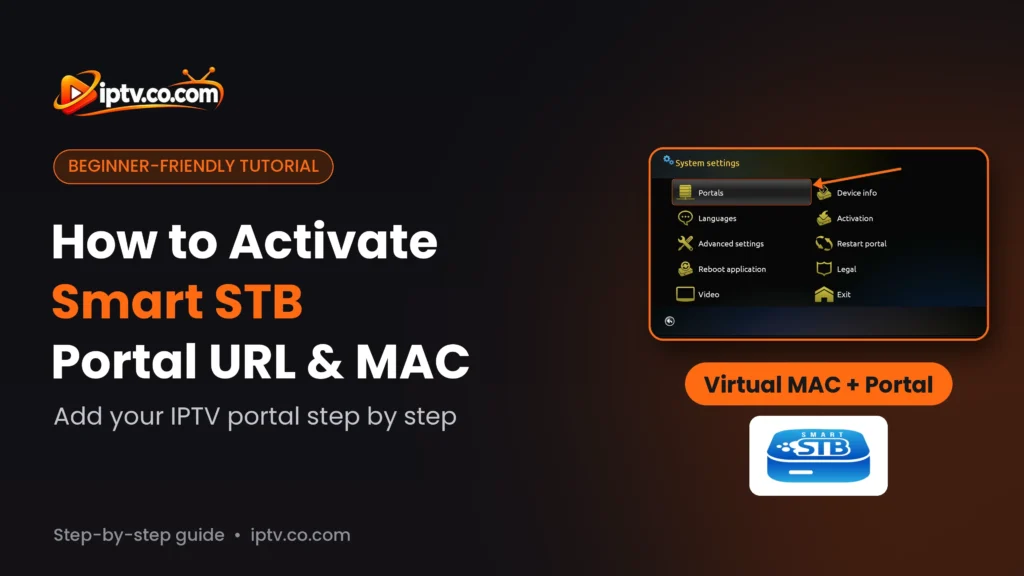
In System settings, select Portals.
Select Portals in Smart STB System settings
Type the Portal URL in URL 1
Select URL 1 and type the portal URL from your provider exactly as you received it, then select Next. You can also give the portal a name. Typing on a phone is easier: scan the QR code under Scan to edit portals on the home screen, or open the address shown under it, and add the portal from your phone.
Type the portal URL from your IPTV provider in URL 1
Step 5: Restart the Portal
Go back to System settings and select Restart portal.
Select Restart portal in System settings
When Smart STB asks Restart portal?, select Yes.
Select Yes to restart the portal
Smart STB loads your provider’s portal. The home screen now shows your provider’s categories instead of the demo portal: Smart STB is activated with your subscription.
Your provider categories load on the Smart STB home screen
Watch Live TV, Movies and Series
TV
Open TV, choose a category, then a channel. Use TV Guide on the right for the EPG, and Favorite or Find at the bottom.
Live TV channel list in Smart STB
Video Club
Video Club lists the movies from your provider, sorted by date added. Select a title to see its details and play it.
Movies in the Smart STB Video Club
TV Series
TV Series works the same way: choose a series, then a season and an episode.
TV series in Smart STB
Smart STB Free Trial and App Activation
Every device gets a free 7-day trial of the Smart STB app, shown as Subscription: Trial with its end date in Device info. This is separate from your IPTV subscription. When the trial ends, activate the app from STB Settings > Activation.
Smart STB Not Working? Quick Fixes
Still on the demo portal: check the portal URL in URL 1, then select Restart portal.
Portal doesn’t load or shows an error: your provider hasn’t registered your MAC yet, or the MAC is wrong. Compare the virtual MAC on the home screen with the MAC in your provider’s client area.
Typing mistakes: type the portal URL exactly, including http://, the port and the ending (/c/ or /portalstb).
Changed device: a new device has a new virtual MAC. Update it in your provider’s client area (New MAG device).
Using a VPN: ask your provider for their VPN portal URL.
Trial ended: activate the app from STB Settings > Activation.
Give the virtual MAC from the home screen to your IPTV provider, add the portal URL they send you in STB Settings > Portals > URL 1, then select Restart portal.



One Response