Quick Summary
When the 7-day trial ends, BOB Player stops playing until the device is activated.
Get it activated for free: most IPTV providers activate BOB Player for free when you buy a 6-month or 12-month subscription. Just contact your provider and send them your Device ID (MAC address); they activate the app for you, so you don’t need to buy the license yourself.
If your provider doesn’t offer this, you can buy the license yourself for about $5.99 (USD), one time per device.
Get It Activated for Free
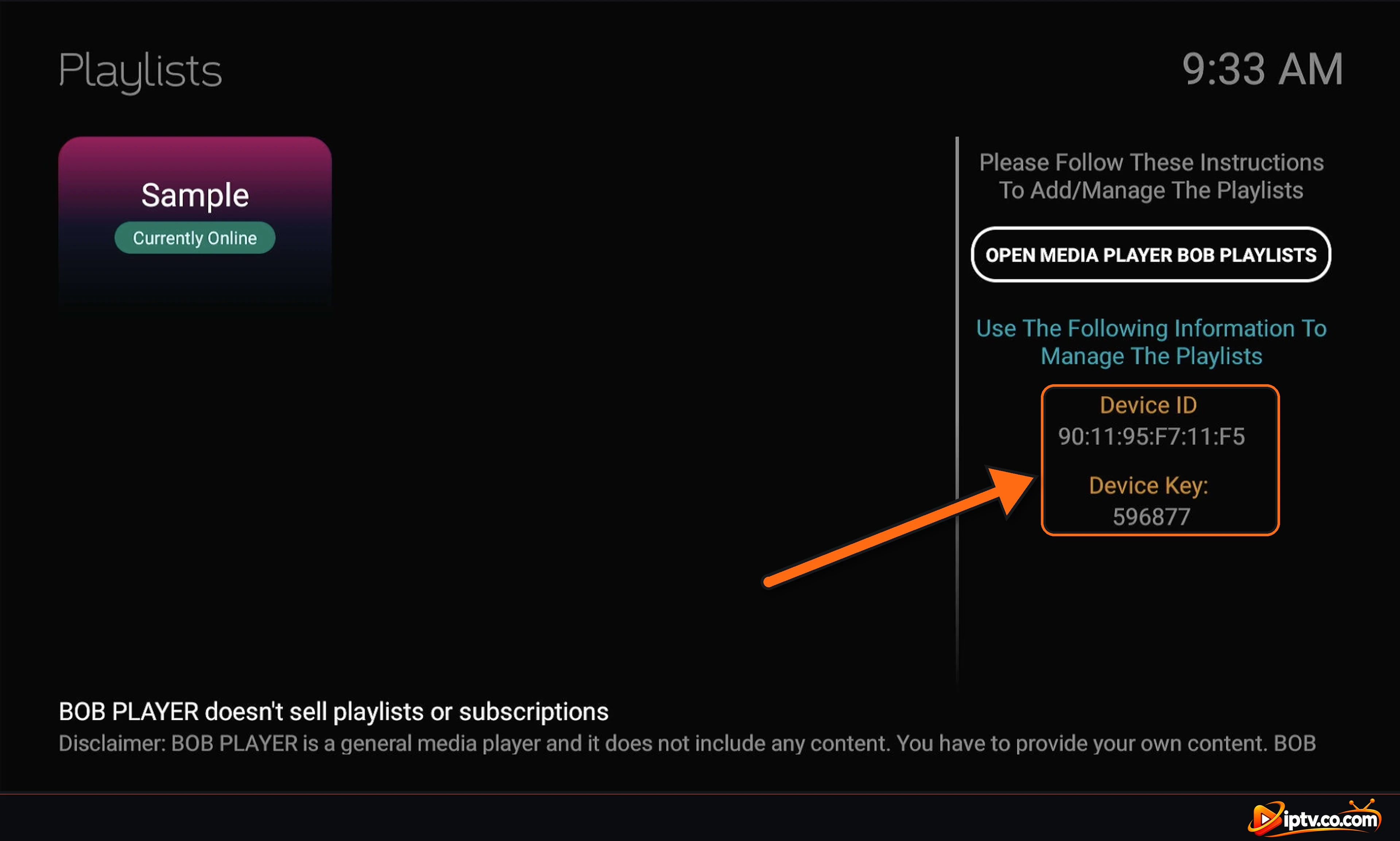
Most IPTV providers activate BOB Player for free when you buy a 6-month or 12-month subscription. Just contact your provider and send them your Device ID (MAC address); they activate the app for you, so you don’t need to buy the license yourself.
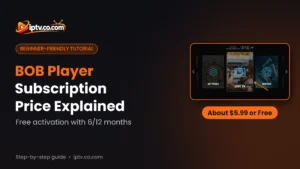
“BOB Player subscription” can mean two different things: the BOB Player license that unlocks the app on your device, and the IPTV subscription that gives you the channels. This guide explains both, how much the BOB Player subscription costs, how to get it activated for free, and what to do when your subscription has expired.
BOB Player License vs IPTV Subscription
| BOB Player license | IPTV subscription | |
|---|---|---|
| What it is | Unlocks the BOB Player app on one device | Your channels, movies and series |
| Who sells it | The BOB Player team, or your IPTV provider for free | Your IPTV provider |
| What you get | The player only, no content | Xtream Codes or an M3U URL |
| Linked to | Your Device ID (MAC address) | Your username and password |
| When it ends | After the 7-day trial if not activated | On the date your provider set |
How to Get BOB Player Activated for Free
Most IPTV providers activate BOB Player for free when you buy a 6-month or 12-month subscription. Here’s how it works:
- Open BOB Player, select Change Server and note your Device ID (MAC address) on the Playlists screen.
- When you buy or renew a 6- or 12-month IPTV subscription, contact your provider and send them your Device ID.
- Your provider activates BOB Player for your device. You don’t need to buy the license yourself.
- Restart BOB Player. If your provider also added your playlist, it appears automatically; otherwise add your playlist.
BOB Player Subscription Price
| Plan | Price | Duration |
|---|---|---|
| Free trial | Free | 7 days per device |
| Free activation by your IPTV provider | Free | With a 6 or 12-month IPTV subscription |
| Activation (pay yourself) | About $5.99 (USD), one-time | One device |
- Same price as IBO Player: the BOB Player activation costs about the same as the IBO Player subscription.
- Per device: the license is tied to the device’s MAC address, so a TV, a Firestick and a phone each need their own activation.
- Prices can change: the current price is always shown on the Activate Device page of the BOB Player website.
How to Buy the BOB Player Subscription Yourself
If your IPTV provider doesn’t activate it for you:
- Open the BOB Player website and click Activate Device.
- Enter your MAC address (Device ID) exactly as shown in the app.
- Choose the plan and pay with the methods offered.
- Restart BOB Player. Your playlists stay as they are.
The website login and playlist steps with screenshots are in how to activate BOB Player.
BOB Player Subscription Expired: What It Means
There are two different “expired” problems, and they have different fixes:
- The app stops after 7 days, or says the trial or license expired: this is the BOB Player license. Ask your IPTV provider to activate it (free with most 6- or 12-month plans), or buy it yourself.
- Your channels stop loading on a date: this is your IPTV subscription, not the app. Contact your IPTV provider to renew it.
How to Renew Your BOB Player Subscription
- Renew your IPTV subscription with your provider before it ends. Choose 6 or 12 months and ask them to (re)activate BOB Player for free at the same time.
- Your Xtream Codes or M3U URL usually stay the same, so you don’t need to add the playlist again. If they change, update it on the BOB Player website.
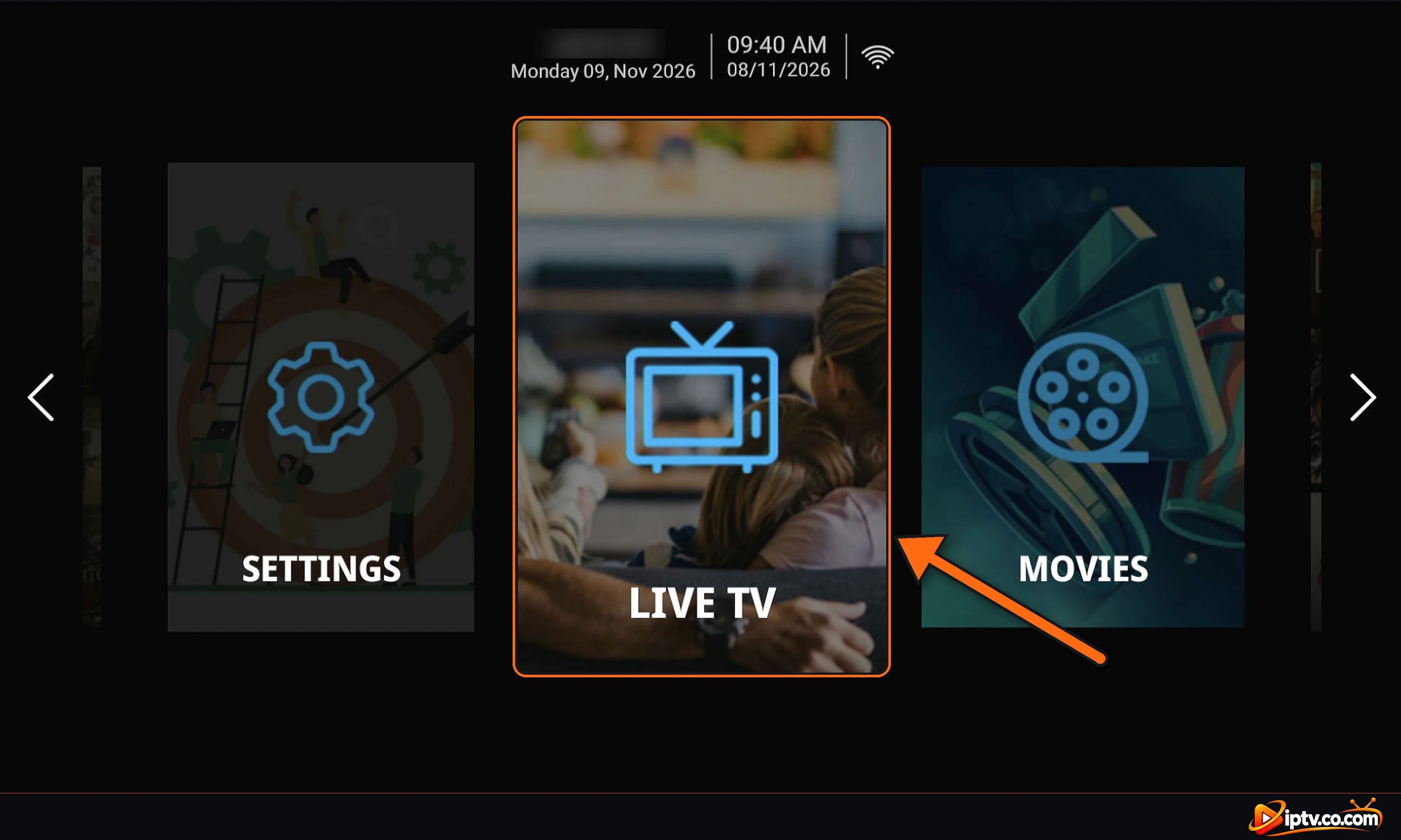
- Open BOB Player and select your playlist again to load it.
Changed your TV or Firestick? The license is linked to the old device’s MAC address, so the new device needs its own activation.
Is There a Free BOB Player Subscription?
Yes, in two ways: the 7-day free trial on every new device, and free activation from your IPTV provider with a 6- or 12-month subscription.
Avoid “Free Activation Codes” and Cracked APKs
There is no official free activation code for BOB Player. Websites and videos offering free codes or “activated” APKs are usually scams or contain malware, and they can steal your Device Key and playlist. Use the free trial, then get it activated by your provider or on the official website.
Frequently Asked Questions
How much is the BOB Player subscription?
The activation is a one-time payment of about $5.99 (USD) per device. Prices can vary by country. Most IPTV providers activate BOB Player for free with a 6- or 12-month subscription.
Is the BOB Player subscription free?
The app is free to download with a 7-day free trial. After that it needs an activation, which most IPTV providers include for free with a 6- or 12-month subscription.
How do I get BOB Player activated for free?
Buy a 6- or 12-month subscription from your IPTV provider, then send them your Device ID (MAC address). They activate BOB Player for you.
Does the BOB Player subscription include channels?
No. BOB Player is only a player. Channels, movies and series come from your IPTV subscription through Xtream Codes or an M3U URL.
What does “BOB Player subscription expired” mean?
If the app stopped after the 7-day trial, the BOB Player license needs to be activated. If your channels stopped on a date, your IPTV subscription has ended and you need to renew it with your provider.
How do I renew my BOB Player subscription?
Renew your IPTV subscription with your provider before it ends, ask them to activate BOB Player for free at the same time, then reopen your playlist in the app.
Is BOB Player the same price as IBO Player?
Yes, the activation costs about the same: around $5.99 (USD), one time per device.
Do I need a new subscription for each device?
Yes. The BOB Player license is linked to each device’s MAC address, so every TV, Firestick or phone needs its own activation.
Next steps: install BOB Player, activate it with M3U or Xtream Codes, and keep our BOB Player not working fixes handy. Browse all BOB Player guides.