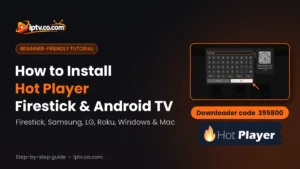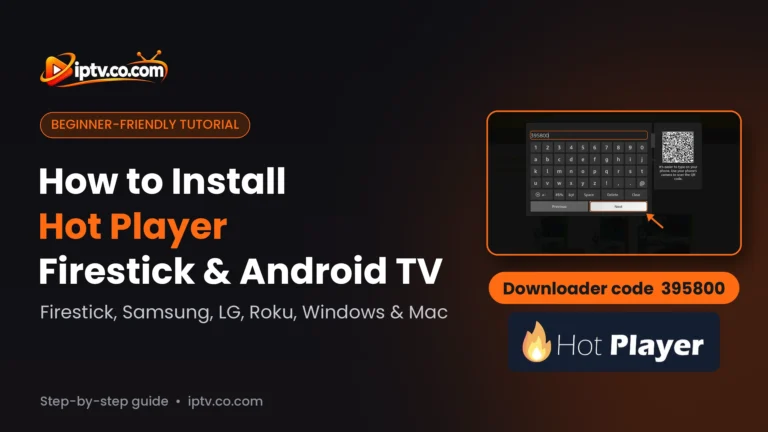
Come installare Hot Player su Firestick, Android, Samsung, LG, Roku, Windows & Mac
Installare Hot Player passo dopo passo: Firestick e Android TV con Downloader codice 395800, telefono Android APK, Samsung, LG, Roku, Windows e Mac.

Installare Hot Player passo dopo passo: Firestick e Android TV con Downloader codice 395800, telefono Android APK, Samsung, LG, Roku, Windows e Mac.
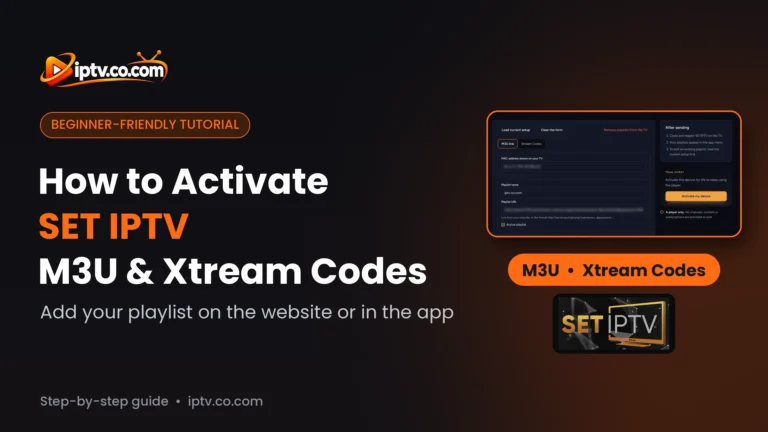
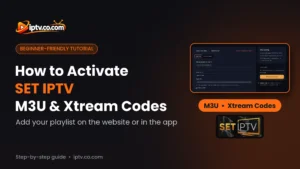
Attivare SET IPTV passo dopo passo: aggiungere un link M3U o Xtream Codes sul sito SET IPTV con il tuo MAC, o aggiungere Xtream Codes manualmente nell’app, quindi chiudere e riaprire.
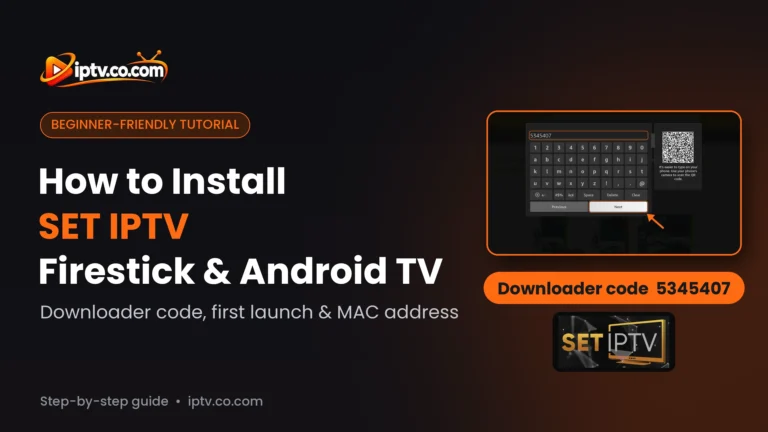
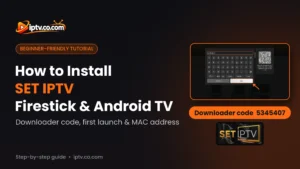
Installare SET IPTV passo dopo passo: Firestick e Android TV con il codice Downloader 5345407, Samsung e LG TV, telefoni Android e cosa usare su iPhone e PC.
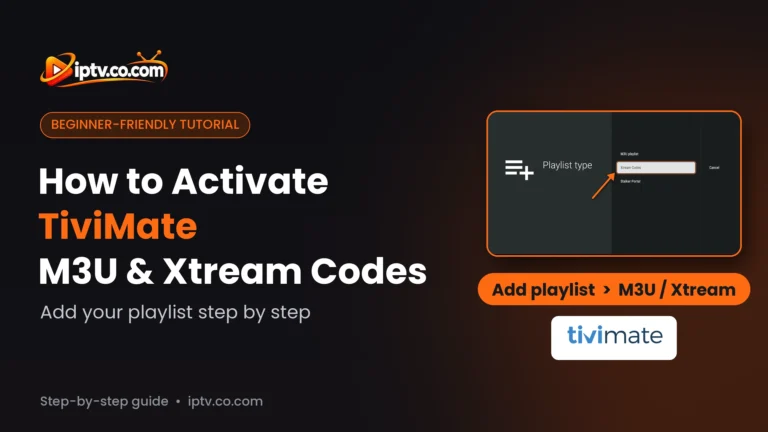
Attivare TiviMate passo dopo passo: aggiungere un URL M3U o Xtream Codes su Firestick, Android TV e Google TV, quindi guardare Live TV, film e serie.
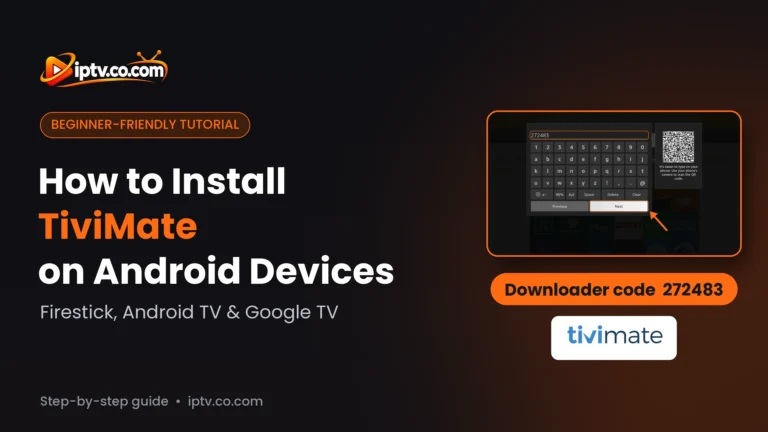
Installare TiviMate passo dopo passo: Firestick con il codice Downloader 272483, Android TV e Google TV dal Play Store, e cosa usare su Samsung, LG, iPhone e PC.
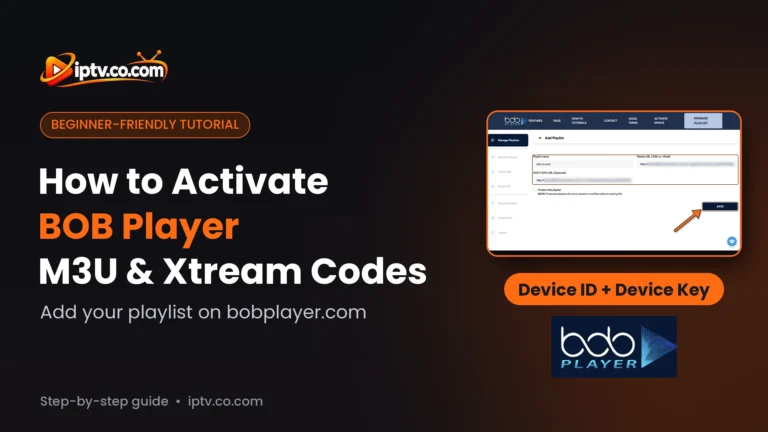
Attiva BOB Player passo dopo passo su bobplayer.com: accedi con il tuo ID dispositivo e chiave del dispositivo, aggiungi un URL M3U o Xtream Codes e ottieni la licenza dopo la prova gratuita.
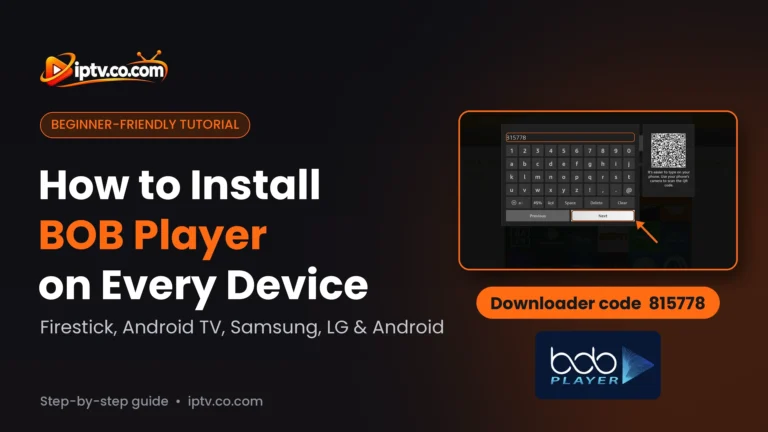
Installare BOB Player su Firestick con il codice Downloader 815778, più Android TV, Samsung, LG, telefoni Android e iPhone, passo dopo passo. Windows e Mac: utilizzare IBO Player.
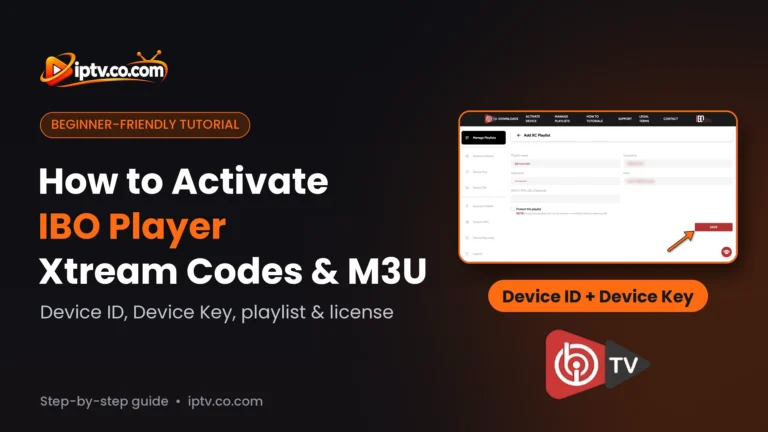
Attiva IBO Player e IBO Player Pro passo dopo passo: accedi con il tuo ID dispositivo e chiave del dispositivo, aggiungi Xtream Codes o un URL M3U e acquista la licenza dopo la prova gratuita.
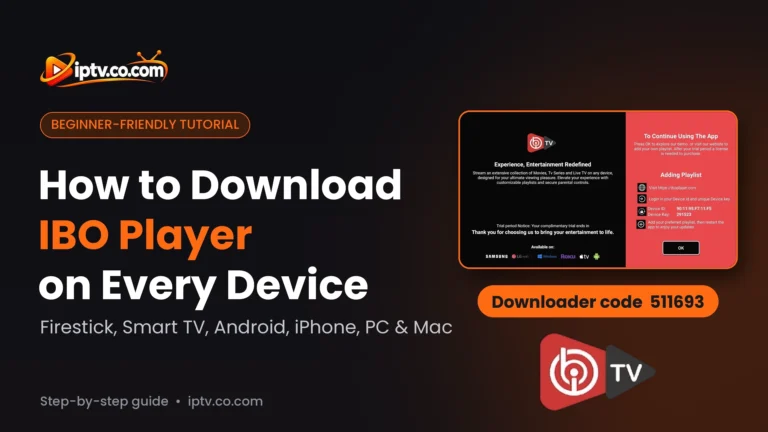
Scarica IBO Player su Firestick con il codice Downloader 511693, più Samsung, LG, Android TV, Android, iPhone, Windows e Mac, passo dopo passo.
Installare IPTV Smarters Pro su Firestick con il codice Downloader 5535368, più Samsung, LG, Android TV, Android, iPhone, Windows e Mac, passo dopo passo.