Best IPTV App for Each Device
| Device | Best IPTV apps |
|---|
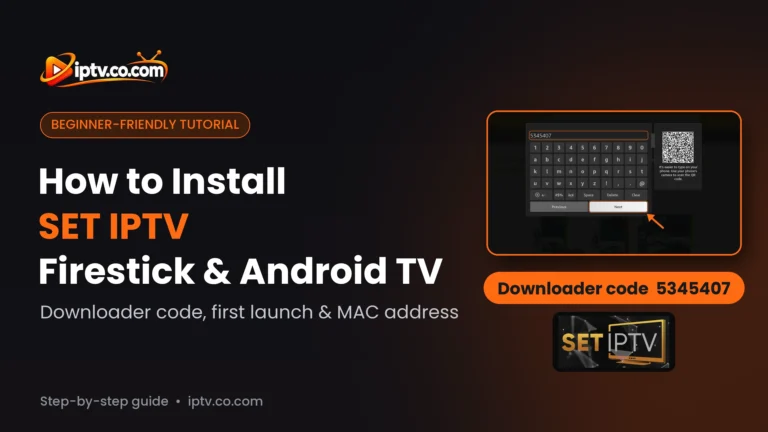
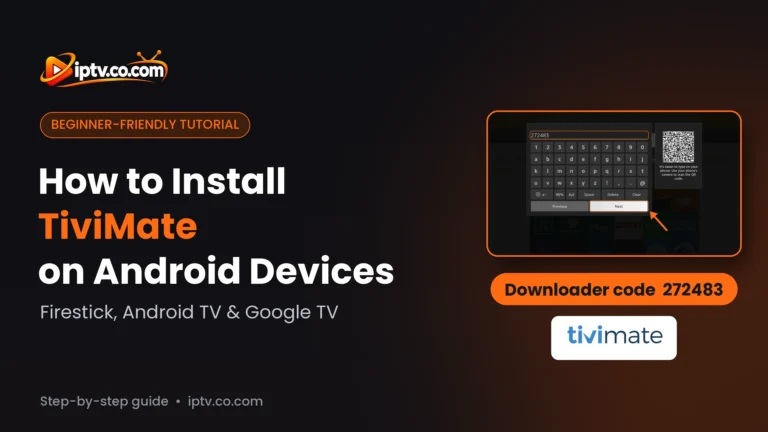
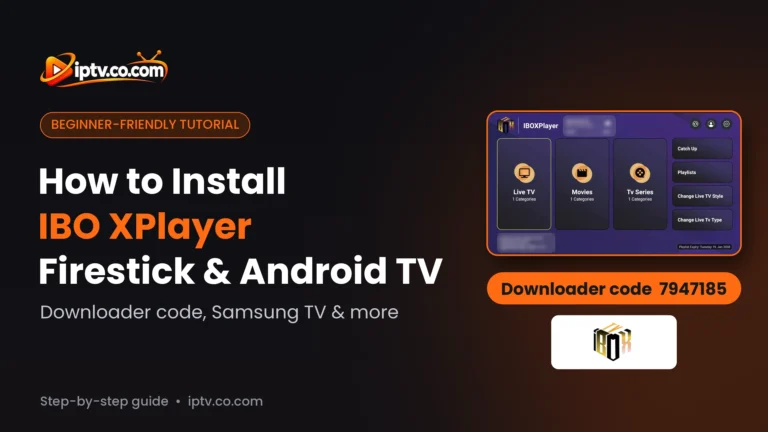
| Amazon Firestick / Fire TV | TiviMate, IPTV Smarters, IBO Player, SET IPTV |
| Android TV & Google TV | TiviMate, IBO Player, SET IPTV, IPTV Smarters |
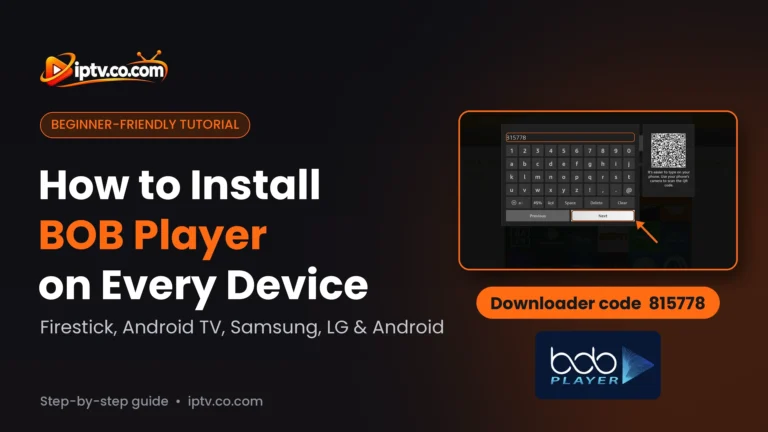
| Android phone & tablet | IPTV Smarters, IBO Player, BOB Player |
| Samsung smart TV | IBO Player, SET IPTV, IPTV Smarters, Hot Player |
| LG smart TV | IBO Player, SET IPTV, IPTV Smarters, Hot Player |
| iPhone & iPad (iOS) | IPTV Smarters (Smarters Player Lite), IBO Player, BOB Player |
| Apple TV | IPTV Smarters (Smarters Player Lite) |
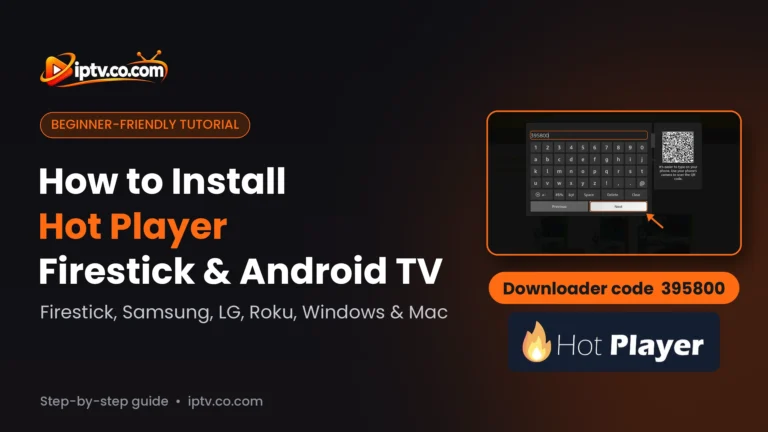
| Roku | Hot Player |
| Windows PC | IPTV Smarters, IBO Player, Hot Player |
| Mac | IPTV Smarters, IBO Player, Hot Player |
Best IPTV App for Firestick
On Firestick, TiviMate gives the best TV guide, while IPTV Smarters and IBO Player are the easiest to set up. All of them install with the free Downloader app and a code; each guide has the code.
Best IPTV App for Android and Android TV
TiviMate is the top pick on Android TV and Google TV. On Android phones and tablets, IPTV Smarters, IBO Player and BOB Player work well.
Best IPTV App for Samsung and LG Smart TV
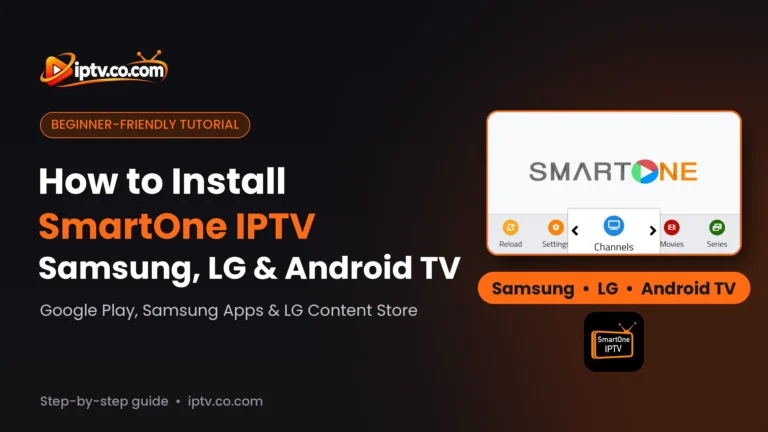
IBO Player, SET IPTV, IPTV Smarters and Hot Player are in the Samsung and LG app stores. SmartOne IPTV and IBO XPlayer are lighter options.
Best IPTV App for iPhone, iPad and Apple TV
On iOS, use IPTV Smarters (Smarters Player Lite), IBO Player or BOB Player. On Apple TV, Smarters Player Lite is the simplest option.
Best IPTV App for Roku
Very few IPTV players are on Roku. Hot Player is in the Roku Channel Store.
Best IPTV App for Windows and Mac
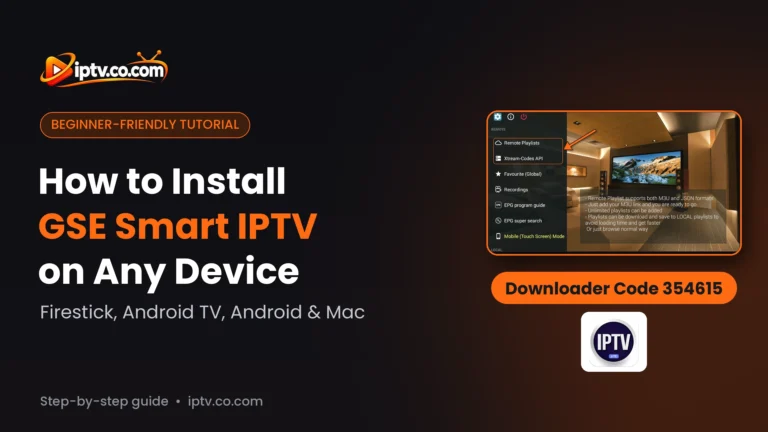
On a computer, use IPTV Smarters, IBO Player or Hot Player. On Mac, GSE Smart IPTV is also available as GSE SMART IPTV LITE.
Free IPTV Apps vs Paid IPTV Apps
Every app here is free to download, but some need an activation after a free trial. Good news: with a 6 or 12-month IPTV subscription, many providers activate IBO Player, BOB Player, SET IPTV and Hot Player for free.
| App | Cost |
|---|
| IPTV Smarters | Free |
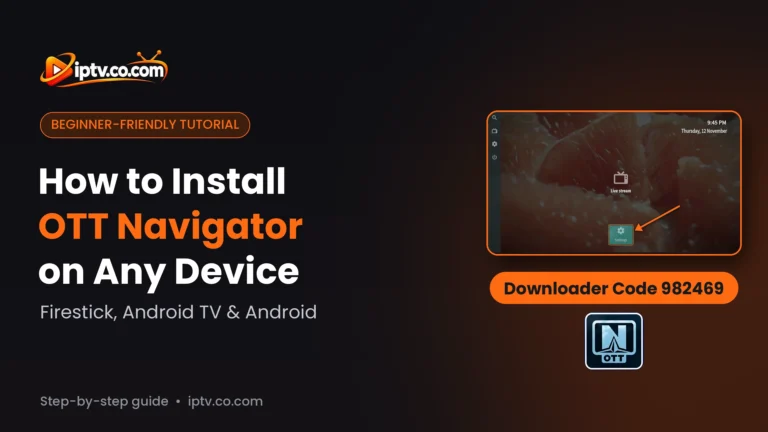
| OTT Navigator | Free (Premium optional) |
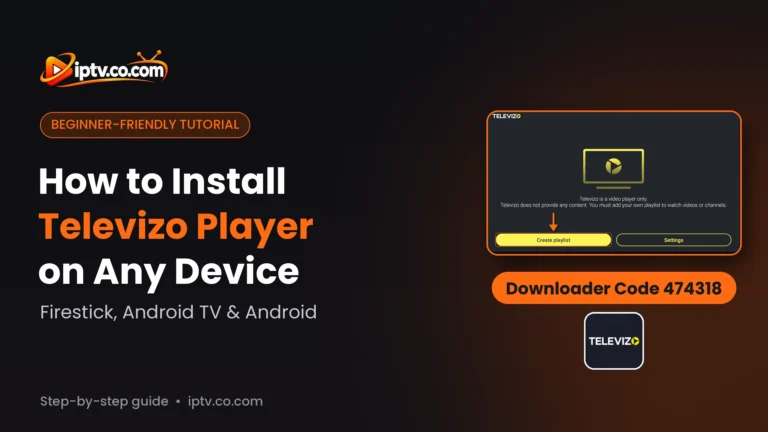
| Televizo | Free with ads (Premium optional) |
| TiviMate | Free for live TV; Premium for EPG, movies and series |
| IBO Player | 7-day trial, then a one-time fee per device, or free from your provider |
| BOB Player | 7-day trial, then a fee per device, or free from your provider |
| SET IPTV | 7-day trial, then about $18 lifetime, or free from your provider |
| Hot Player | 30-day trial, then from about $4, or free from your provider |
| SmartOne IPTV | 15-day trial, then €2.50 per year or €12.99 lifetime |
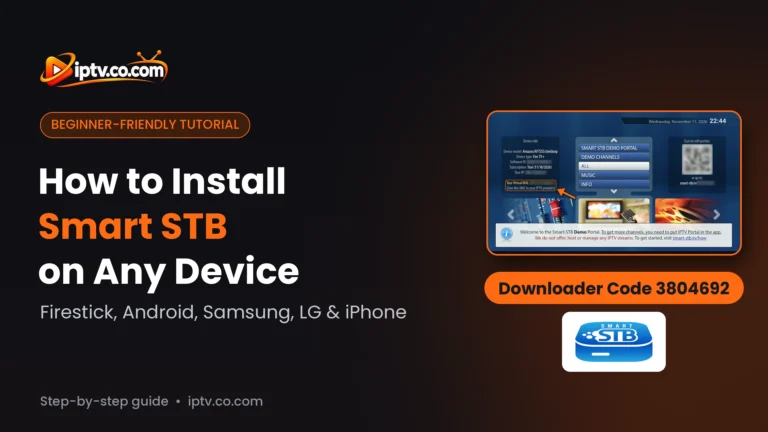
| Smart STB | 7-day trial, then from €3.99 per year |
How to Set Up an IPTV App
- Install the app on your device (Downloader code on Firestick, or the app store).
- Get your login from your IPTV provider: an Xtream Codes login (server, username, password) or an M3U link.
- Add it in the app, or on the app’s website with your MAC address for apps like IBO Player and SET IPTV.
- Activate the app if it needs it after the free trial.
Not sure which to use? Xtream Codes usually loads movies, series and the TV guide better than M3U. See our Xtream Codes and M3U setup guides.
How We Rate IPTV Apps
Our ratings are the editorial opinion of the iptv.co.com team after installing and testing each app. We look at how easy it is to install and activate, which devices it supports, how stable it is, its features (TV guide, movies and series, catch-up) and what it costs.
Frequently Asked Questions
What is an IPTV app?
An IPTV app is a player you install on your TV, streaming stick, phone or computer to watch an IPTV subscription. It has no channels: you add the Xtream Codes login or M3U playlist from your IPTV provider.
What is the best IPTV app?
For most people, IPTV Smarters, IBO Player, SET IPTV and TiviMate are the best IPTV apps. TiviMate is best on Firestick and Android TV, IBO Player and SET IPTV on smart TVs, and IPTV Smarters on iPhone, Windows and Mac.
Are there free IPTV apps?
Yes. IPTV Smarters and OTT Navigator are free, Televizo is free with ads and TiviMate is free for live TV. Others offer a free trial, and many IPTV providers activate them for free with a 6 or 12-month subscription.
What is the best IPTV app for Firestick?
TiviMate for the best TV guide, or IPTV Smarters and IBO Player for the easiest setup. Install them with the Downloader app and the code in each guide.
Is there an IPTV app for Roku?
Yes. Hot Player is available in the Roku Channel Store. Most other IPTV players are not on Roku.
What is the best IPTV app for Apple TV and iPhone?
IPTV Smarters (Smarters Player Lite) works on iPhone, iPad and Apple TV. IBO Player and BOB Player are also available on iPhone and iPad.
Is there an IPTV app for Windows or Mac?
Yes. IPTV Smarters, IBO Player and Hot Player work on Windows and Mac. GSE Smart IPTV is also on Mac.
What is the TiviMate Companion app?
It is the TiviMate app for Android phones. You use it to buy and manage TiviMate Premium; you watch on Firestick or Android TV.
Do IPTV apps include channels?
No. IPTV apps are players only. Channels, movies and series come from your IPTV provider.
Are IPTV apps legal?
The apps are legal media players. What matters is the content you watch, so use an IPTV provider that has the rights to its channels.