Televizo IPTV Player: Quick Answer
- Televizo – IPTV player is a simple, powerful IPTV player for Android phones, tablets, Android TV, Google TV and Firestick.
- It plays your own Xtream Codes or M3U playlist. It has no channels.
- It is free with ads; an optional Premium removes ads and works on several Android devices.
- Install it from Google Play or with Downloader code 474318.
Good to Know: Televizo Has No Channels of Its Own
Televizo is a media player only. It doesn’t provide any channels, playlists or subscriptions, so if your channels stop working, the problem is often your IPTV subscription or login details. Check them with your provider first.
The Televizo IPTV player (listed as Televizo – IPTV player in Google Play) is one of the most popular free IPTV apps for Android devices. It doesn’t sell channels: it plays the Xtream Codes or M3U playlist from your own IPTV provider, with live TV, a TV guide, movies and series. In this Televizo review we explain its features, what is free and what Premium adds, which devices support it (including Windows PC), and how it compares with other IPTV players.
What Is the Televizo IPTV Player?
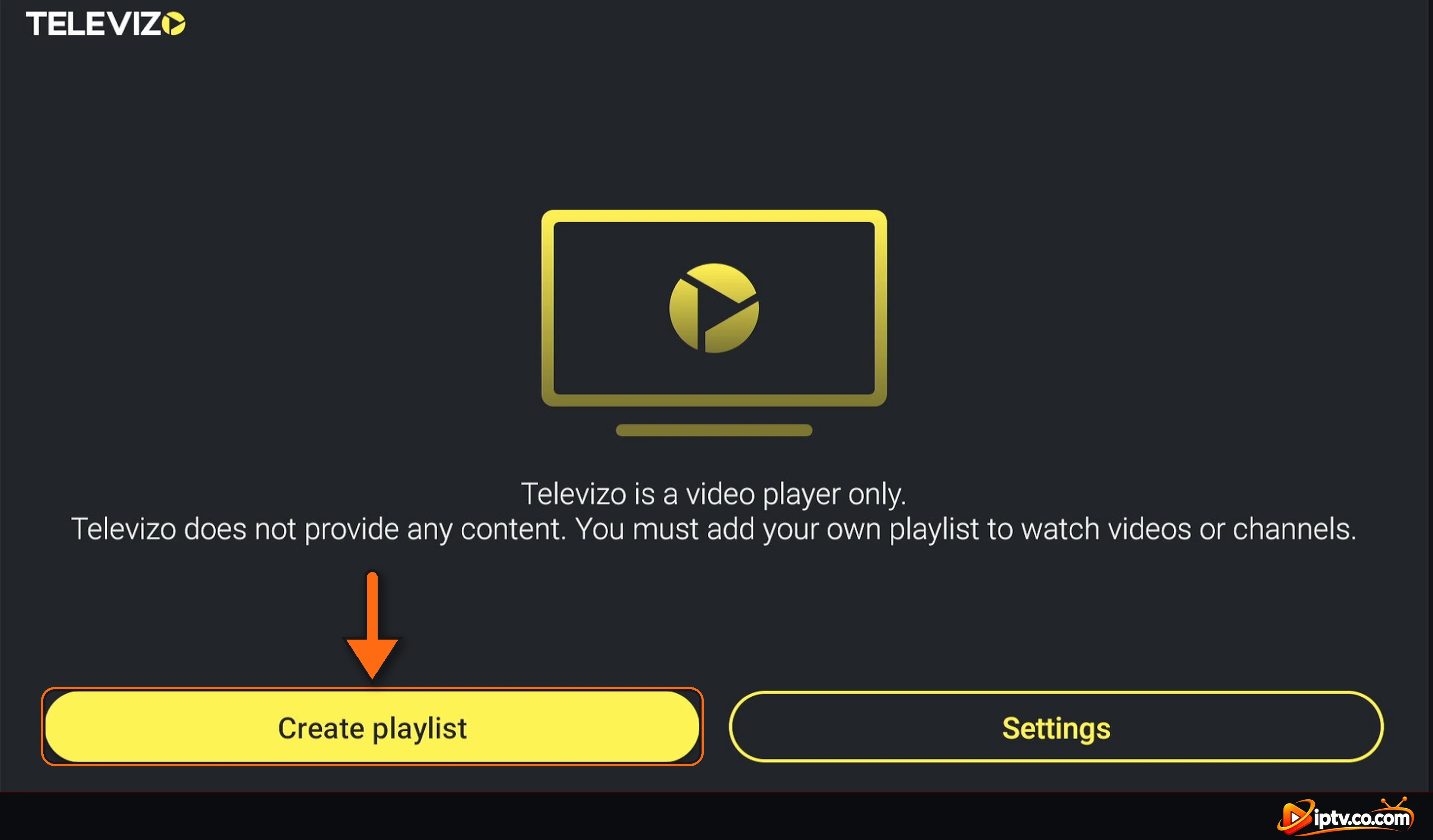
Televizo is an IPTV video player made by developer Andrey Menscikov. When you open it the first time, it says it plainly: Televizo is a video player only and does not provide any content. You add your own playlist with Create playlist.
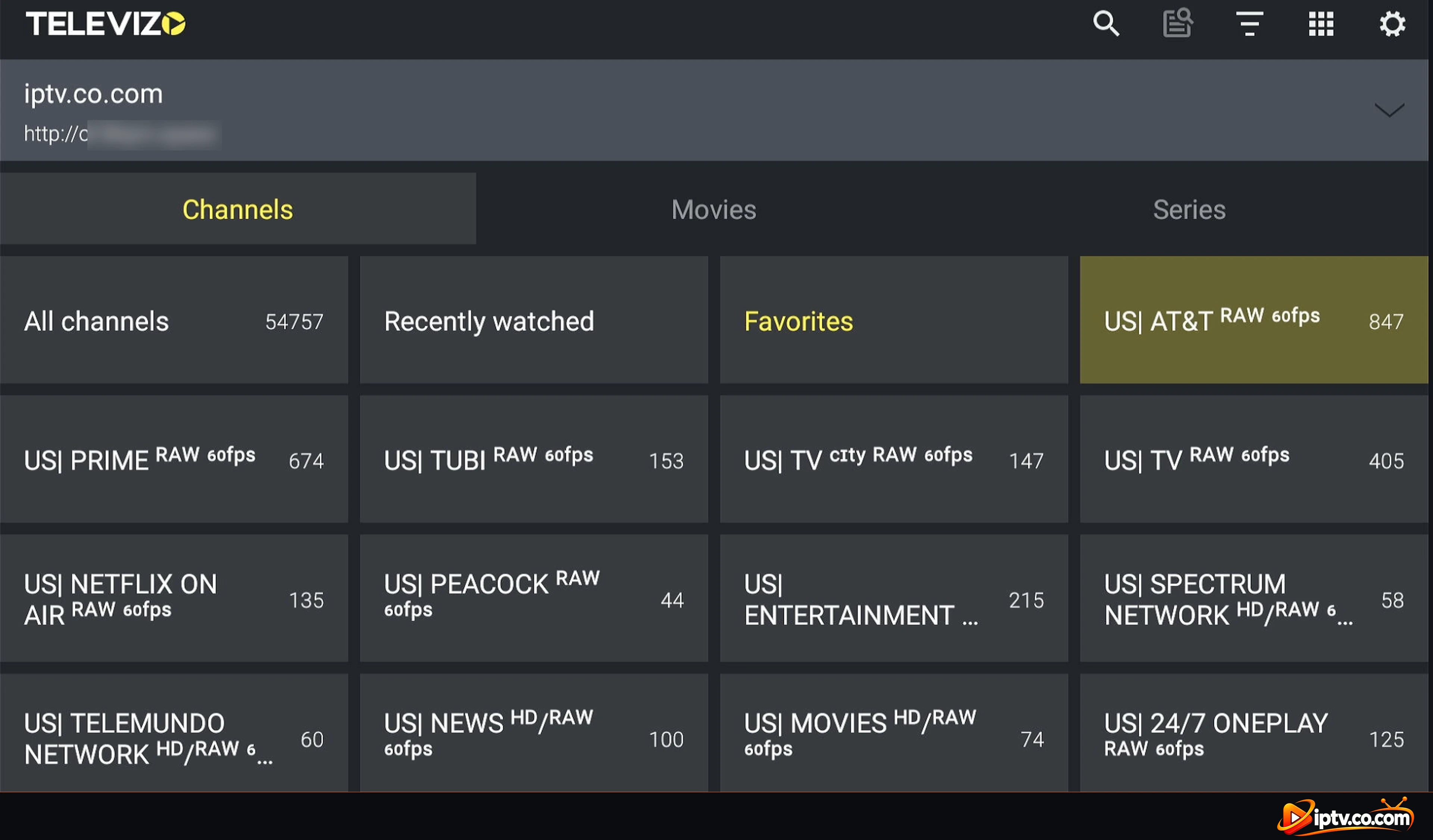
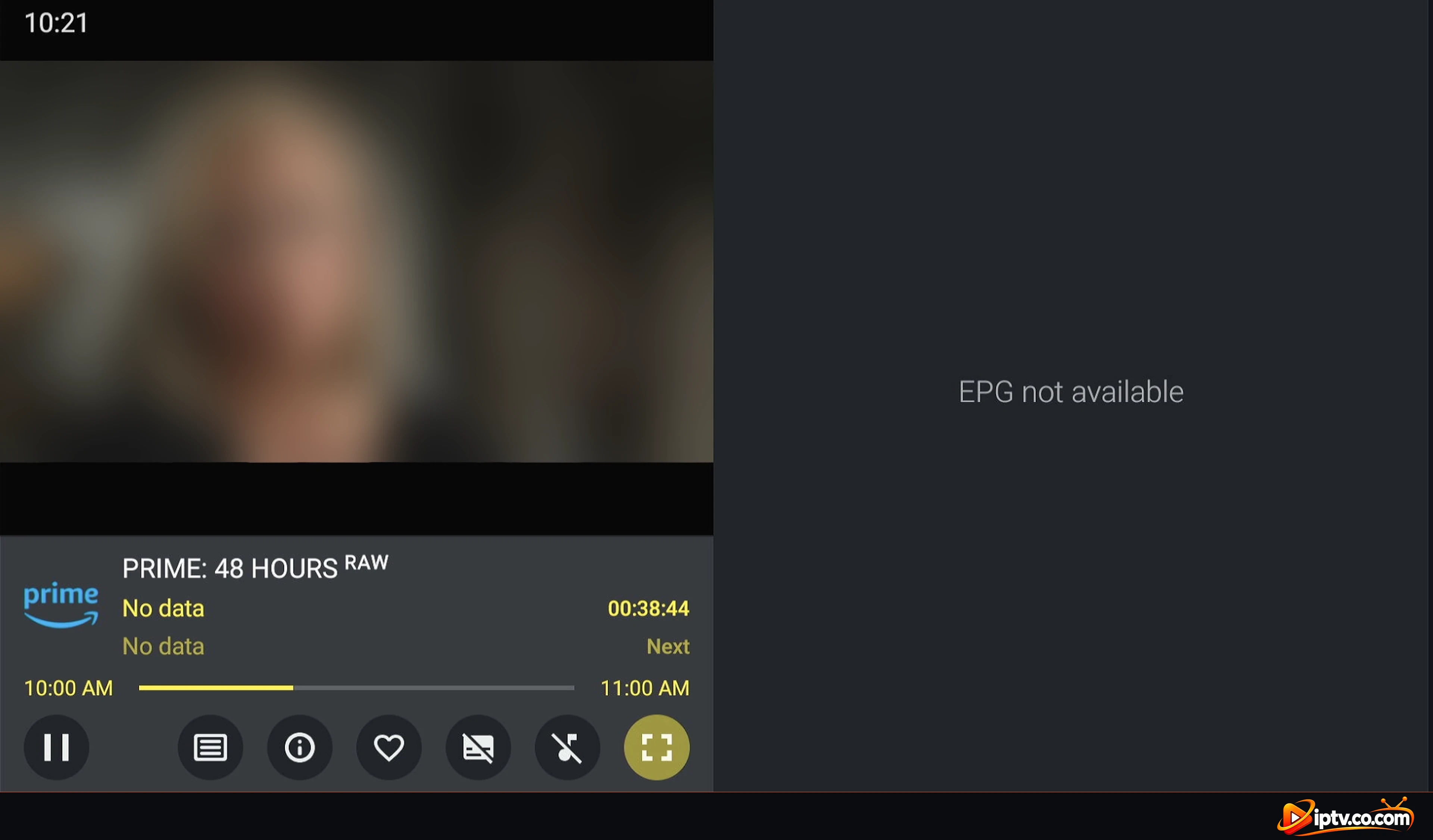
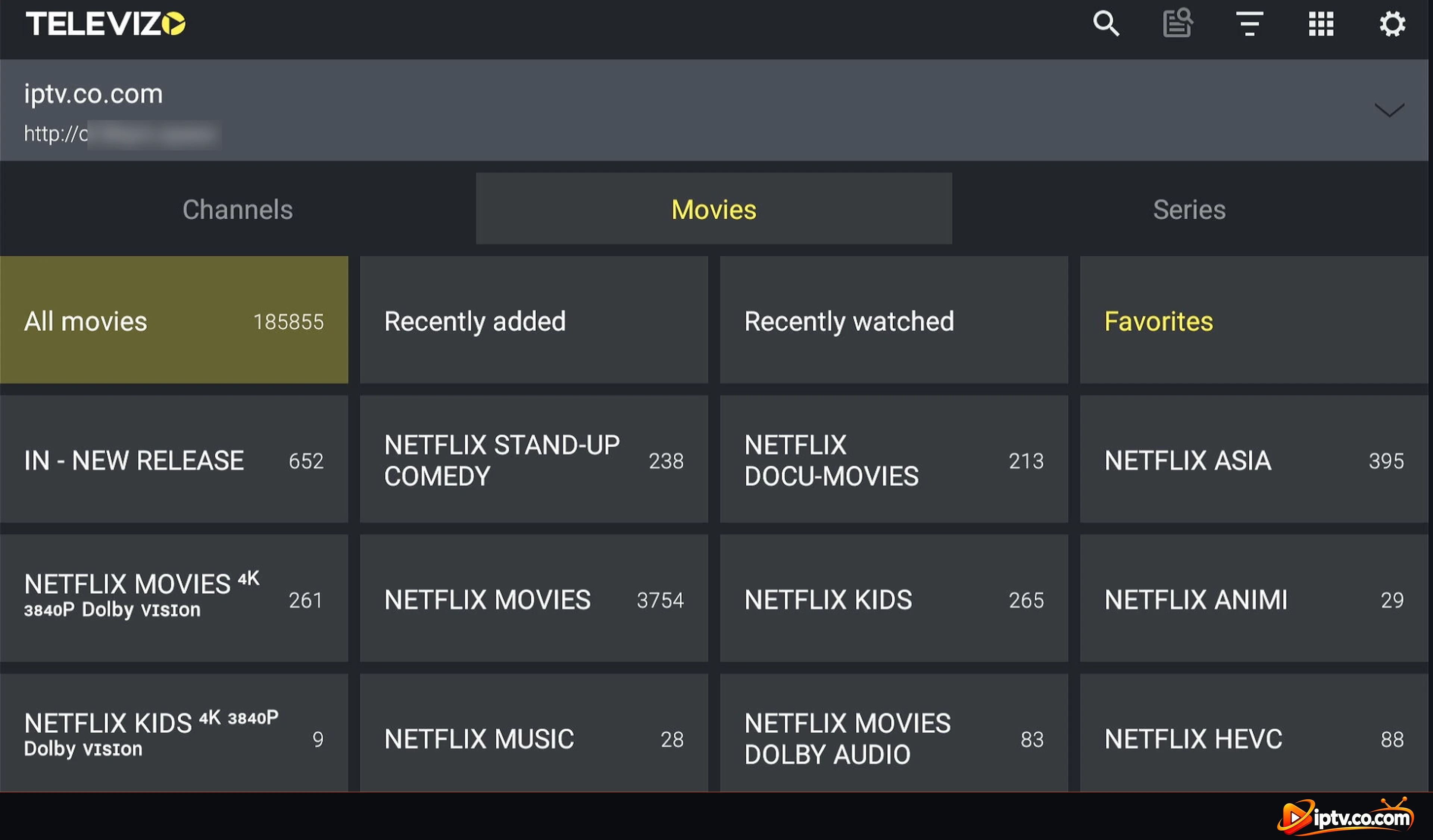
After adding a playlist, Televizo shows three tabs: Channels, Movies and Series, with groups, favorites and recently watched.
Televizo IPTV Player Features
- Unlimited playlists: Xtream Codes and M3U (link or file).
- TV guide (EPG): with time shift and automatic updates.
- Favorites, blocking and parental control for channels and groups.
- Audio track and subtitle selection.
- Movies and series with resume from where you stopped.
- Picture in Picture and background playback on phones and tablets.
- Sleep timer, channel numbers and auto frame rate on TVs.
- Backup & restore of your playlists and settings.
Is Televizo Free? Televizo Premium Explained
Yes, the Televizo IPTV player is free to download and use. The free version shows ads. Televizo Premium is an optional in-app purchase that removes the ads, and it is linked to your account so you can use it on your Google Play device plus several other Android devices.
You don’t need Premium to watch: live TV, the TV guide, movies and series all work in the free app. Never pay a third party for a “Televizo activation”.
Which Devices Support Televizo?
| Device | Televizo? | How to get it |
|---|---|---|
| Amazon Firestick / Fire TV | Yes | Downloader code 474318 |
| Android TV & Google TV | Yes | Google Play |
| Android phone & tablet | Yes | Google Play |
| Samsung & LG smart TV | No | IBO Player or SmartOne IPTV |
| iPhone, iPad & Apple TV | No | GSE Smart IPTV |
| Windows PC, Mac & Roku | No | IPTV Smarters Pro or Hot Player |
Step-by-step install: how to install Televizo.
Televizo IPTV Player for Windows PC
There is no official Televizo app for Windows or Mac: the Televizo – IPTV player is an Android app. To watch the same playlist on a computer, use a player that has a desktop version, such as IPTV Smarters Pro or IBO Player. Avoid “Televizo for PC” downloads from unknown websites.
How to Set Up Televizo
- Open Televizo and select Create playlist.
- Choose New Xtream Codes playlist (recommended) or New M3U playlist.
- Enter your username, password and server, or paste your M3U link (your “lista M3U”).
- Select the ✓, then select your playlist to load it.
All steps with screenshots: how to activate Televizo.
Is Televizo Safe and Legal?
Televizo is safe when you install it from Google Play or with Downloader code 474318. Avoid “Televizo mod APK” or “premium APK” downloads: they are modified and can contain malware. Televizo is a legal media player and includes no content; only use playlists from IPTV providers that have the rights to their channels.
Televizo vs TiviMate vs OTT Navigator
All three are popular Android IPTV players. Televizo is the easiest to set up and free with ads. TiviMate has the most polished TV guide but needs Premium for many features. OTT Navigator is free, highly customizable and supports Stalker portals, but has more settings to learn.
Televizo Review: Pros and Cons
Pros
- Free, simple setup with Xtream Codes or M3U.
- Unlimited playlists and a clean Channels / Movies / Series layout.
- Many useful options: EPG, parental control, PiP, backup.
Cons
- Ads in the free version.
- Android only: no Windows, Mac, iPhone, Samsung or LG app.
- M3U links sometimes load movies and series badly; Xtream Codes works better.
Televizo Not Working?
Select Update playlist in Settings, use http:// instead of https://, and switch to Xtream Codes if your M3U link shows “Playlist not found”. All fixes: Televizo not working.
Our Verdict: Is Televizo a Good IPTV Player?
Yes. Televizo is one of the best free IPTV players for Firestick, Android TV and Android phones, especially for beginners. Setup takes a minute, and the free version does everything most people need. If the ads bother you, Premium removes them across your Android devices.
Frequently Asked Questions
What is the Televizo IPTV player?
Televizo – IPTV player is a free IPTV video player for Android devices by Andrey Menscikov. It plays your own Xtream Codes or M3U playlist and has no channels.
Is Televizo free?
Yes. Televizo is free with ads. An optional Premium removes the ads.
What does Televizo Premium add?
Premium removes the ads and is linked to your account, so you can use it on your Google Play device and several other Android devices.
Is there a Televizo IPTV player for Windows PC?
No. Televizo is an Android app. On Windows, use IPTV Smarters Pro or IBO Player with the same playlist.
What is the Televizo Downloader code?
The Televizo Downloader code is 474318 for Firestick and Fire TV.
Does Televizo support M3U and Xtream Codes?
Yes. You can add M3U links or files and Xtream Codes playlists. Xtream Codes works best for movies and series.
Is there a Televizo login?
No account is needed to watch. You log in to your IPTV provider by adding your Xtream Codes (username, password and server) as a playlist.
Is Televizo safe?
Yes, from Google Play or Downloader code 474318. Avoid mod and premium APKs from unknown websites.
Does Televizo include channels?
No. Televizo is a video player only. You need a playlist from an IPTV provider.
Is Televizo better than TiviMate?
Televizo is simpler and free; TiviMate has a more polished TV guide but needs Premium for many features.