What Is IPTV? Quick Answer
- IPTV means Internet Protocol Television: live TV, movies and series delivered over the internet instead of cable, satellite or an antenna.
- You need three things: an internet connection, a player app on your device, and a playlist (Xtream Codes login or M3U link) from an IPTV provider.
- IPTV player apps have no channels. The channels come from your provider’s playlist.
- IPTV technology is legal. Always use a provider that has the rights to the channels it offers.
Good to Know: IPTV Players Have No Channels
Apps such as IPTV Smarters Pro, TiviMate and IBO Player are media players only. They don’t sell or include any channels, playlists or subscriptions. You add the playlist from your own IPTV provider.
What is IPTV? IPTV is the way more and more people watch TV today: live channels, movies and series streamed over the internet to a Smart TV, Firestick, phone or computer. If you are new to it, words like Xtream Codes, M3U playlist and IPTV player can be confusing. This beginner guide explains what IPTV is, how IPTV works, what you need to start watching, which apps and devices to use, and whether IPTV is legal, in plain language.
What Is IPTV?
IPTV stands for Internet Protocol Television. Instead of receiving TV through a cable box, a satellite dish or an antenna, IPTV sends the same TV channels and videos as data over the internet, using the same protocol (IP) that carries websites and video calls.
In simple terms, IPTV is TV over the internet. The video arrives through your home Wi-Fi or Ethernet connection and plays in an app on your device. Because it uses the internet, you can watch on almost any screen: a Smart TV, an Amazon Firestick, an Android TV box, an iPhone, an Android phone or a Windows PC.
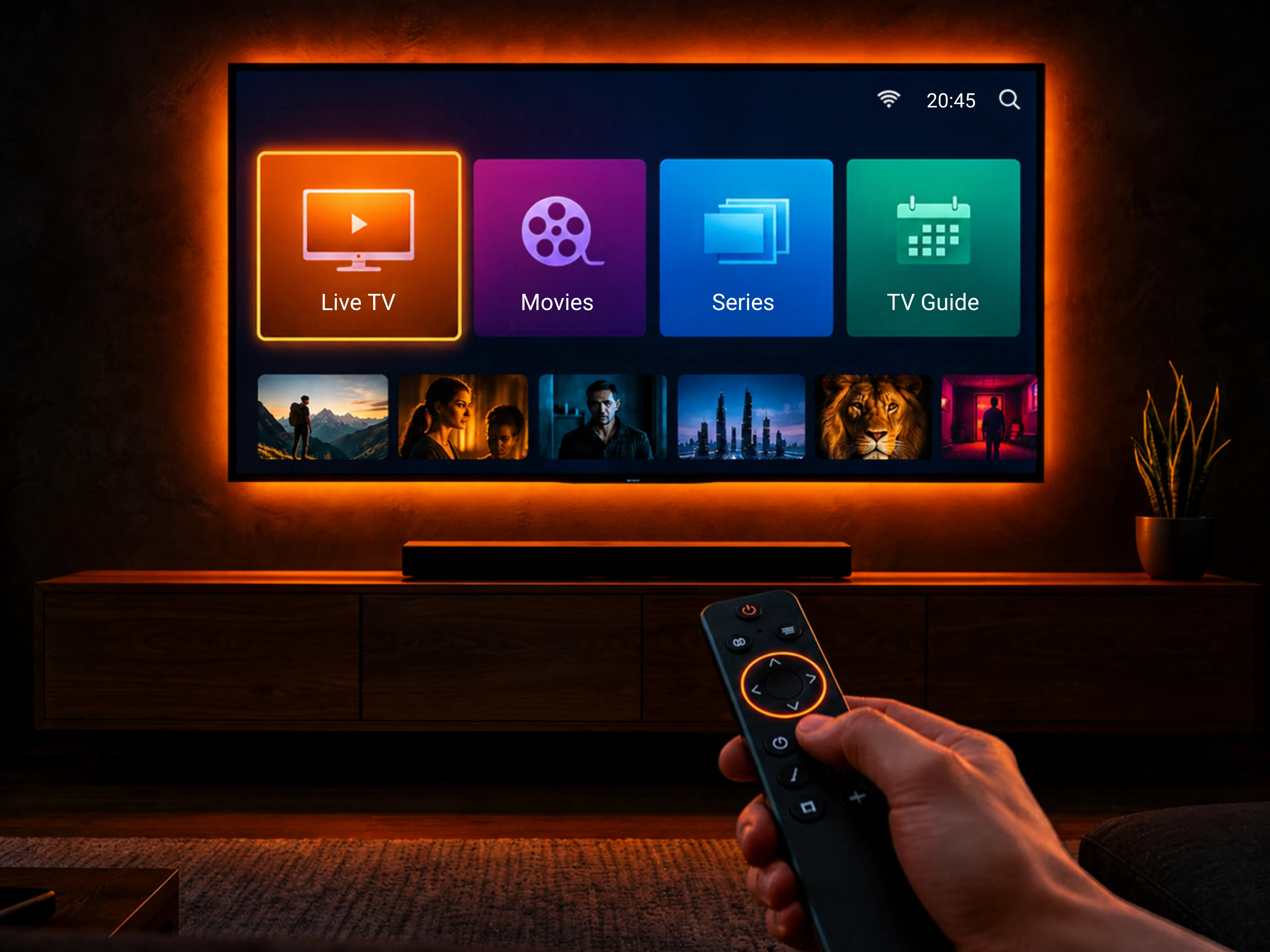
The IPTV meaning is the same everywhere in the world, but you will see it described in different ways: “internet TV”, “streaming TV” or “IPTV service”. What makes it IPTV is that the channels are delivered as a playlist that you load into a player app.
How Does IPTV Work?
IPTV works in four simple steps, from the provider to your screen:
- The provider receives TV channels and video content and stores them on its streaming servers.
- The playlist: the provider gives you a personal login, either Xtream Codes (server URL, username and password) or an M3U playlist link.
- The player app: you add that login to an IPTV player on your device. The app reads the list of channels, movies and series.
- Streaming: when you choose a channel, the video streams from the server to your device over the internet in real time.
Unlike cable, nothing is broadcast to everyone at the same time. Each video is sent to you when you ask for it. This is why IPTV can offer on-demand movies, series, catch-up TV and a full TV guide (EPG) inside the same app.
Types of IPTV Content
- Live TV: TV channels streamed in real time, just like normal television, organized in groups (news, sports, kids, movies and countries).
- Video on demand (VOD): movies and TV series you can start at any time, pause and rewind.
- Catch-up TV: watch programs that aired in the past few days, when your provider supports it.
- TV guide (EPG): the program schedule for each channel. See how to add EPG to TiviMate or add EPG to IPTV Smarters.
IPTV vs Cable and Satellite TV
| Feature | IPTV | Cable / Satellite |
|---|---|---|
| How TV arrives | Internet (Wi-Fi or Ethernet) | Cable line or satellite dish |
| Equipment | Any device with a player app | Set-top box and installation |
| Devices | Smart TV, Firestick, phone, tablet, PC | Usually one TV per box |
| Movies and series | Large on-demand library | Limited, often extra cost |
| Needs a fast connection | Yes, about 10 Mbps for HD | No |
The main advantage of IPTV is flexibility: one playlist works on many devices, and you can change apps at any time. The main limit is that picture quality depends on your internet speed.
What Do You Need to Watch IPTV?
- A stable internet connection: around 10 Mbps for HD and 25 Mbps for 4K. Ethernet is more stable than Wi-Fi.
- A compatible device: a Smart TV, Firestick, Android TV box, phone, tablet, PC or Mac.
- An IPTV player app: for example IPTV Smarters Pro, TiviMate or IBO Player.
- An IPTV playlist: an Xtream Codes login or an M3U link from your IPTV provider.
If you don’t know where to find your login, read our guides on how to get Xtream Codes and how to get an M3U URL, or browse all IPTV playlist guides.
IPTV Player vs IPTV Provider: What’s the Difference?
This is the most common point of confusion for beginners. An IPTV player is only the app that plays video, like a music player without songs. An IPTV provider is the service that supplies the channels and gives you the playlist.
- The player is often free, or has a small one-time or yearly activation fee for the app itself.
- The provider sells the subscription that contains the channels.
Good to know: apps like IBO Player, BOB Player, SET IPTV and Hot Player are usually activated free by IPTV providers when you take a 6- or 12-month subscription. Just ask your provider. See our IBO Player subscription guide for an example.
Best IPTV Player Apps
Here are the IPTV players we cover step by step, with our editorial rating:
- IPTV Smarters Pro (4.5/5): free on almost every device, including iPhone, Windows and Mac.
- TiviMate (4.5/5): the best TV-style program guide on Firestick and Android TV.
- IBO Player (4.5/5): Samsung, LG, Firestick, phones and PC, activated by device ID.
- SET IPTV (4.5/5): a Smart TV favorite with a lifetime activation.
- Hot Player (4.5/5): one of the few IPTV players on Roku.
- BOB Player, SmartOne IPTV, Smart STB and IBO XPlayer (4/5).
- OTT Navigator, Televizo and GSE Smart IPTV (3/5).
Compare them all on our IPTV apps page.
Which Devices Support IPTV?
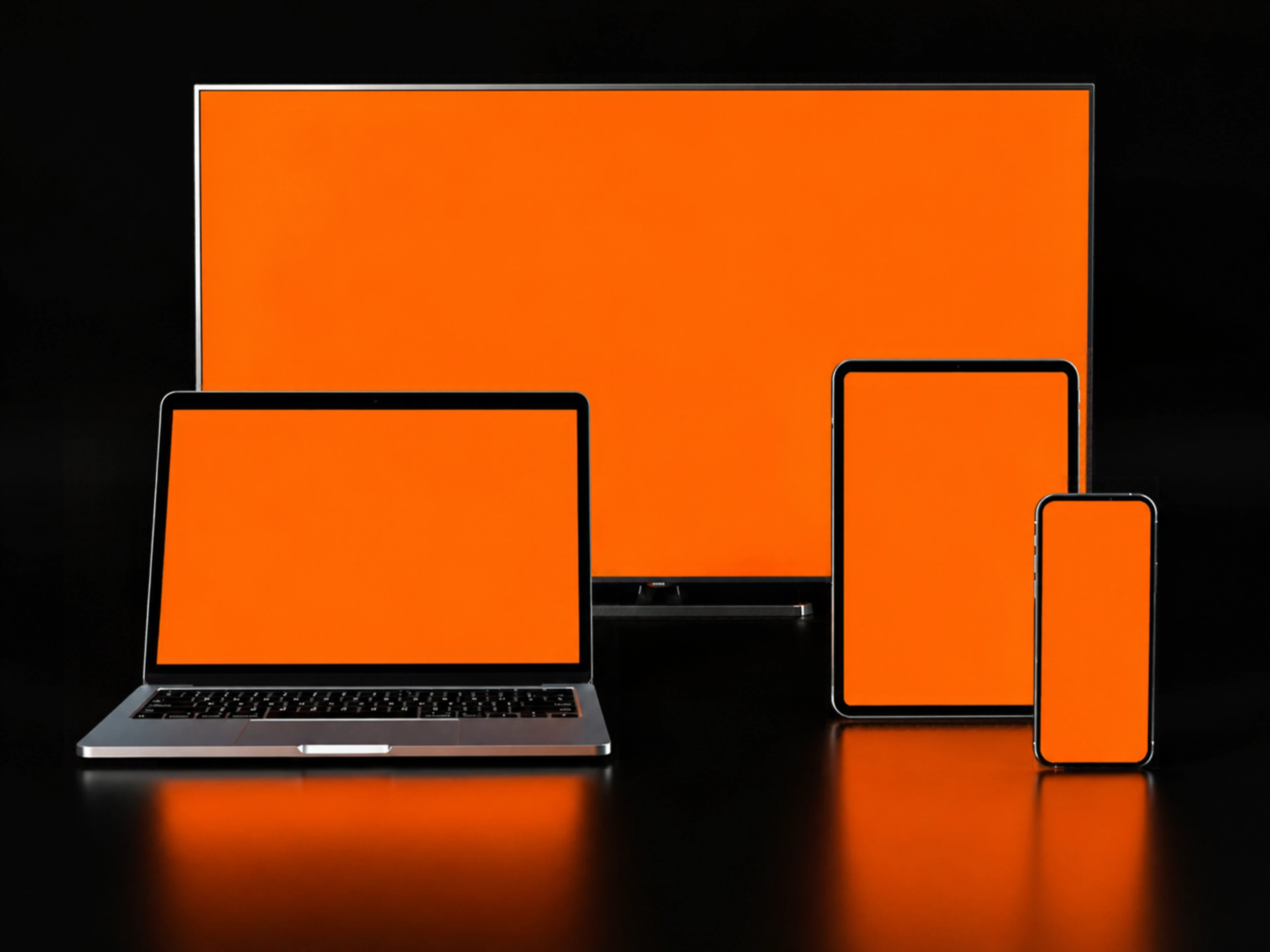
Almost every modern screen can play IPTV. Choose your device for the best apps and install guides:
- Amazon Firestick and Android TV / Google TV
- Samsung Smart TV and LG Smart TV
- iPhone, iPad, Android phone and Android tablet
- Windows PC, Mac and Roku
On Firestick, most apps are installed with the Downloader app. See all IPTV devices.
How to Set Up IPTV in 3 Steps
- Install a player: for example install IPTV Smarters Pro, install TiviMate or download IBO Player.
- Get your playlist: ask your provider for your Xtream Codes login or M3U link.
- Add it to the app: follow our activation guides, such as how to activate IPTV Smarters or how to activate IBO Player. Wait for the channels to load and start watching.
Is IPTV Legal?
Yes, IPTV technology is legal. Many TV companies, telecom operators and broadcasters deliver TV over IP, and IPTV player apps are legal software available in official app stores.
What matters is the content. A service is legal when it has the rights to the channels and movies it offers. To stay safe:
- Use providers that hold the rights to their content.
- Download player apps only from official stores or the developer’s website, never modified (mod) APKs.
- Be careful with offers that look too cheap or promise every channel in the world.
Laws are different from country to country, so check the rules where you live. We publish tutorials only and do not sell IPTV subscriptions.
Common IPTV Problems and Fixes
- Buffering or freezing: use Ethernet, restart the router and device, and lower the stream quality.
- Login failed: check the server URL, username and password from your provider. See IPTV Smarters failed to authorize.
- No TV guide: update the EPG in the app settings.
- Channels not loading: the subscription may have expired or the provider server may be down.
Find a fix for your app in our IPTV troubleshooting guides.
Frequently Asked Questions
What is IPTV in simple words?
IPTV is TV over the internet. Channels, movies and series stream to your device through an app, instead of arriving by cable, satellite or antenna.
What does IPTV stand for?
IPTV stands for Internet Protocol Television.
How does IPTV work?
A provider streams channels from its servers. You load the playlist it gives you (Xtream Codes or M3U) into an IPTV player app, and the video streams to your device over the internet.
Do IPTV apps include channels?
No. IPTV player apps have no channels. You add a playlist from your own IPTV provider.
Is IPTV legal?
IPTV technology is legal. A service is legal when it has the rights to the content it streams, so always use a licensed provider and official apps.
What internet speed do I need for IPTV?
About 10 Mbps for HD and 25 Mbps for 4K. A wired Ethernet connection gives the most stable picture.
What is the best IPTV player?
Popular choices are IPTV Smarters Pro, TiviMate, IBO Player, SET IPTV and Hot Player. The best one depends on your device.
Can I watch IPTV on any device?
Yes. IPTV works on Smart TVs, Firestick, Android TV, Google TV, Roku, iPhone, iPad, Android phones, Windows PC and Mac with the right player app.