
A Samsung Smart TV runs Tizen OS, so you don’t need Downloader or an APK: the most popular IPTV apps for Samsung TV are installed straight from the TV’s own app store, Samsung Apps. Install an IPTV player, then add the Xtream Codes or M3U playlist from your IPTV provider. This page brings together the best IPTV players for Samsung TV, how to install IPTV Smarters Pro on Samsung, and step-by-step guides to set up and fix IPTV on your Samsung Smart TV.
Best IPTV Apps for Samsung Smart TV
All these IPTV players are available in Samsung Apps on Samsung Smart TVs. Click a card to open its Samsung TV install guide.
IPTV Smarters
Free player on almost every device, including iPhone, Apple TV, Windows and Mac.
- Firestick
- Android
- Samsung
- LG
- iPhone
- Apple TV
- Windows
- Mac
IBO Player
All-round player for smart TVs, Firestick, phones, Windows and Mac.
- Firestick
- Android
- Samsung
- LG
- iPhone
- Windows
- Mac
SET IPTV
Smart TV favourite with a lifetime activation per TV.
- Firestick
- Android
- Samsung
- LG
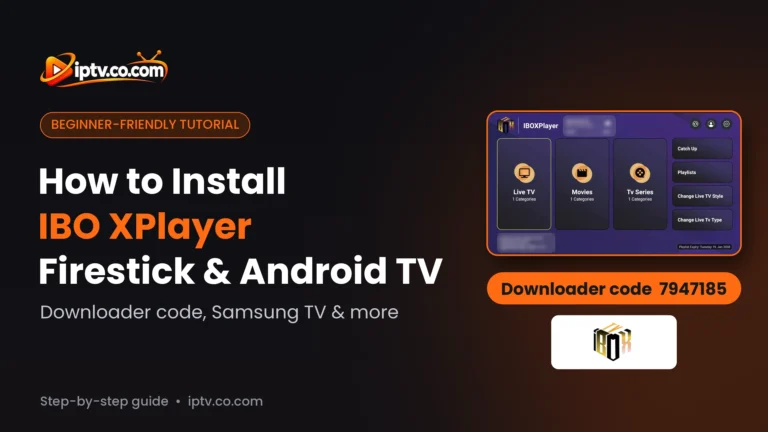
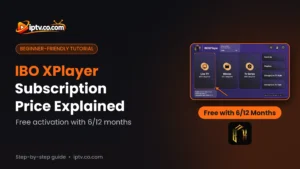
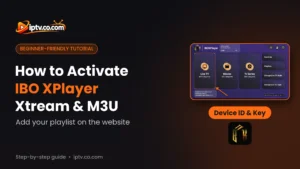
IBO XPlayer
IBO-style player for Firestick, Android and smart TVs, set up from its website.
- Firestick
- Android
- Samsung
- LG
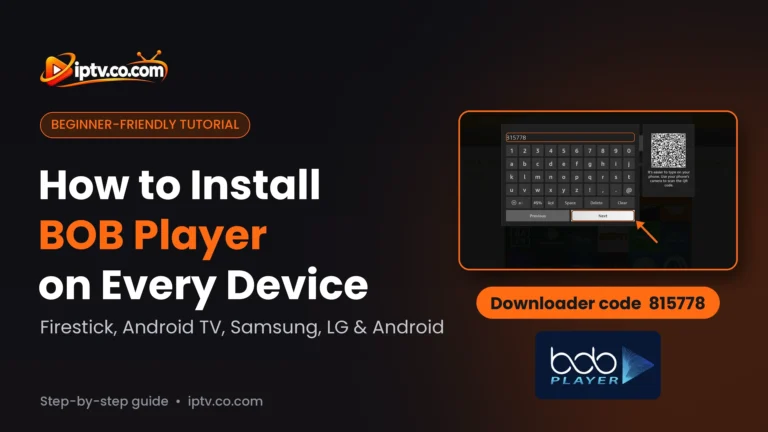
BOB Player
Simple player for smart TVs, Firestick, Android and iPhone.
- Firestick
- Android
- Samsung
- LG
- iPhone
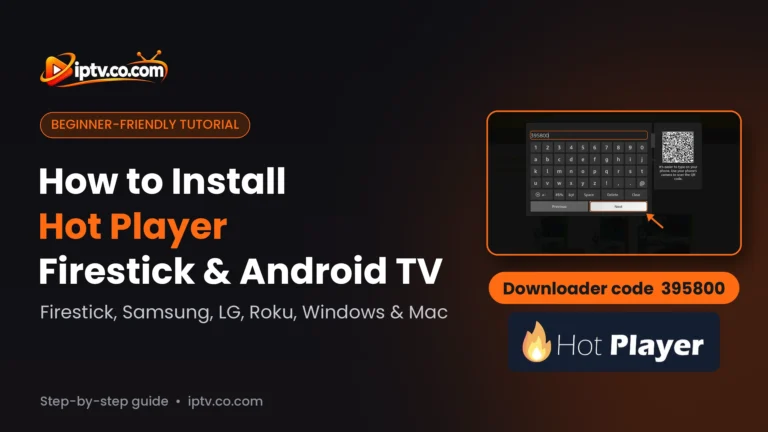
Hot Player
One of the few IPTV players on Roku, plus Windows and Mac.
- Firestick
- Android
- Samsung
- LG
- Roku
- Windows
- Mac
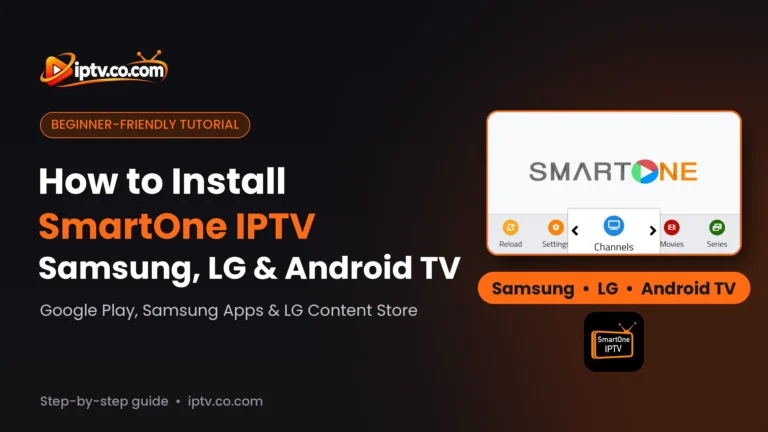
SmartOne IPTV
Smart TV player with a low yearly license.
- Android TV
- Samsung
- LG
Smart STB
MAG-style portal player for TVs, Firestick and iPhone.
- Firestick
- Android
- iPhone
- Samsung
- LG
How to Install IPTV on Samsung Smart TV (Step by Step)
Every IPTV player is installed the same way on a Samsung TV, and it takes about 2 minutes. You only need your Samsung remote and an internet connection.
Step 1: Open Apps on Your Samsung TV
Press the Home button on your Samsung remote and select Apps in the menu at the bottom (or on the left on newer models).
Step 2: Search for the IPTV App
Select the Search icon (magnifying glass) at the top right and type the name of your IPTV player, for example IPTV Smarters, IBO Player or BobPlayer.

Step 3: Install and Open the App
Open the app page and select Install. When the installation finishes, select Open, or Add to Home to pin the app to your home screen.
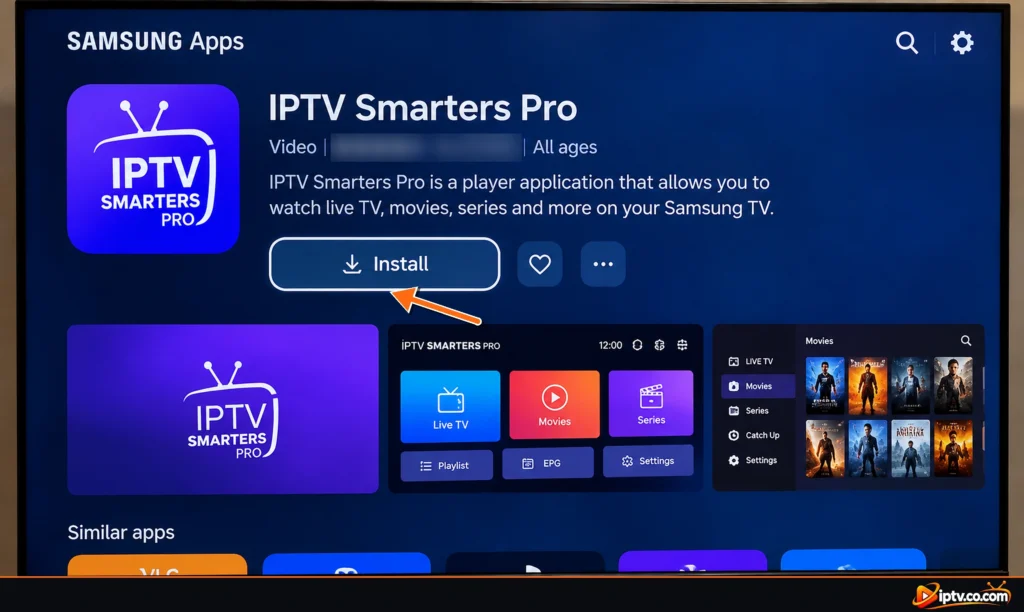

Step 4: Add Your IPTV Playlist
Log in with your Xtream Codes or M3U link, or, for MAC-based players, note the MAC address and Device Key shown on screen and add your playlist on the app’s website (see how to set up IPTV on Samsung TV).
Tip: can’t find an app in Samsung Apps? Availability depends on your TV model and country. Update the TV software in Settings > Support > Software Update and search again, or try a similar player from the list above.
How to Install IPTV Smarters Pro on Samsung TV
IPTV Smarters Pro on Samsung TV is free and installed from Samsung Apps, with no Downloader needed:
- Press Home on the Samsung remote and open Apps.
- Select Search and type IPTV Smarters.
- Open the app and select Install, then Open.
- Choose Login with Xtream Codes API and type the name, username, password and server URL from your IPTV provider.
Full guides: install IPTV Smarters Pro on Samsung Smart TV and how to activate IPTV Smarters.
“Authorization failed for above host” on Samsung TV? IPTV Smarters couldn’t log in to your server. Check the username and password (they are case-sensitive), make sure the server URL starts with http:// and includes the port if your provider gave one, and ask your provider whether the account is active and not used on too many devices. More fixes: IPTV Smarters not working.
Can’t find IPTV Smarters Pro on Samsung TV? It isn’t listed in every country or on older models. Update the TV software and search for IPTV Smarters again, or use IBO Player, SET IPTV or Hot Player, which work the same way.
How to Set Up IPTV on Samsung TV
An IPTV player has no channels. After installing it, you add the login from your IPTV provider in one of two ways:
- Xtream Codes (recommended): a username, password and server URL. Movies, series and the TV guide load better. Don’t have one? See how to get Xtream Codes.
- M3U playlist: one long link. See how to get an M3U URL.
Typing a long link with a TV remote is slow, so most Samsung TV players are MAC-based: the app shows a MAC address (Device ID) and a Device Key, and you add your playlist on the app’s website from your phone or computer. Then restart the app on the TV. Each app has its own activation guide: IBO Player, SET IPTV, SmartOne IPTV, IPTV Smarters and more.
Free IPTV Players for Samsung TV
| App | Cost on Samsung TV |
|---|---|
| IPTV Smarters Pro | Free |
| IBO Player, BOB Player, IBO XPlayer, SET IPTV, Hot Player | Free trial, then an activation per device, often free from your IPTV provider with 6 or 12 months |
| SmartOne, Smart STB | Free trial, then a paid activation per TV |
The app is free, but the channels are not: you still need an IPTV subscription. Many providers offer a free trial, which is the easiest way to test IPTV on your Samsung TV.
How to Use an M3U Playlist on Samsung TV
Samsung TVs can’t open an M3U link by themselves: you need an IPTV player. In IPTV Smarters Pro, choose Load Your Playlist or File/URL and paste the M3U link. In IBO Player, SET IPTV, SmartOne and the other MAC-based players, add the M3U link on the app’s website next to your MAC address. If your provider also gives Xtream Codes, use them instead: they load faster and the TV guide works better.
IPTV Apps Not Available on Samsung TV
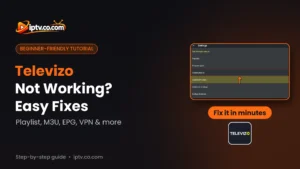
Some popular players are Android-only and are not in Samsung Apps: TiviMate, OTT Navigator, Televizo and GSE Smart IPTV. To use them, plug a Firestick or a Google TV device into your Samsung TV’s HDMI port and follow our Firestick IPTV guide.

IPTV Not Working on Samsung TV? Quick Fixes
- Restart the TV fully: hold the Power button on the remote until the TV turns off and on again, or unplug it for 30 seconds.
- Clear the app cache: on 2020 and newer models, open Settings > Support > Device Care > Manage Storage, select your IPTV app, then View Details > Clear Cache.
- Reinstall the app: delete it from Apps > Settings and install it again from Samsung Apps.
- Reset Smart Hub: Settings > Support > Device Care > Self Diagnosis > Reset Smart Hub (default PIN 0000). This removes all your apps, so use it last.
- Change the DNS: Settings > General > Network > Network Status > IP Settings > DNS Settings > Enter manually and use 8.8.8.8.
- Check the URL: most IPTV servers need http://, not https://.
- Buffering: use an Ethernet cable or the 5 GHz Wi-Fi. HD needs about 10 Mbps, 4K about 25 Mbps.
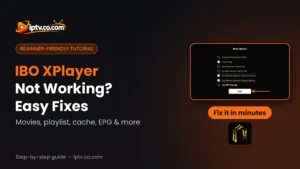
Full fixes for each app: IPTV Smarters not working, IBO Player not working, SET IPTV not working, BOB Player not working, Hot Player not working, SmartOne IPTV not working.
Do I Need a VPN for IPTV on Samsung TV?
Samsung TVs can’t install VPN apps. If your internet provider blocks IPTV, set up the VPN on your router, then use the VPN DNS from your IPTV provider as your server URL (it starts with vpn, for example http://vpn.dream-4k.co) so the server accepts the VPN connection.
Which Samsung TVs Support IPTV Apps?
IPTV players need a Samsung Smart TV with Tizen OS, which means most models from 2017 onwards (and many 2015 and 2016 models with fewer apps). Newer TVs get more apps and updates. If your Samsung TV is older or an app is missing, a Firestick or Google TV device is the cheapest way to get every IPTV player on the same screen.
Frequently Asked Questions
Can I watch IPTV on a Samsung Smart TV?
Yes. Install an IPTV player such as IPTV Smarters Pro, IBO Player or SET IPTV from Samsung Apps, then add the Xtream Codes or M3U playlist from your IPTV provider.
What is the best IPTV app for Samsung TV?
IPTV Smarters Pro is free and easy, while IBO Player and SET IPTV are popular because many providers activate them for you. See the rated list on this page.
How do I install IPTV on my Samsung Smart TV?
Press Home, open Apps, select Search, type the name of the IPTV app, select Install and then Open. Then add your playlist.
Is IPTV Smarters Pro available on Samsung TV?
Yes, in Samsung Apps on most Tizen models. If you can’t find it, update the TV software or use IBO Player, SET IPTV or Hot Player.
How do I fix “Authorization failed for above host” in IPTV Smarters on Samsung TV?
Check the username, password and server URL (with http:// and the port), and ask your provider whether your account is active.
Can I use an M3U playlist on Samsung TV?
Yes, with an IPTV player. Paste the M3U link in IPTV Smarters, or add it on the website of MAC-based players such as IBO Player and SET IPTV.
Is there a free IPTV player for Samsung TV?
IPTV Smarters Pro is free. Most other Samsung TV players have a free trial and then an activation, which many IPTV providers include with a 6 or 12 month subscription.
Can I install TiviMate on Samsung TV?
No. TiviMate, OTT Navigator and Televizo are Android-only. Plug a Firestick or Google TV device into your Samsung TV to use them.
Why is IPTV not working on my Samsung TV?
Restart the TV fully, clear the app cache in Device Care, check that the server URL starts with http:// and use a wired connection if it buffers.
Do I need a VPN for IPTV on Samsung TV?
No. Samsung TVs can’t install VPN apps, so if you need one, set it up on your router and use your provider’s VPN DNS.