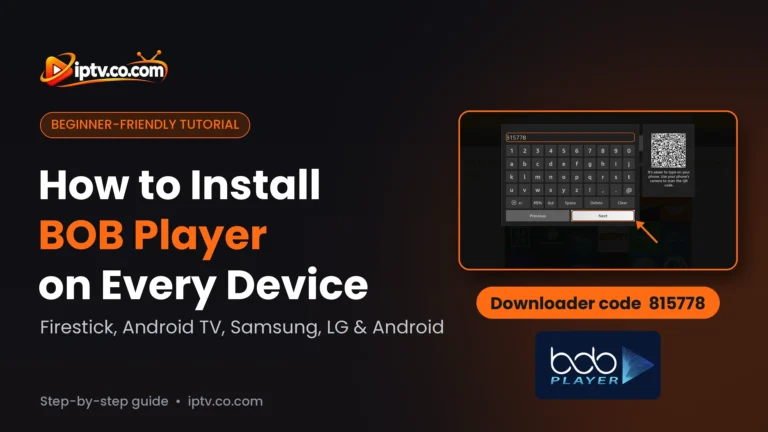
How to Install BOB Player on Firestick, Smart TV and All Devices
Install BOB Player on Firestick with Downloader code 815778, plus Android TV, Samsung, LG, Android phones and iPhone, step by step. Windows and Mac: use IBO Player.


Install BOB Player on Firestick with Downloader code 815778, plus Android TV, Samsung, LG, Android phones and iPhone, step by step. Windows and Mac: use IBO Player.
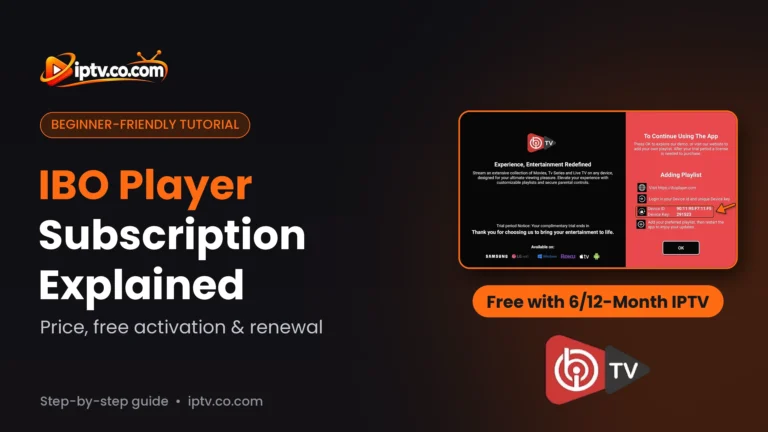
IBO Player and IBO Player Pro subscription explained: price, how to get it activated for free with a 6- or 12-month IPTV subscription, expired messages and renewal.
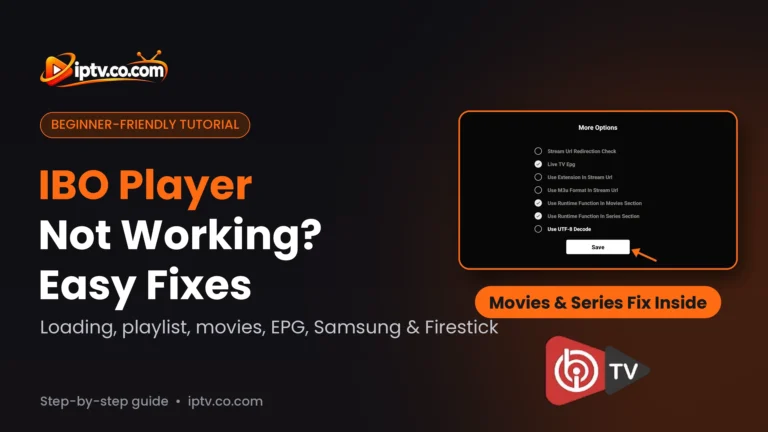
IBO Player or IBO Player Pro not working? Fix movies and series not playing, loading problems, playlist errors, user not found, EPG and Samsung or Firestick issues.
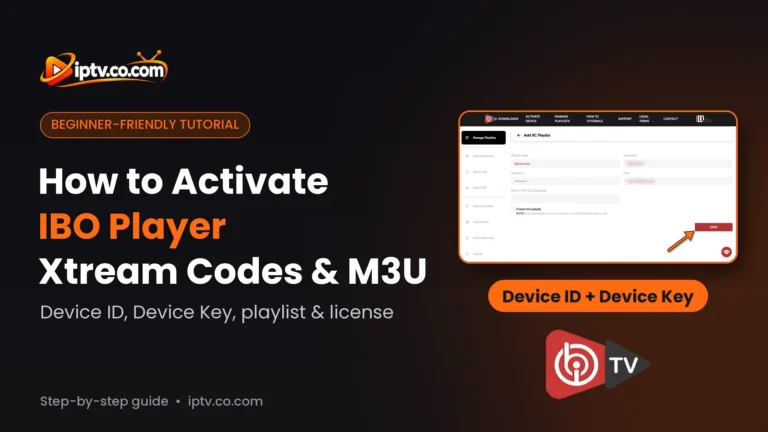
Activate IBO Player and IBO Player Pro step by step: log in with your Device ID and Device Key, add Xtream Codes or an M3U URL, and buy the license after the free trial.
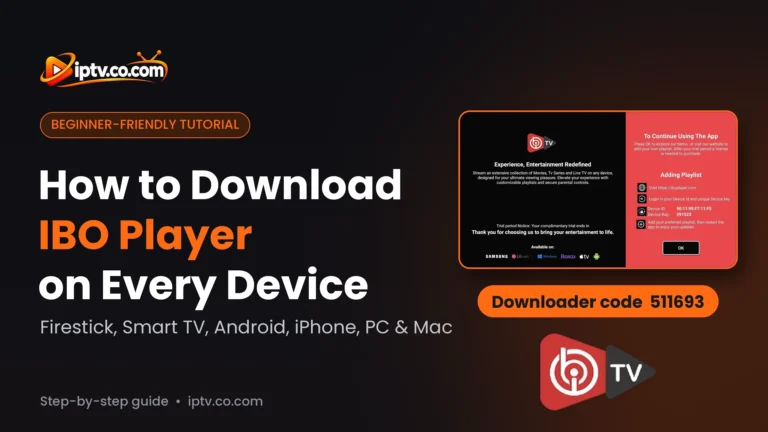
Download IBO Player on Firestick with Downloader code 511693, plus Samsung, LG, Android TV, Android, iPhone, Windows and Mac, step by step.
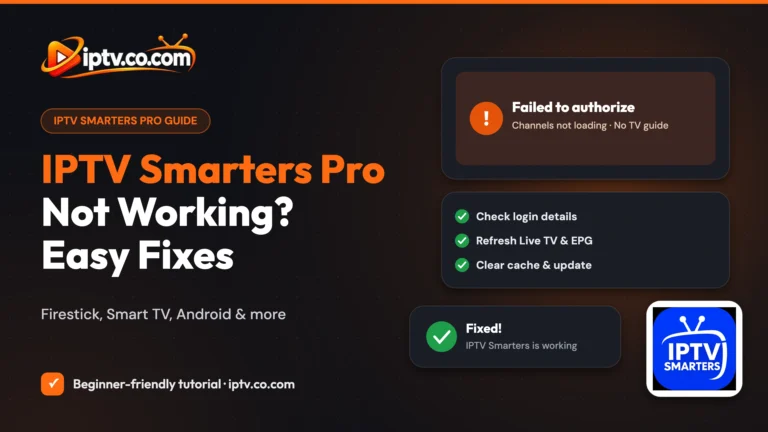
IPTV Smarters Pro not working? Fix Failed to authorize, channels or TV guide not loading, buffering and crashes on Firestick, Samsung, LG and Android.
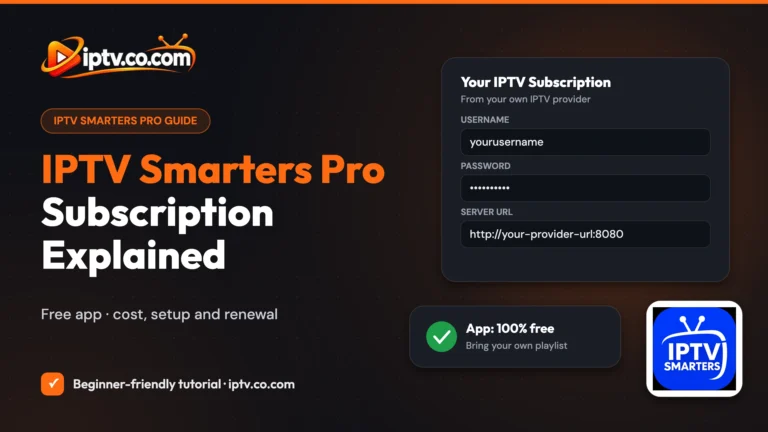
Does IPTV Smarters Pro need a subscription? The app is 100% free: learn what you pay for, how to add your own subscription, check expiry, renew it and choose a safe provider.
Install IPTV Smarters Pro on Firestick with Downloader code 5535368, plus Samsung, LG, Android TV, Android, iPhone, Windows and Mac, step by step.
Install the Downloader app on Firestick and Android TV step by step, enable unknown apps, and see what to use on Samsung, LG, iPhone, Windows and Mac.
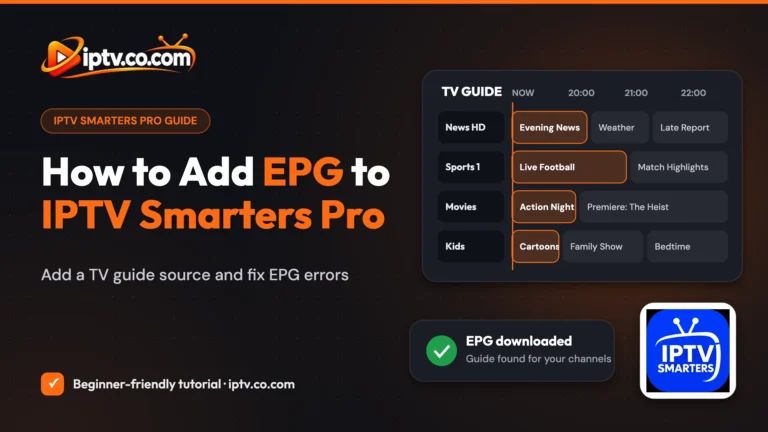
Add EPG to IPTV Smarters Pro step by step: paste your EPG link in Settings > EPG, set it as default and fix EPG not working or No Program Found.