Smart STB Guides: Install, Portal Setup & Fixes

4/5

Step-by-step Smart STB tutorials for Firestick, Android, iPhone, Samsung and LG: install the app, add your portal URL, license price and fixes.

  • 5 guides
  • Updated November 2026
Smart STB IPTV app: install, activate and fix guides for every device

Smart STB (Smart-STB) is an STB emulator app that turns your Firestick, Android TV, Samsung or LG TV, Android phone or iPhone into a virtual MAG set-top box. It doesn’t include any channels: you give its virtual MAC address to your IPTV provider and add their portal URL. This page brings together every Smart STB guide on iptv.co.com, from installation to portal setup, price and fixes.

All Smart STB Guides

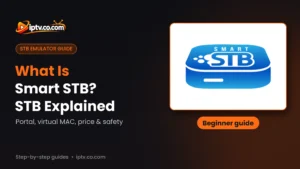
What Is Smart STB?

STB means set-top box. The Smart STB app emulates a MAG IPTV box, so it loads Stalker / MAG portals with a virtual MAC that starts with 00:1A:79. It doesn’t use M3U links or Xtream Codes. Full guide: what is Smart STB.

Smart STB App Download by Device

DeviceWhere to get Smart STBGuide
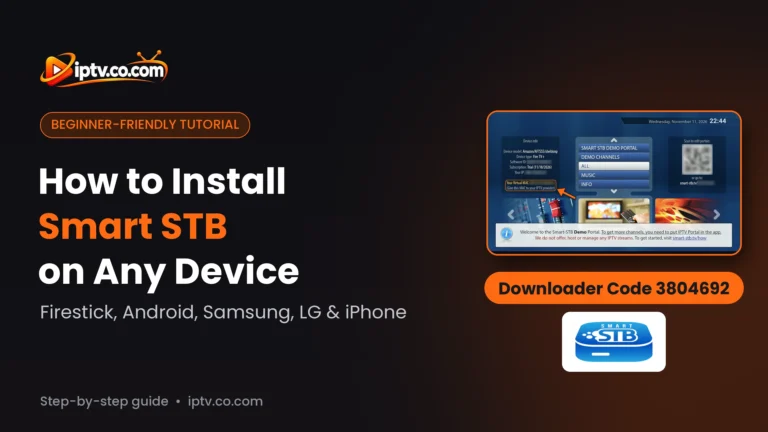
Firestick / Fire TVDownloader code 3804692Firestick
Android TV & Google TVDownloader code 3804692Android TV
Android phone & tabletGoogle Play (Smart STB+)Android
iPhone & iPadApp StoreiPhone
Samsung & LG smart TVTV app storeSamsung & LG
Windows, Mac & RokuNot available—

How to Set Up Smart STB With a Portal URL

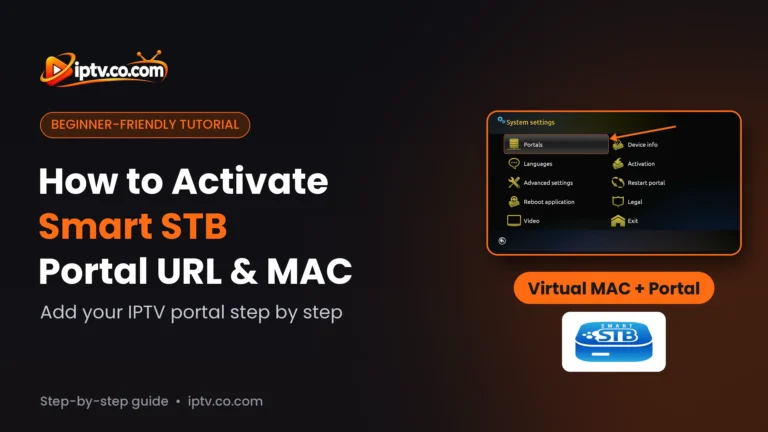
  1. Note Your Virtual MAC in Device info on the home screen.
  2. Give it to your IPTV provider and choose the MAG format. They send you a portal URL.
  3. Open Settings > STB Settings > Portals and type the portal URL in URL 1.
  4. Select Restart portal, then Yes.

Screenshots of every step: how to activate Smart STB.

Smart STB Price, License and Login

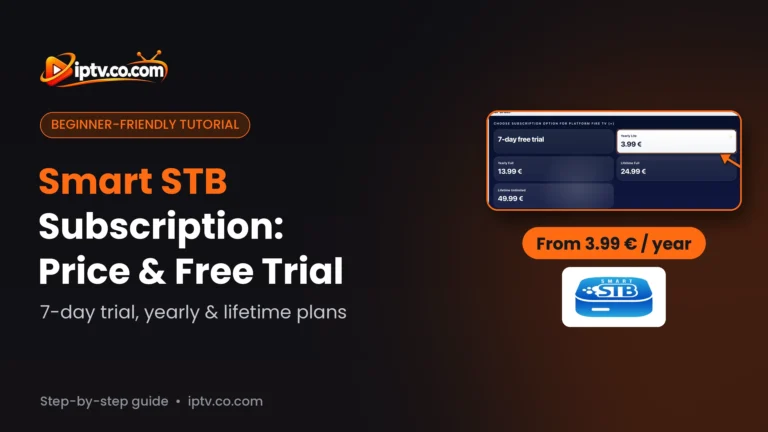
Every device gets a 7-day free trial. Then you buy a license on the official Smart STB website: Yearly Lite 3.99 € (about $4.50), Yearly Full 13.99 € (about $16), Lifetime Full 24.99 € (about $29) or Lifetime Unlimited 49.99 € (about $57). Your Smart STB login (My Account on the website) is where you manage orders, subscriptions and license transfer. Details: Smart STB subscription and activation code.

Smart STB Not Working?

Restart your internet, then select Reboot application and Restart portal in STB Settings. “Request failed with status code 404” means you need a new portal URL. “Your STB is blocked” or “not supported” usually means your provider must register your MAC or you must change the emulated MAG model. All fixes: Smart STB not working.

It is free for 7 days per device, then needs a license. It is safe from Google Play, the App Store, your TV’s app store or Downloader code 3804692; avoid modded APKs and fake activation codes. Smart STB is a legal app: only use portals from IPTV providers that have the rights to their channels.

Frequently Asked Questions

What is Smart STB?

An STB emulator app that makes your TV, Firestick or phone work like a MAG IPTV box. It loads your provider’s portal with a virtual MAC and has no channels.

What is the Smart STB Downloader code?

The Smart STB Downloader code is 3804692 for Firestick, Android TV and Google TV.

Which devices support the Smart STB app?

Firestick, Android TV, Google TV, Android phones, iPhone, iPad, Samsung and LG smart TVs. Not Windows, Mac or Roku.

What is the portal URL for Smart STB?

There is no universal portal URL. Your IPTV provider sends it after registering your virtual MAC. It often ends with /c/ or /portalstb.

How do I add a portal in Smart STB?

Open Settings > STB Settings > Portals, type the portal URL in URL 1, then select Restart portal.

Where is the Smart STB login?

On the official Smart STB website under My Account. It manages your orders, subscriptions and license transfer. The app itself has no login.

How much is Smart STB?

After the 7-day free trial, from 3.99 € (about $4.50) per year up to 49.99 € (about $57) for Lifetime Unlimited.

Can I use M3U in Smart STB?

No. Smart STB only loads MAG / Stalker portals. For M3U or Xtream Codes, use IBO Player or SmartOne IPTV.

Is Smart STB on Roku?

No. Use a Firestick, an Android TV box or the Smart STB app on Samsung or LG TVs.

Does Smart STB include channels?

No. You need a portal from an IPTV provider.