Televizo IPTV Player Guides: Install, Set Up & Fix Televizo

3/5

Step-by-step Televizo - IPTV player tutorials for Firestick, Android TV, Google TV and Android: install, add Xtream Codes or M3U, and fixes.

  • 4 guides
  • Updated November 2026
Televizo IPTV app: install, activate and fix guides for every device

Televizo - IPTV player is a free, simple IPTV player for Firestick, Android TV, Google TV and Android phones. It doesn’t include any channels: you add your own Xtream Codes or M3U playlist from your IPTV provider. This page brings together every Televizo IPTV guide on iptv.co.com, from the app review to installation, setup and fixes.

All Televizo Guides

What Is the Televizo IPTV Player?

Televizo, by developer Andrey Menscikov, is an Android IPTV player with Channels, Movies and Series tabs, a TV guide (EPG), favorites, parental control and unlimited playlists. It is free with ads; an optional Premium removes the ads. Full review: Televizo IPTV player review.

Televizo Download by Device

DeviceWhere to get TelevizoGuide
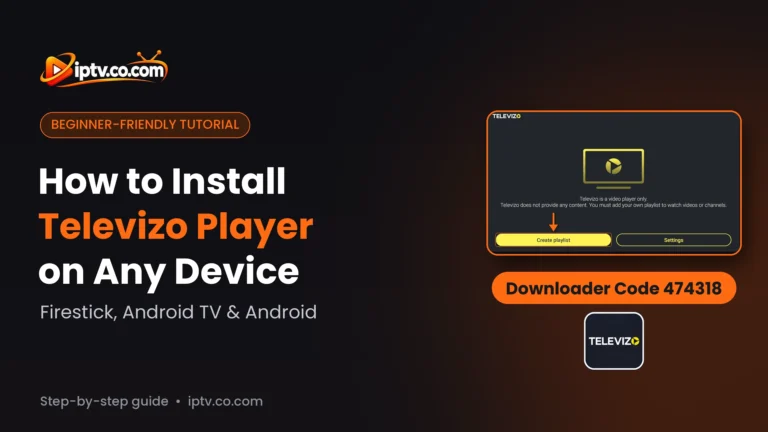
Firestick / Fire TVDownloader code 474318Firestick
Android TV & Google TVGoogle PlayAndroid TV
Android phone & tabletGoogle PlayAndroid
Windows PC & MacNot availableIPTV Smarters Pro
Samsung, LG, Roku & iPhoneNot availableIBO Player / GSE Smart IPTV

How to Set Up Televizo IPTV

  1. Open Televizo and select Create playlist.
  2. Choose New Xtream Codes playlist (recommended) or New M3U playlist.
  3. Enter your username, password and server, or paste your M3U link (lista M3U).
  4. Select the ✓, then select your playlist to load Channels, Movies and Series.

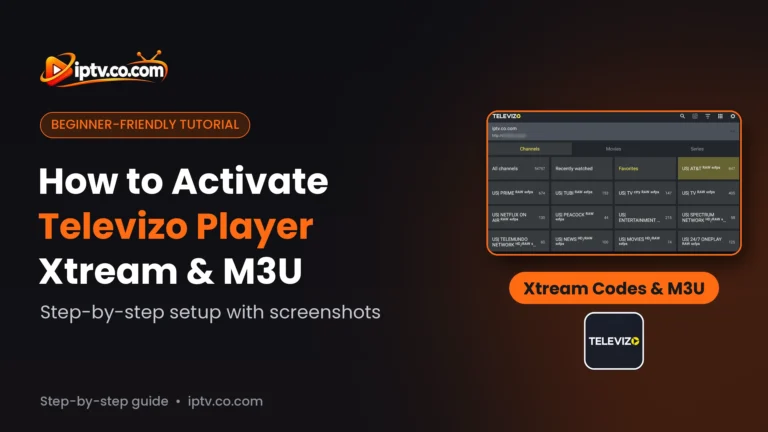
Screenshots of every step: how to activate Televizo.

Is Televizo Free?

Yes. The Televizo app is free to download and use, with ads. There is no activation or MAC address fee. Premium is optional and only removes the ads. Details: Televizo Premium explained.

Televizo Not Working?

Select Update playlist in Settings, use http:// instead of https://, and add your subscription with Xtream Codes if your M3U link shows “Playlist not found”. All fixes: Televizo not working.

Install it only from Google Play or with Downloader code 474318. Avoid mod or “premium” APKs: they can contain malware. Televizo is a legal player: only use playlists from providers that have the rights to their channels.

Frequently Asked Questions

What is Televizo?

Televizo - IPTV player is a free IPTV player for Android devices. It plays your own Xtream Codes or M3U playlist and has no channels.

What is the Televizo Downloader code?

The Televizo Downloader code is 474318 for Firestick and Fire TV.

Is Televizo free?

Yes. It is free with ads. An optional Premium removes the ads.

Does Televizo support M3U and Xtream Codes?

Yes. You can add M3U links or files and Xtream Codes playlists.

Is there a Televizo IPTV player for Windows?

No. Televizo is an Android app. On Windows, use IPTV Smarters Pro with the same playlist.

Is Televizo on Samsung, LG or iPhone?

No. Use IBO Player on Samsung and LG, or GSE Smart IPTV on iPhone.

Is the Televizo mod or premium APK safe?

No. Modified APKs can contain malware. Install the official app from Google Play or Downloader code 474318.

Does Televizo include channels?

No. Televizo is a video player only. You need a playlist from an IPTV provider.