What Is OTT Navigator? OTT Navigator IPTV App Review
What is OTT Navigator, and what does OTT mean? A clear review of the OTT Navigator IPTV player: Xtream Codes, M3U and Stalker support, free vs Premium, devices, safety and alternatives.

Step-by-step OTT Navigator tutorials for Firestick, Android TV, Google TV and Android: install, add Xtream Codes or M3U, Premium and fixes.

OTT Navigator (OTT Navigator IPTV) is a free IPTV player for Firestick, Android TV, Google TV and Android phones. It doesn’t include any channels: you add your own Xtream Codes, M3U playlist or Stalker portal from your IPTV provider. This page brings together every OTT Navigator guide on iptv.co.com, from installation to setup, Premium and fixes.

What is OTT Navigator, and what does OTT mean? A clear review of the OTT Navigator IPTV player: Xtream Codes, M3U and Stalker support, free vs Premium, devices, safety and alternatives.

OTT Navigator is 100% free: no activation, no MAC address and no yearly fee. Here is what the optional Premium adds and what you actually pay for.
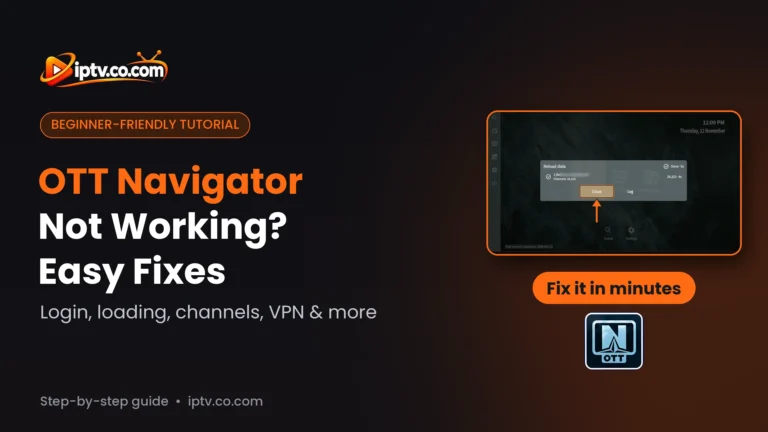
OTT Navigator not working? Reload your channel list, fix 0 channels and login errors, https vs http, movies and series, EPG, buffering and VPN problems step by step.
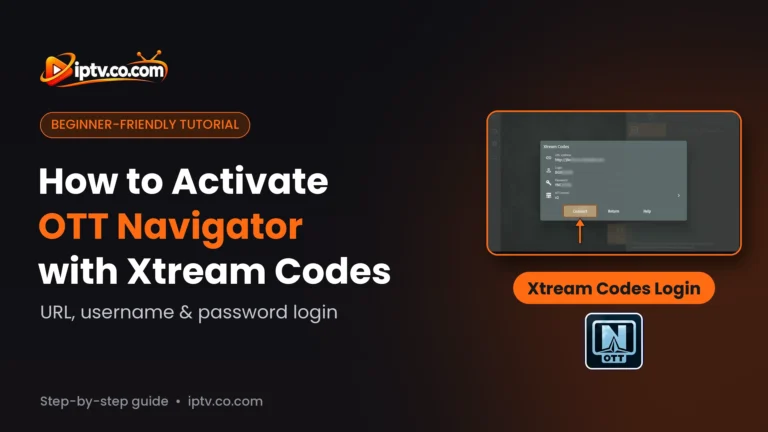
Activate OTT Navigator with Xtream Codes step by step: Settings, Provider, Add provider, Xtream Codes, URL, username and password, then Connect.
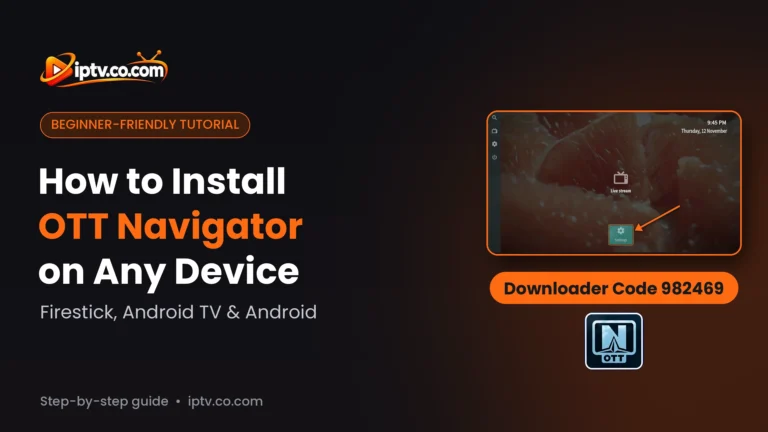
Install OTT Navigator IPTV step by step: Downloader code 982469 for Firestick, Google Play for Android TV, Google TV and Android phones, plus the devices where it is not available.
OTT means over-the-top: TV delivered over the internet. OTT Navigator is a highly customizable player for those streams, with Live stream, TV Guide, Media library and catch-up. Full review: what is OTT Navigator.
| Device | Where to get OTT Navigator | Guide |
|---|---|---|
| Firestick / Fire TV | Downloader code 982469 | Firestick |
| Android TV & Google TV | Google Play | Android TV |
| Android phone & tablet | Google Play | Android |
| Samsung, LG, iPhone, Windows, Mac & Roku | Not available | IBO Player / GSE Smart IPTV |
Screenshots of every step: how to activate OTT Navigator.
Yes. There is no activation, no MAC address fee and no yearly license. An optional Premium adds extras such as recordings and automatic TV guide updates. Details: OTT Navigator subscription and Premium.
Reload your channel list in Settings > Provider data > List updates, use http:// instead of https://, and check your login. For buffering, use a cable connection and restart your router. All fixes: OTT Navigator not working.
Install it only from Google Play or with Downloader code 982469. Avoid mod, cracked or “premium” APKs and paid “activation codes”: you don’t need them. OTT Navigator is a legal player: only use subscriptions from providers that have the rights to their channels.
A free IPTV player for Android devices. It plays your own Xtream Codes, M3U or Stalker portal login and has no channels of its own.
OTT means over-the-top: TV and video delivered over the internet instead of cable or satellite.
The OTT Navigator Downloader code is 982469 for Firestick and Fire TV.
Yes. There is no activation or yearly fee. An optional Premium adds extras such as recordings.
Yes. It supports Xtream Codes, M3U playlist links and Stalker portals.
Add your provider in Settings > Provider > Add provider, then open Live stream, TV Guide or Media library.
No. It is an Android app. Use IBO Player on Samsung and LG, or GSE Smart IPTV on iPhone.
No. There is no official OTT Navigator app for Windows or Mac.
No. Modified APKs can contain malware. Install the official app from Google Play or Downloader code 982469.
No. You need a login from an IPTV provider.