What Is IBO Player?
IBO Player is a media player app from developer ibrahim akoum. When you open it, it shows a Device ID (MAC address) and a Device Key. You log in with them on the IBO Player website, add your playlist, and it appears on your TV with Live TV, movies and series. Every new device gets a 7-day free trial. Full explanation: what is IBO Player and how it works.
IBO Player vs IBO Player Pro
IBO Player Pro (often searched as “IBO Pro Player”) is a separate app from the same developer. It works the same way but has its own website (iboiptv.com) and its own activation: a license for one doesn’t unlock the other. Use whichever your IPTV provider activates or your TV’s app store offers. See IBO Player vs IBO Player Pro.
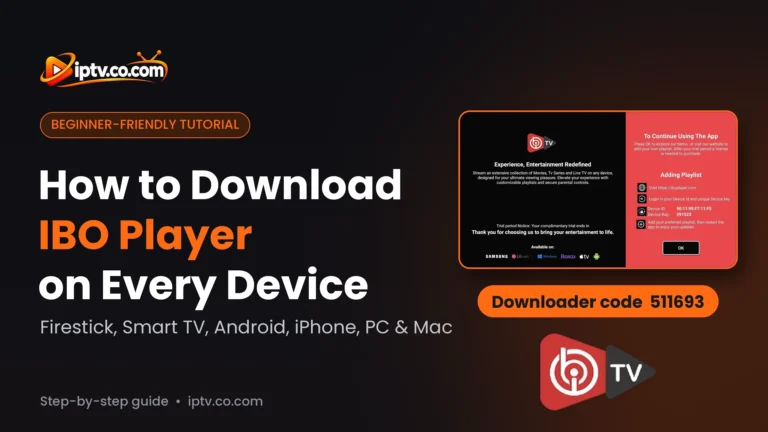
IBO Player Download and Downloader Code 511693
| Device | Where to get IBO Player | Guide |
|---|
| Firestick / Fire TV | Downloader code 511693 | Firestick |
| Android TV / Google TV | Downloader code 511693 | Android TV |
| Samsung Smart TV | Samsung Apps | Samsung |
| LG Smart TV | LG Content Store | LG |
| iPhone, iPad, Mac | App Store | iPhone / Mac |
| Windows PC | Windows installer | Windows |
| Roku | Roku Channel Store (varies by country) | Roku |
How to Activate IBO Player and Add a Playlist
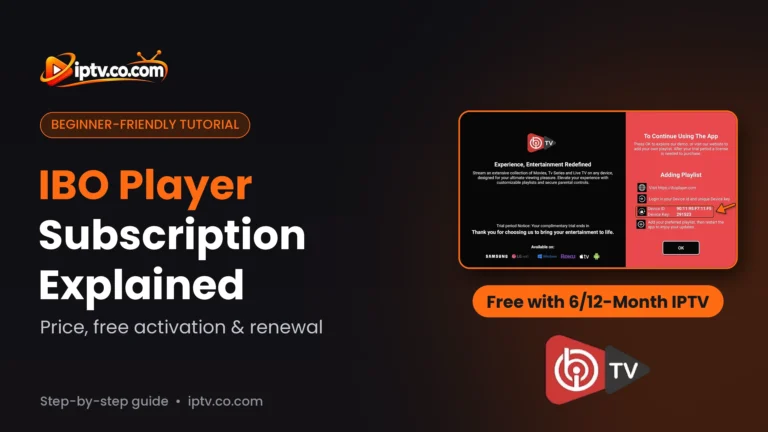
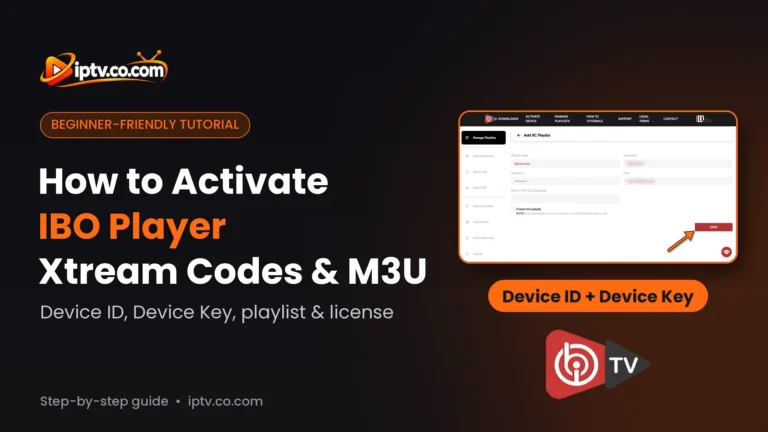
- Open IBO Player and note your Device ID and Device Key.
- On the IBO Player website, go to Manage Playlists and log in with them.
- Select Add Playlist (M3U URL) or Add XC Playlist (Xtream Codes), then save.
- Restart IBO Player on your TV.
Screenshots of every step: how to activate IBO Player.
How Much Is IBO Player Pro?
IBO Player and IBO Player Pro are free to download with a 7-day trial. After that, activation is a one-time payment of about $5.99 per device (around €6.99 in Europe), not a monthly fee. Most IPTV providers activate it for free with a 6- or 12-month plan, so ask yours first. Details: IBO Player subscription and price.
IBO Player Not Working or Down?
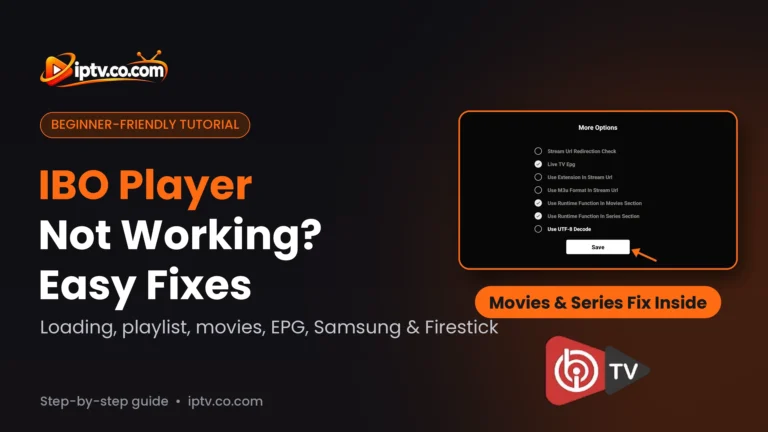
Stopped after 7 days? The trial ended. Channels not loading? Check that your playlist URL starts with http://, not https://, and that your IPTV subscription is active. On Roku, update IBO Pro Player with Settings > System > Software update > Check now. All fixes: IBO Player not working.
Is IBO Player Free, Safe and Legal?
It is free for 7 days, then needs a cheap one-time activation. It is safe from official stores and Downloader code 511693; avoid cracked APKs and “free activation code” sites. It is a legal media player: use playlists only from providers that have the rights to their channels.
IBO Player Alternatives
Frequently Asked Questions
What is IBO Player?
An IPTV media player for smart TVs, Firestick, phones and computers. It has no channels: you add your own playlist on the IBO Player website with your Device ID and Device Key.
What is IBO Player Pro?
A separate app from the same developer as IBO Player. It works the same way, with its own website and its own activation.
Is IBO Player free?
Free to download with a 7-day free trial. After that it needs a one-time activation per device, often included free by IPTV providers.
How much is IBO Player Pro?
About $5.99 one-time per device (around €6.99 in Europe). It is not a monthly subscription.
How do I activate IBO Player?
Log in to the IBO Player website with your Device ID and Device Key, add your M3U URL or Xtream Codes, then restart the app. To unlock it after the trial, pay on Activate Device or ask your provider.
What is the IBO Player Downloader code?
The IBO Player Downloader code is 511693 for Firestick and Android TV.
How do I install IBO Player on Samsung or LG TV?
Search for IBO Player in Samsung Apps or the LG Content Store and select Install.
Is IBO Player available on Roku?
In some countries IBO Player and IBO Player Pro are in the Roku Channel Store. If not, use a Firestick or Google TV device.
How do I add a playlist to IBO Pro Player?
Open the IBO Player Pro website, log in with the Device ID and Key shown in the app, add your M3U URL or Xtream Codes and restart the app.
Is IBO Player safe and legal?
Yes, from official stores. It is a legal player; only use playlists from providers with the rights to their channels.
Why is IBO Player not working?
Usually the 7-day trial ended, the playlist URL uses https://, or your IPTV subscription expired. See our IBO Player not working guide.
Which IBO Player is best?
IBO Player and IBO Player Pro are almost identical. Use the one your provider activates or your TV supports.