What Is TiviMate IPTV Player?
TiviMate is an IPTV player app made by AR Mobile Dev (Armobsoft FZE) for Android-based TV devices. You add a playlist from your IPTV provider and TiviMate turns it into a TV guide you can browse with your remote, with Live TV, movies, series, catch-up and recording. TiviMate is only a player: it has no channels of its own, and it works only as well as the playlist you add.
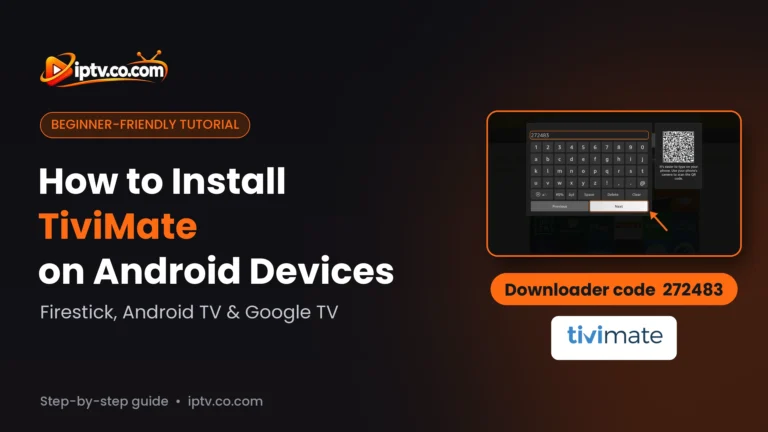
TiviMate Downloader Code 272483
TiviMate isn’t in the Amazon Appstore, so on a Firestick you install it with the Downloader app. Open Downloader, select the address bar, type 272483 and select Go, then select Install. Full screenshots: how to install TiviMate on Firestick.
TiviMate on Every Device
TiviMate Premium: Price and How to Buy
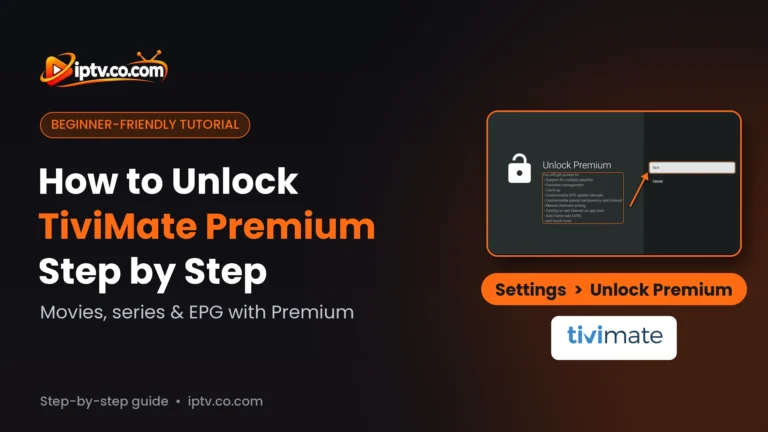
The free version only plays Live TV from one playlist. TiviMate Premium unlocks movies and series, the TV guide, several playlists, catch-up, recording and favourites on up to 5 devices. It costs about $9.99 per year or $29.99 for lifetime in the US Google Play store (prices vary by country), and you can only buy it in the TiviMate Companion app. No Android phone? Buy TiviMate Premium with a PC. Full guide: TiviMate Premium: price, how to buy and unlock.
What Is the TiviMate Companion App?
TiviMate Companion is a free Android app from Google Play used to create your TiviMate account, pay for Premium and manage the devices linked to it. It is not a player: you can’t watch channels in it. After you subscribe in TiviMate Companion, open TiviMate on your TV, go to Settings > Unlock Premium and log in with the same account. See how to use TiviMate Companion.
How to Set Up TiviMate: Playlist and EPG
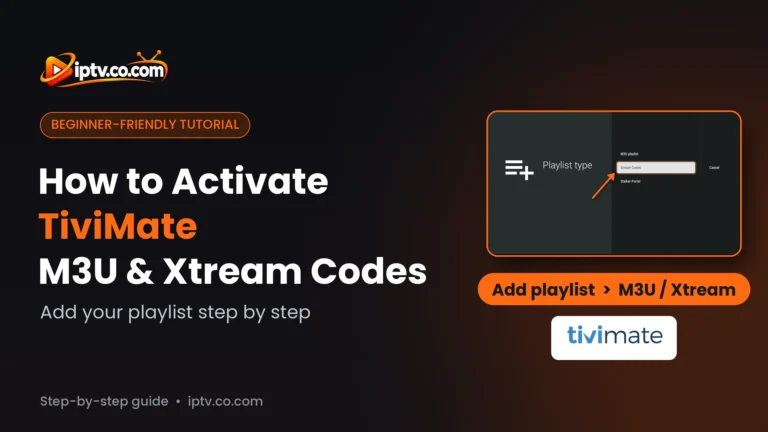
- Open TiviMate and select Add playlist.
- Choose Xtream Codes (server, username, password) or M3U playlist (one URL). Use http://, not https://.
- Name the playlist and select Done.
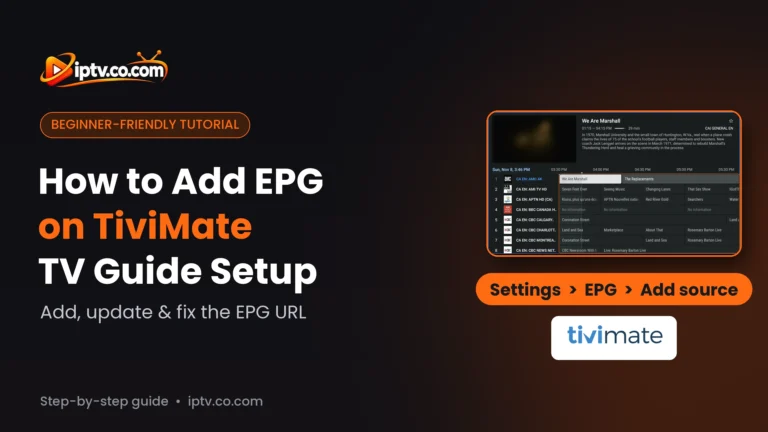
- Add your EPG URL in Settings > EPG if the TV guide is empty.
Step-by-step screenshots: how to activate TiviMate and how to add EPG to TiviMate.
TiviMate Not Working or Showing an Error?
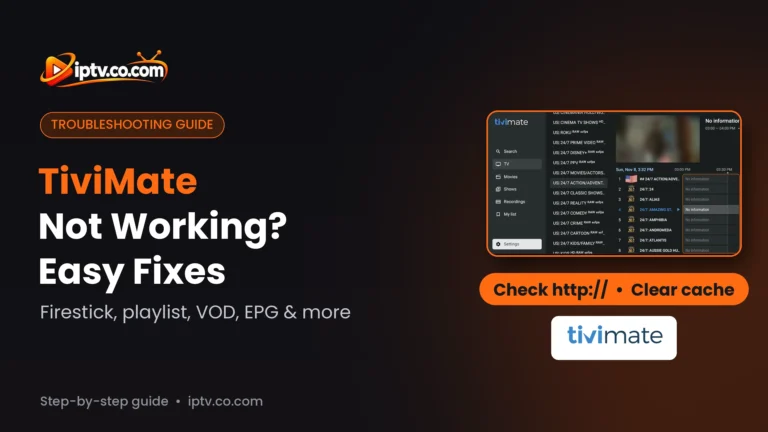
Movies and series missing? They need Premium. Channels not loading? Check the URL, your subscription and your internet, then clear the cache. For error messages such as HttpDataSourceException, Failed to get data from server or error code 458, see TiviMate error codes. For everything else: TiviMate not working.
Is TiviMate Free, Safe and Legal?
Free: yes, the basic app is free; Premium is optional. Safe: yes from Google Play or the official Downloader code; avoid “Premium unlocked” mod APKs, which are often blocked or contain malware. Legal: TiviMate is a legal media player. What matters is the content you load into it: use a provider that has the rights to its channels.
TiviMate vs IPTV Smarters and Other Alternatives
- IPTV Smarters Pro: free, with movies and series included, and available on many more devices, including Samsung, LG, iPhone and Windows.
- IBO Player: a good choice for Samsung, LG and Roku.
- OTT Navigator: a free Android TV player with a TV guide similar to TiviMate.
Frequently Asked Questions
What is TiviMate?
TiviMate is an IPTV player for Firestick, Android TV and Google TV. It shows your IPTV playlist as a TV guide, but it doesn’t provide any channels.
What is the TiviMate Downloader code?
The TiviMate Downloader code is 272483. Type it in the Downloader app on your Firestick to download and install TiviMate.
Is TiviMate free?
Yes, the basic app is free for Live TV. TiviMate Premium is needed for movies, series, the TV guide and several playlists.
How much is TiviMate Premium?
About $9.99 per year or $29.99 for a lifetime licence in the US store. Prices vary by country, and one account covers up to 5 devices.
How do I buy TiviMate Premium?
Install TiviMate Companion on an Android phone (or in BlueStacks on a PC), log in with your TiviMate account and subscribe. Then unlock Premium in TiviMate on your TV.
What is the TiviMate Companion app?
An Android app used to buy and manage TiviMate Premium and your devices. It is not an IPTV player.
Can I use TiviMate on PC or Mac?
Not natively. You can run it with the BlueStacks Android emulator on Windows or Mac, or use IPTV Smarters Pro as a desktop alternative.
Is TiviMate available on Roku, Samsung, LG or iPhone?
No. TiviMate only runs on Android-based TV devices. Use IPTV Smarters or IBO Player on those devices.
Does TiviMate come with channels?
No. TiviMate is only a player. You need an M3U URL or Xtream Codes from an IPTV provider.
How do I add a playlist to TiviMate?
Select Add playlist, then Xtream Codes or M3U playlist, enter your details from your provider and select Done.
Is TiviMate legal?
Yes, TiviMate is a legal media player. Only use playlists from providers that have the rights to the channels they offer.
Why is TiviMate not working?
Usually the playlist URL, an expired subscription, an https:// URL or your internet. Movies and series also need Premium. See our TiviMate not working and error codes guides.