Hot IPTV Player Review: What Is Hot Player and Is It Good?
Hot IPTV (Hot Player) review: what the HotPlayer app is, how it works with your MAC address, devices, 30-day free trial, price, pros and cons, and alternatives.

Step-by-step Hot Player (Hot IPTV) tutorials for Firestick, Android, Samsung, LG, Roku, Windows and Mac: Downloader code, playlist upload, price and fixes.

Hot Player (also called HotPlayer or Hot IPTV) is an IPTV player for Firestick, Android, Samsung and LG smart TVs, Roku, Windows and Mac. It doesn’t include any channels: you upload your own M3U link or Xtream Codes on hotplayer.app using the MAC address shown in the app. This page brings together every Hot Player guide on iptv.co.com, from the Downloader code and activation to price and fixes.

Hot IPTV (Hot Player) review: what the HotPlayer app is, how it works with your MAC address, devices, 30-day free trial, price, pros and cons, and alternatives.

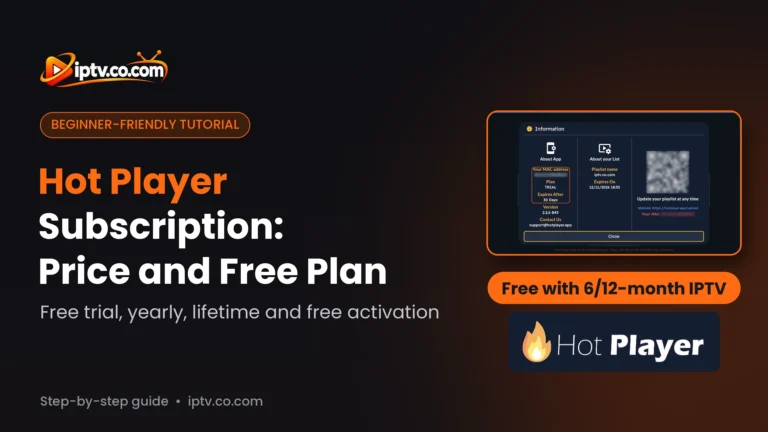
Hot Player price explained: 30-day free trial, 6-month, 1-year or lifetime activation per device (about $4, $6 or $23), and how to get it activated for free with a 6 or 12-month IPTV subscription.
Hot Player not working? Fix MAC address not associated with any playlist, Refresh, loading, movies and series, expired trial, EPG, buffering and VPN problems.
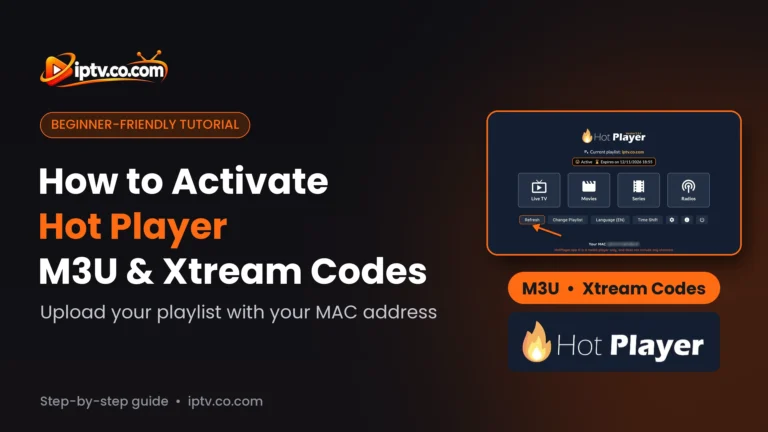
Activate Hot Player step by step: find your MAC address, upload your M3U link or Xtream Codes on hotplayer.app/upload, then restart the app to load your playlist.
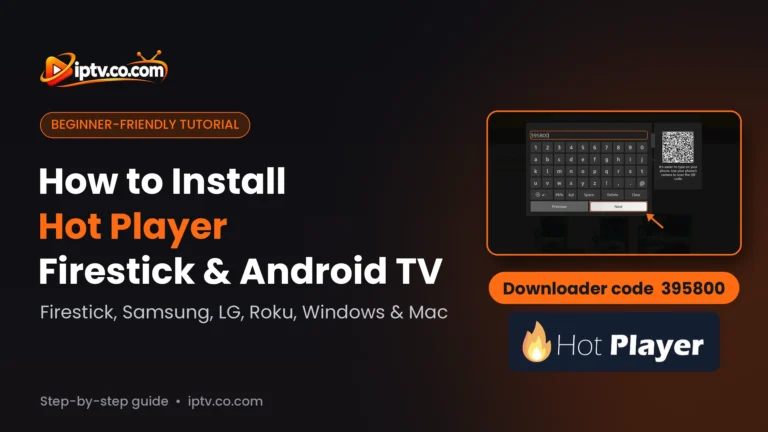
Install Hot Player step by step: Firestick and Android TV with Downloader code 395800, Android phone APK, Samsung, LG, Roku, Windows and Mac.
Hot Player is a media player for M3U and Xtream Codes playlists with Live TV, movies, series, radio and a TV guide. It is one of the few IPTV players available on Roku, as well as Samsung and LG smart TVs. Every device gets a 30-day free trial. Many people search for it as “Hot IPTV”, but it is only a player, not an IPTV service. Full review: Hot IPTV player review.
| Device | Where to get Hot Player | Guide |
|---|---|---|
| Firestick / Fire TV | Downloader code 395800 | Firestick |
| Android TV / Google TV | Downloader code 395800 | Android TV |
| Android phone and tablet | APK from apk.hotplayer.app | Android APK |
| Samsung Smart TV | Samsung Apps | Samsung |
| LG Smart TV | LG Content Store | LG |
| Roku | Roku Channel Store | Roku |
| Windows PC / Mac | Microsoft Store / Mac App Store | Windows / Mac |
Screenshots of every step: how to activate Hot Player.
After the 30-day free trial, each device needs an activation: about $4 for 6 months, $6 for 1 year or $23 for lifetime. Most IPTV providers activate Hot Player for free with a 6- or 12-month subscription: just send them your MAC address. Details: Hot Player subscription and price.
“Your MAC address is not associated with any playlist”? Upload your playlist on hotplayer.app with the exact MAC. Channels not loading? Use http:// instead of https:// and select Refresh. Stopped after 30 days? The trial ended. All fixes: Hot Player not working.
It is free for 30 days, then needs a cheap activation per device. It is safe from official app stores and the Downloader code 395800; avoid mod APKs. Hot Player is a legal media player: only use playlists from providers that have the rights to their channels.
An IPTV media player for Firestick, Android, Samsung, LG, Roku, Windows and Mac. It has no channels: you upload your own M3U link or Xtream Codes on hotplayer.app.
Usually yes: “Hot IPTV” and “HotPlayer” are common names for the Hot Player app. The app itself doesn’t sell channels.
The Hot Player Downloader code is 395800 for Firestick, Android TV and Google TV.
On hotplayer.app open Upload List, enter the MAC address shown in the app, choose Link (M3U) or Xtream Code, save, and refresh the app.
It is free for 30 days per device. Then it costs about $4 for 6 months, $6 per year or $23 lifetime, or your IPTV provider can activate it for free.
Yes, Hot Player is in the Roku Channel Store.
Not the official Hot Player from hotplayer.app. Use IBO Player or IPTV Smarters on iPhone and iPad.
No playlist is linked to that MAC yet. Upload your playlist on hotplayer.app with the exact MAC shown in the app, then refresh.
Yes from official stores. It is a legal player; only use playlists from providers that have the rights to their channels.
No. You need an M3U link or Xtream Codes from an IPTV provider.