GSE Smart IPTV Guides: Install, Set Up & Fix GSE IPTV

3/5

Step-by-step GSE Smart IPTV tutorials for Firestick, Android, iPhone, Apple TV and Mac: install, add M3U or Xtream Codes, Chromecast and fixes.

  • 4 guides
  • Updated November 2026
GSE Smart IPTV IPTV app: install, activate and fix guides for every device

GSE Smart IPTV (GSE IPTV) is an advanced IPTV player for M3U, JSON and Xtream Codes playlists on Firestick, Android TV, Android phones, iPhone, iPad, Apple TV and Mac. It doesn’t include any channels: you add your own playlist from your IPTV provider. This page brings together every GSE Smart IPTV guide on iptv.co.com, from installation to setup, casting and fixes.

All GSE Smart IPTV Guides

What Is GSE Smart IPTV?

GSE Smart IPTV is a player by droidvision / GSE Technology Ltd. It loads your own M3U or JSON links in Remote Playlists and your Xtream Codes in Xtream-Codes API, with Live TV, VOD, series, EPG and favourites. Full review: what is GSE Smart IPTV.

GSE Smart IPTV App Download by Device

DeviceWhere to get GSEGuide
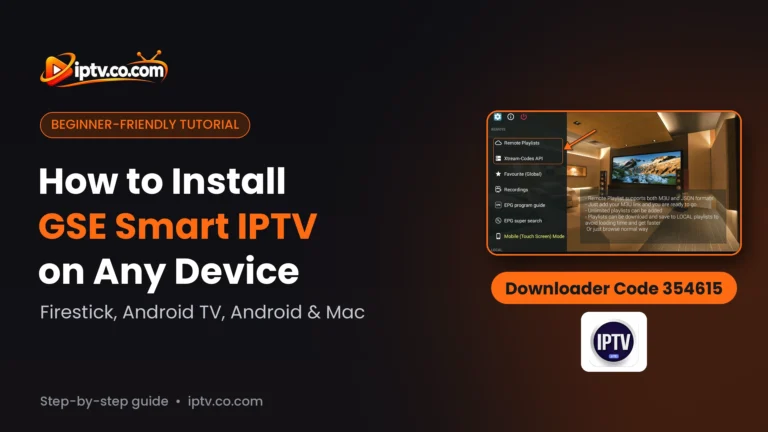
Firestick / Fire TVDownloader code 354615Firestick
Android TV & Google TVGoogle PlayAndroid TV
Android phone & tabletGoogle PlayAndroid
iPhone, iPad & Apple TVApp Store (GSE SMART IPTV PRO)Apple
MacMac App StoreMac
Samsung, LG, Roku & WindowsNot availableHot Player / IBO Player

How to Set Up GSE Smart IPTV

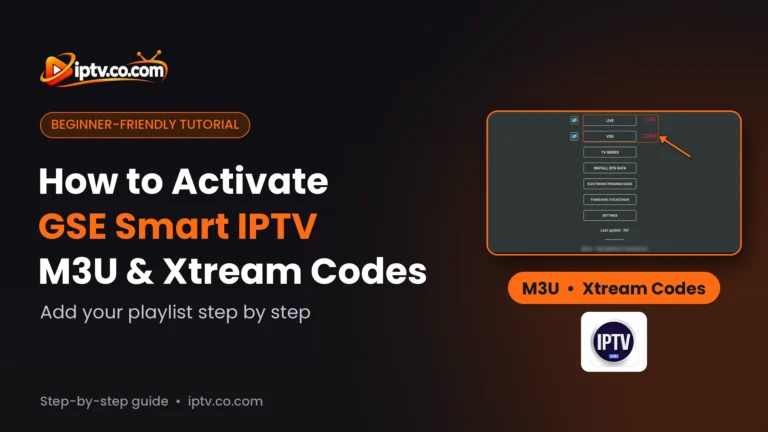
  1. For Xtream Codes, open Xtream-Codes API; for an M3U link, open Remote Playlists.
  2. Long-press the + button.
  3. Enter your server, username and password, or paste the M3U link, then select ADD.
  4. Open the playlist and select INSTALL EPG DATA for the TV guide.

Screenshots of every step: how to activate GSE Smart IPTV.

GSE IPTV Chromecast and AirPlay

GSE SMART IPTV PRO for iPhone and iPad supports Chromecast and AirPlay: play a channel and tap the cast icon. On a Chromecast with Google TV, install GSE directly from Google Play instead. More: GSE Smart IPTV Chromecast.

GSE Smart IPTV Not Working?

Close the app and open the playlist again, use http:// instead of https://, and check your login. LIVE and VOD showing 0 usually means a login or subscription problem. All fixes: GSE Smart IPTV not working.

It is free on Android and Firestick; the Apple versions are low-cost paid apps. Install it only from Google Play, the App Store or Downloader code 354615 and avoid mod or cracked APKs. GSE is a legal player: only use playlists from providers that have the rights to their channels.

Frequently Asked Questions

What is GSE Smart IPTV?

An IPTV player app by droidvision for M3U, JSON and Xtream Codes playlists. It has no channels: you add your own playlist from an IPTV provider.

What is the GSE Smart IPTV Downloader code?

The GSE Smart IPTV Downloader code is 354615 for Firestick and Fire TV.

Is GSE Smart IPTV on iPhone?

Yes. Get GSE SMART IPTV PRO by droidvision from the App Store on iPhone and iPad. It is a paid app.

Is GSE Smart IPTV on Apple TV?

Yes. GSE SMART IPTV PRO has an Apple TV app in the App Store (tvOS 12 or later).

Does GSE IPTV work with Chromecast?

Yes. The iPhone and iPad Pro app supports Chromecast and AirPlay.

How do I add an M3U playlist to GSE IPTV?

Open Remote Playlists, long-press +, choose Add M3U URL, paste your link and select ADD.

How do I add EPG to GSE IPTV?

Open your playlist and select INSTALL EPG DATA. With Xtream Codes, tick Auto Update to refresh the guide every day.

Is GSE Smart IPTV free?

Yes on Android and Firestick. The Apple Pro versions are paid.

Is GSE Smart IPTV on Samsung, LG or Roku?

No. Use Hot Player, IBO Player or SmartOne IPTV on those TVs.

Does GSE Smart IPTV include channels?

No. You need an M3U link or Xtream Codes from an IPTV provider.