
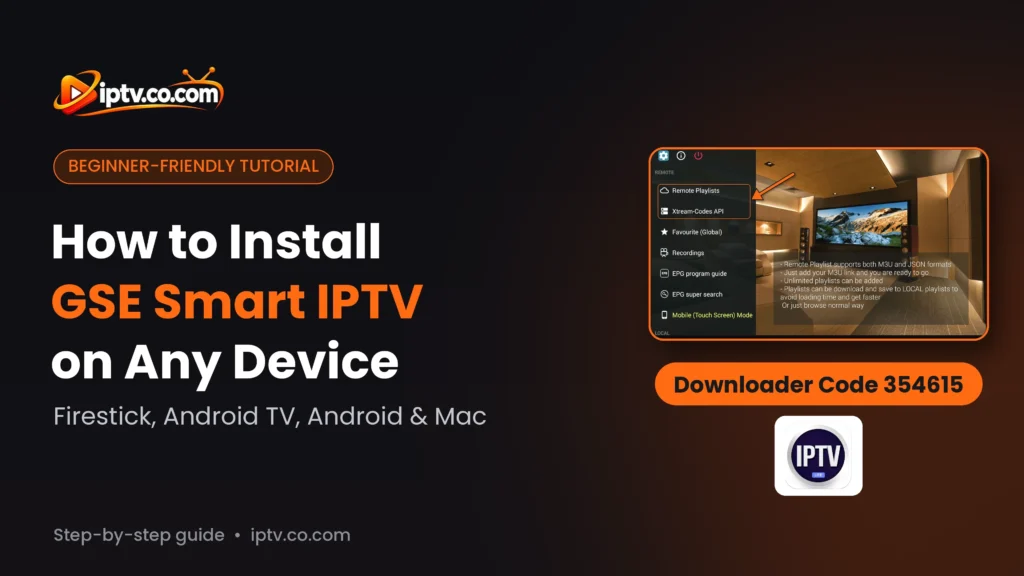
How to Install GSE Smart IPTV: Quick Summary
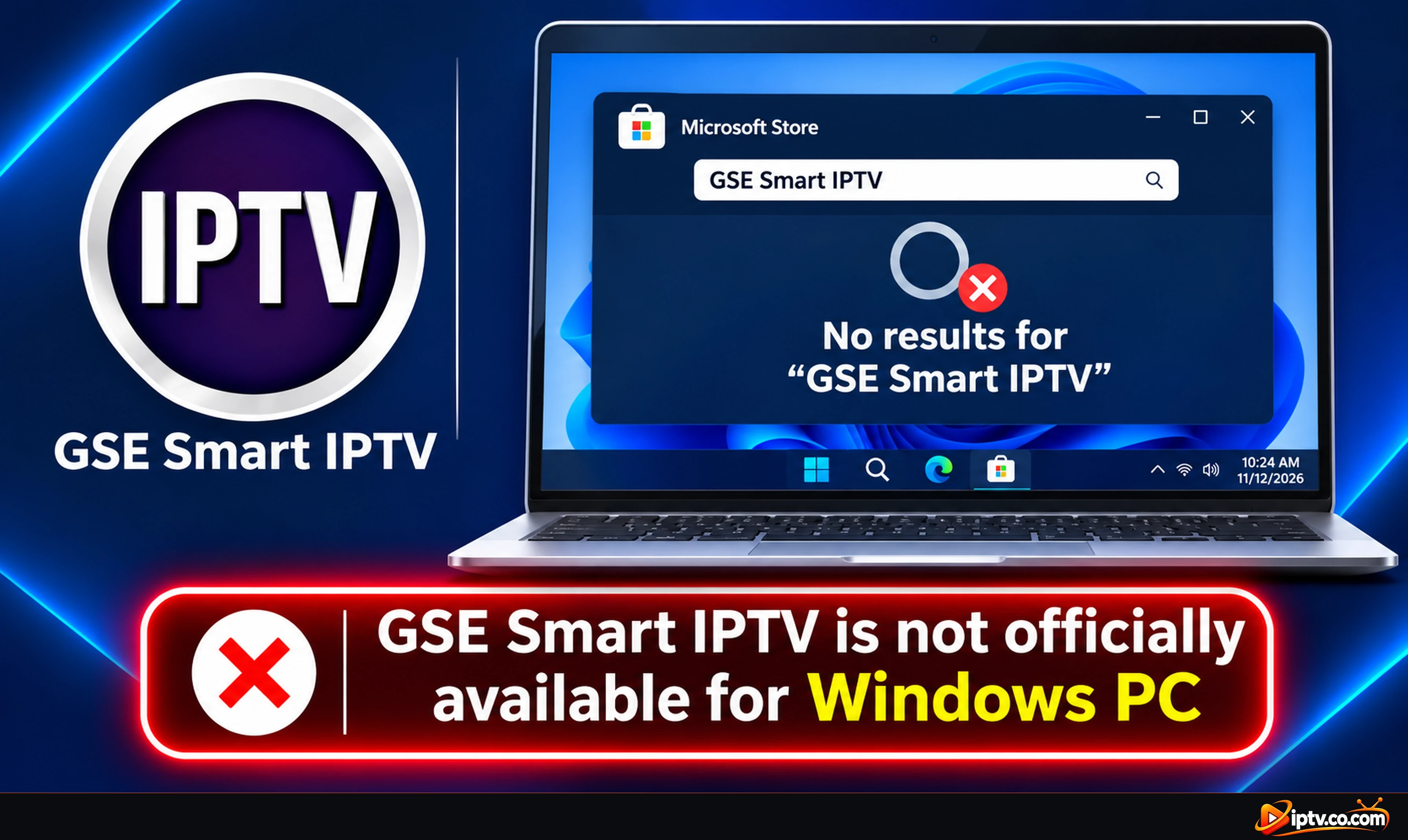
On Amazon Firestick, install GSE Smart IPTV with the Downloader app and code 354615. On Android TV / Google TV and Android phones and tablets, install it from Google Play. On iPhone, iPad and Apple TV, get GSE SMART IPTV PRO from the App Store. On Mac, get GSE SMART IPTV LITE or PRO from the Mac App Store. GSE Smart IPTV is not available on Samsung, LG, Roku or Windows.
Good to Know: GSE Smart IPTV Has No Channels
GSE Smart IPTV is a player only: it uses M3U, JSON and Xtream Codes playlists that you add yourself and does not provide any channels. After installing it, you add your playlist from your IPTV provider.
GSE Smart IPTV (by droidvision) is an advanced IPTV player for M3U and JSON playlists and the Xtream-Codes API, with EPG, favourites and recordings. This guide shows how to install GSE Smart IPTV on each device step by step, and which devices it doesn’t support.
Where Can You Install GSE Smart IPTV?
| Device | Available? | How to install |
|---|---|---|
| Amazon Firestick / Fire TV | Yes | Downloader app, code 354615 |
| Android TV & Google TV | Yes | Google Play |
| Android phone & tablet | Yes | Google Play |
| Mac (macOS) | Yes | Mac App Store (GSE SMART IPTV LITE or PRO) |
| Samsung smart TV | No | Not available |
| LG smart TV | No | Not available |
| Roku | No | Not available |
| iPhone & iPad | Yes | App Store (GSE SMART IPTV PRO, paid) |
| Apple TV | Yes | App Store on Apple TV (GSE SMART IPTV PRO, paid) |
| Windows PC | No | Not available |
How to Install GSE Smart IPTV on Firestick
On Firestick you install GSE Smart IPTV with the free Downloader app. If you don’t have Downloader yet, follow how to install the Downloader app, then go to Settings > My Fire TV > Developer Options > Install unknown apps and turn it ON for Downloader.
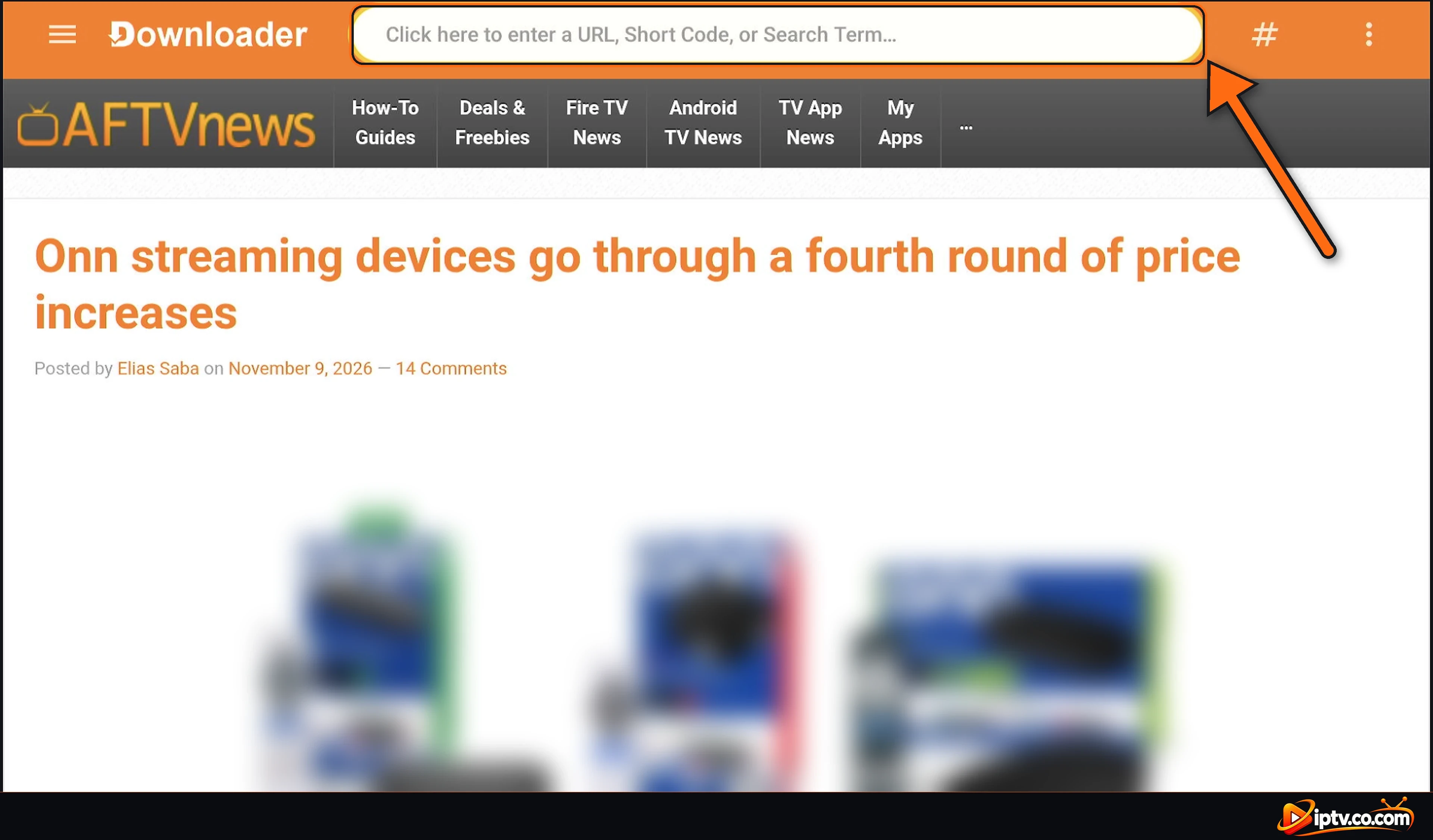
Step 1: Open Downloader and Select the Address Bar
Open Downloader and select the bar at the top: Click here to enter a URL, Short Code, or Search Term.
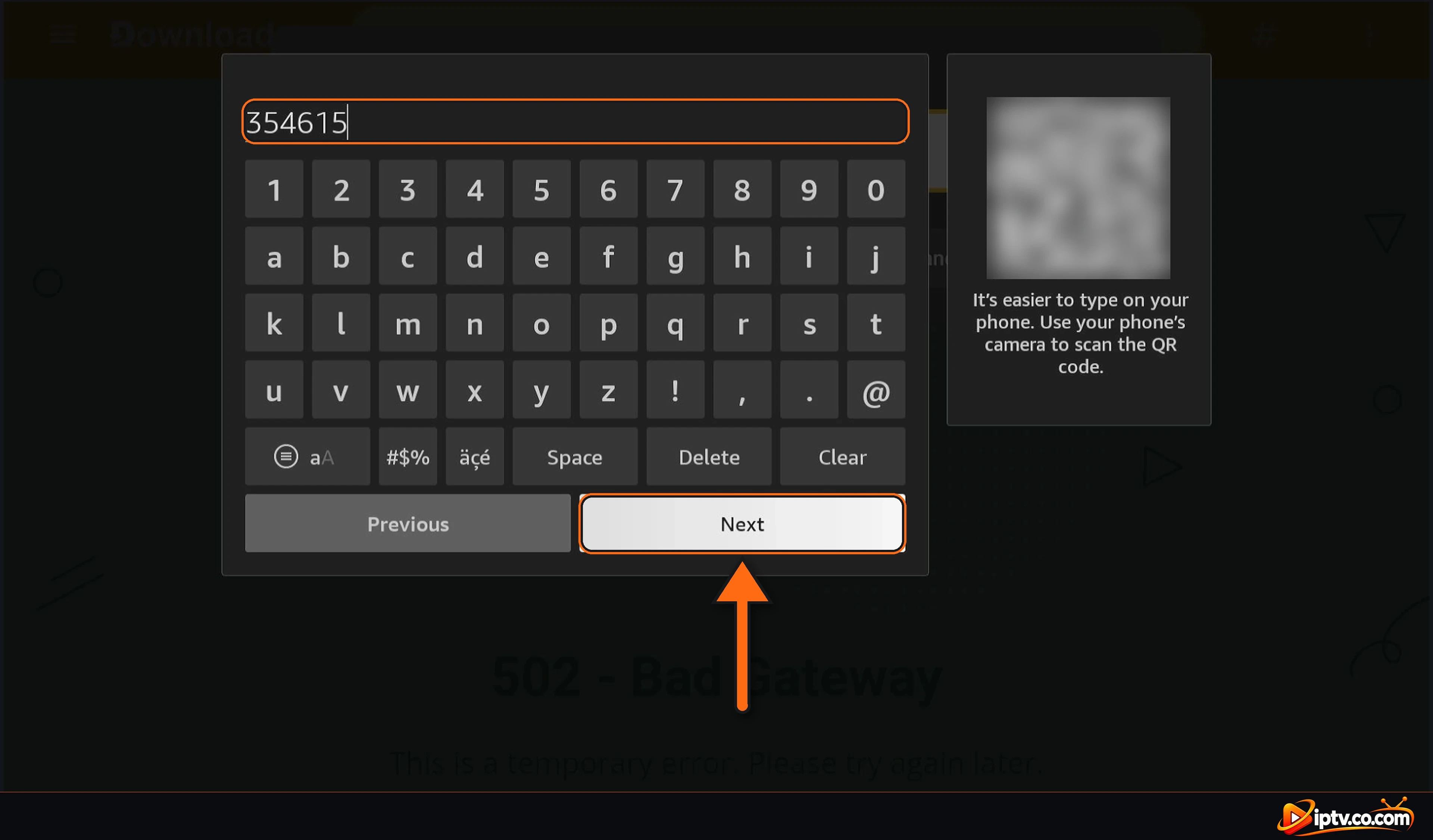
Step 2: Enter Downloader Code 354615
Type the GSE Smart IPTV Downloader code 354615 and select Next.
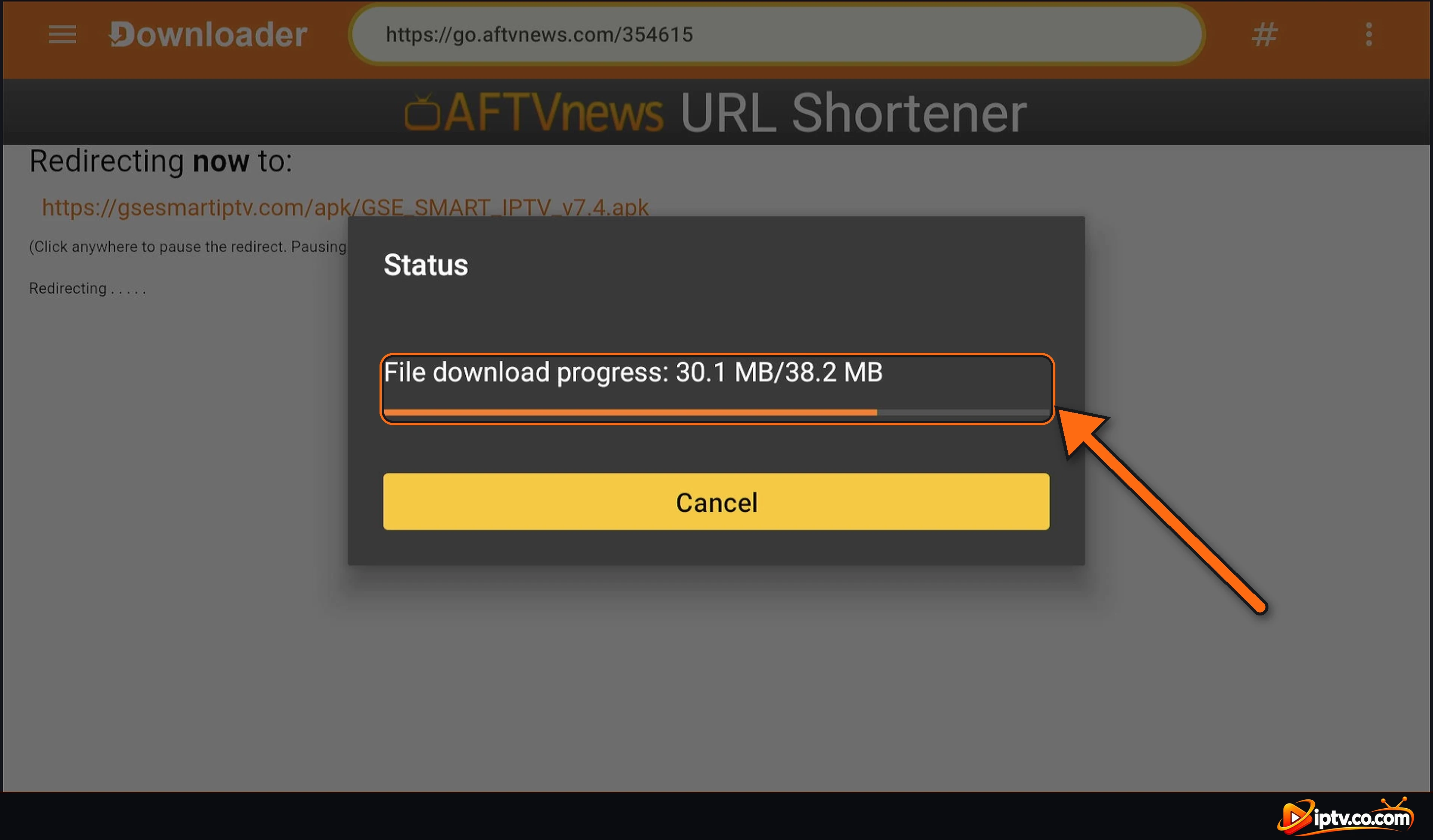
Step 3: Wait While the APK Downloads
Downloader opens the short link and downloads the GSE Smart IPTV APK (about 38 MB). Wait until the download finishes.
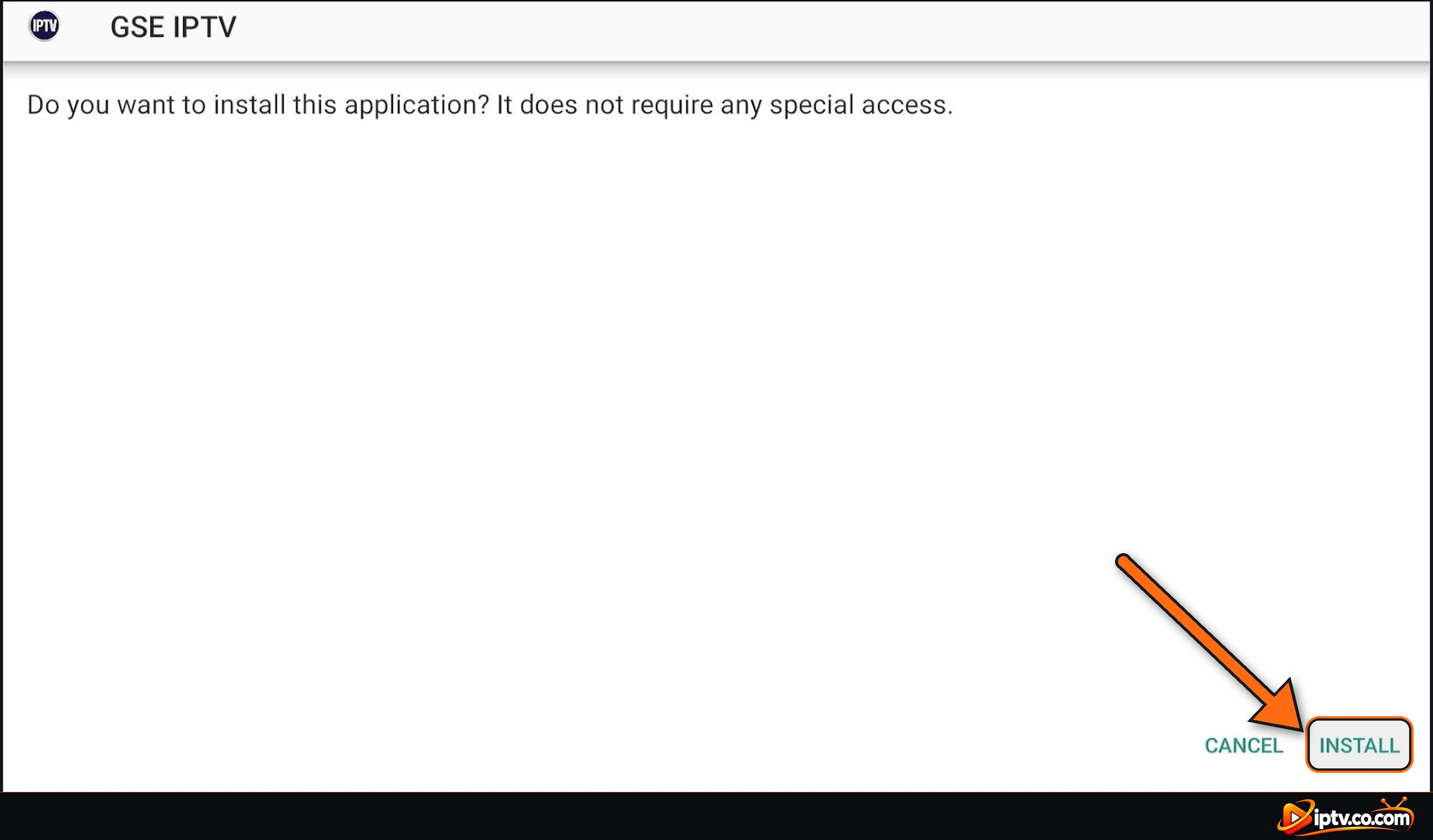
Step 4: Select INSTALL
When the GSE IPTV install screen appears, select INSTALL.
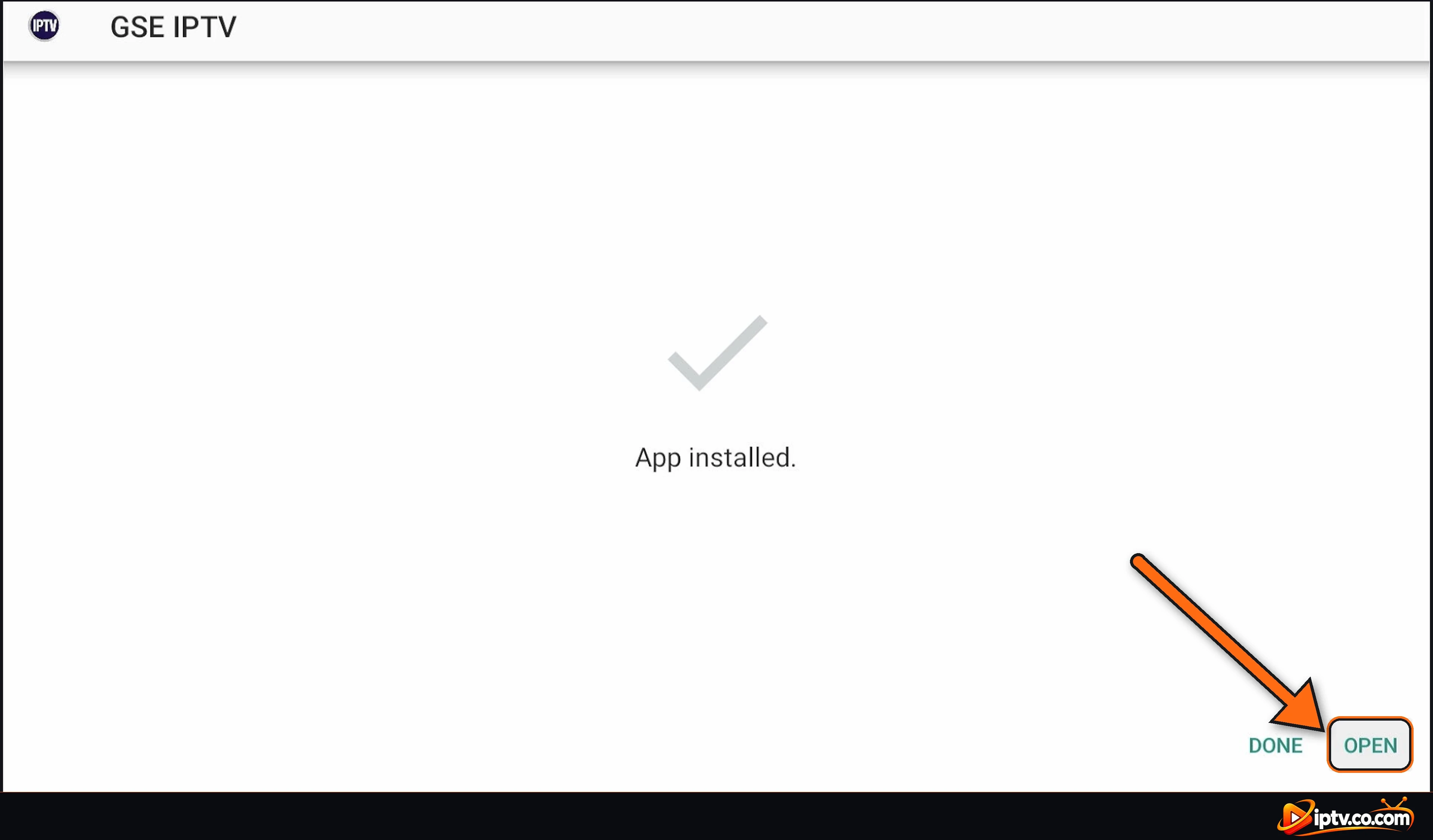
Step 5: Select OPEN
When you see App installed, select OPEN. Back in Downloader, you can choose Delete to remove the APK file and free up space.
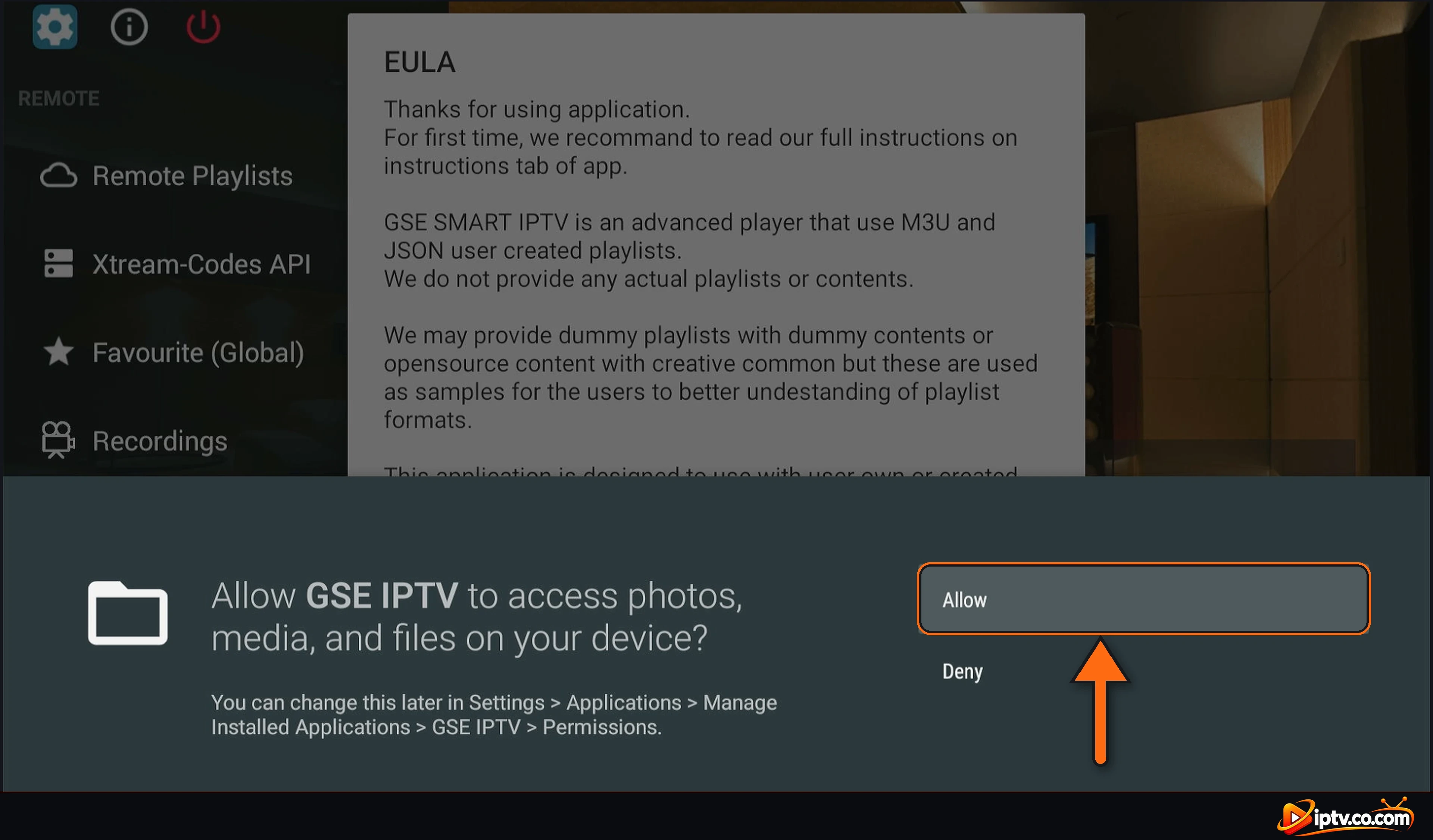
Step 6: Allow Access to Media and Files
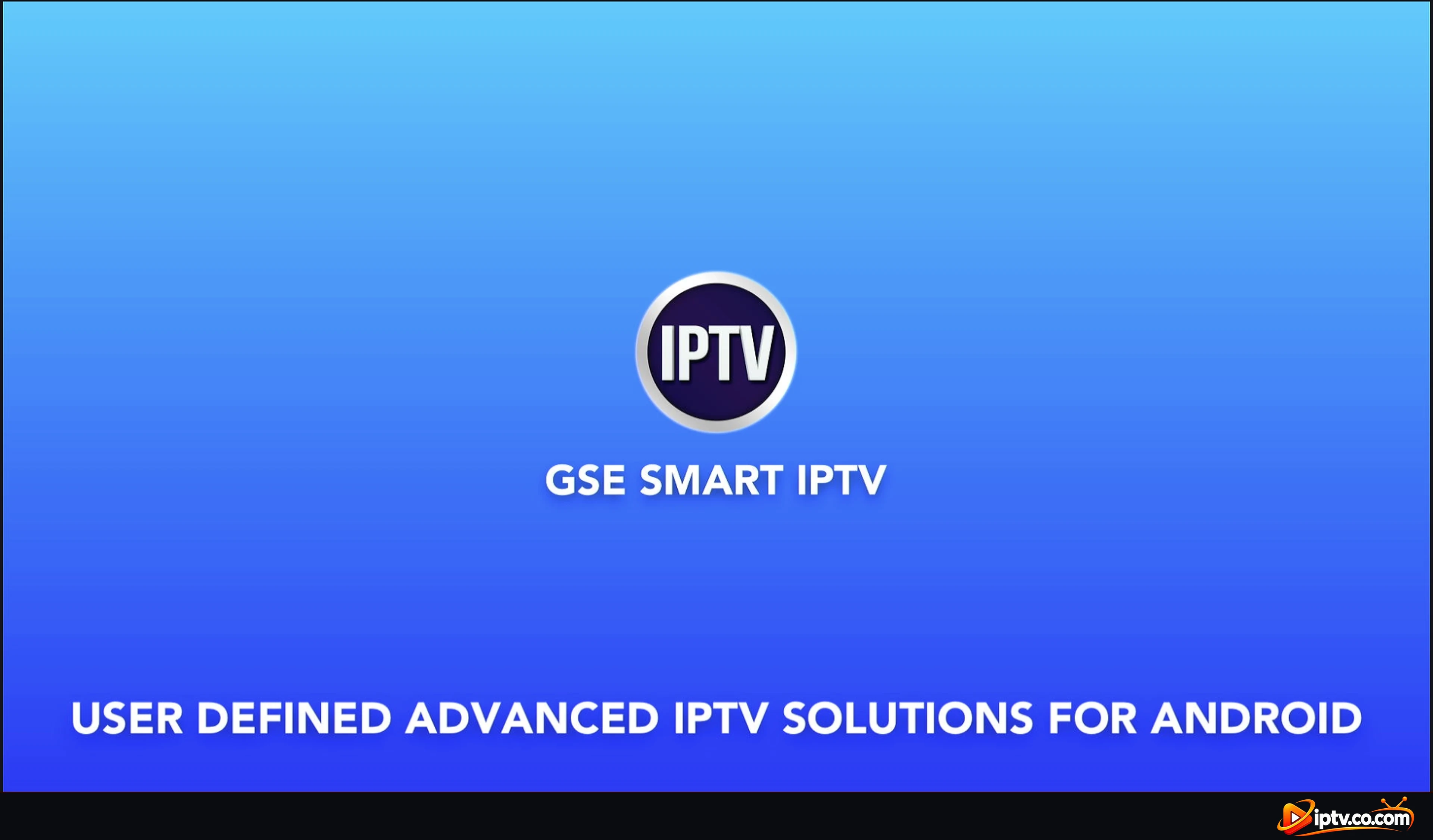
GSE Smart IPTV opens with its splash screen, then asks Allow GSE IPTV to access photos, media, and files on your device? Select Allow. The app needs it to save playlists and recordings.
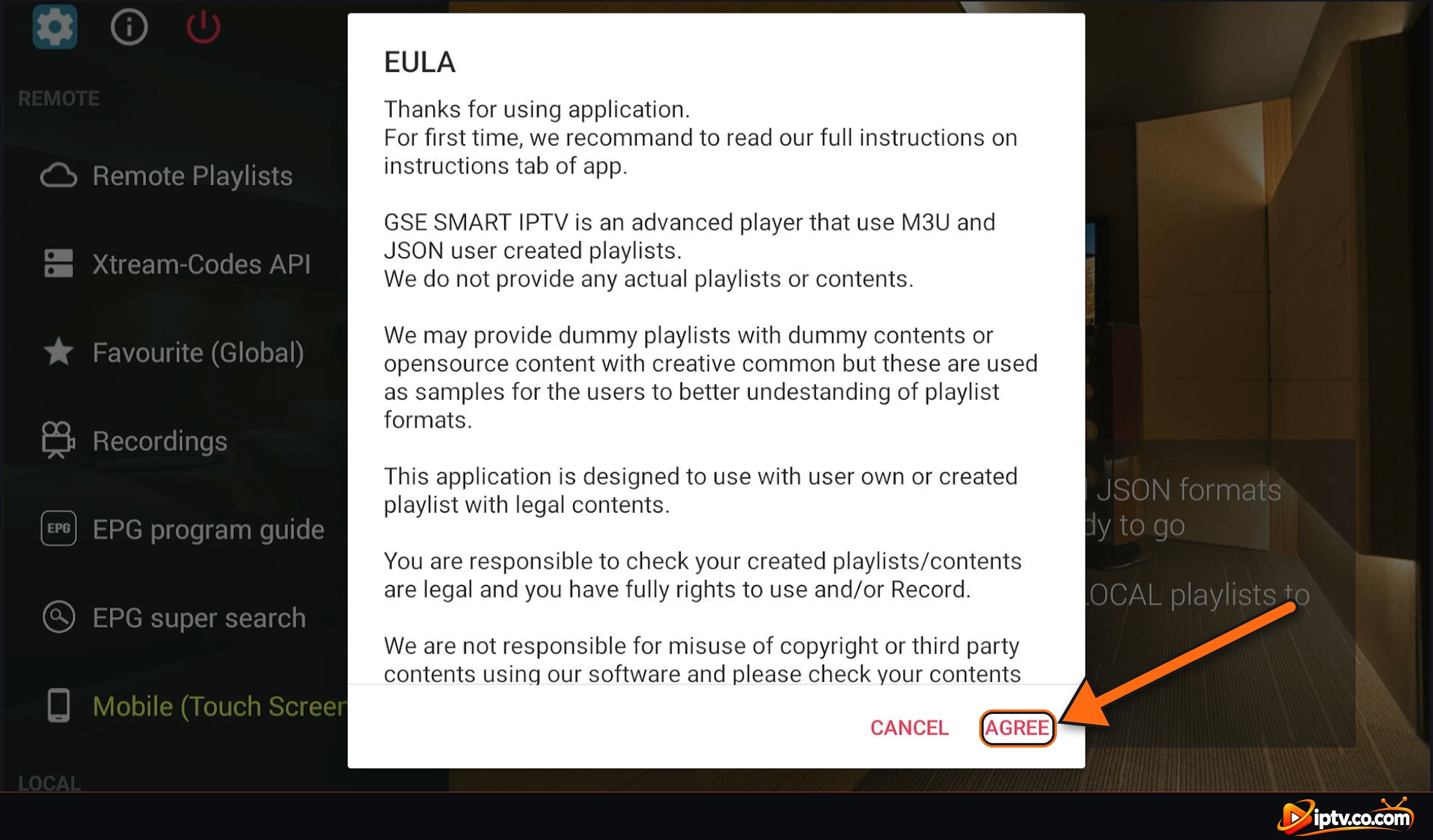
Step 7: Select AGREE on the EULA
Read the EULA: GSE Smart IPTV is a player for your own M3U and JSON playlists and provides no content. Select AGREE.
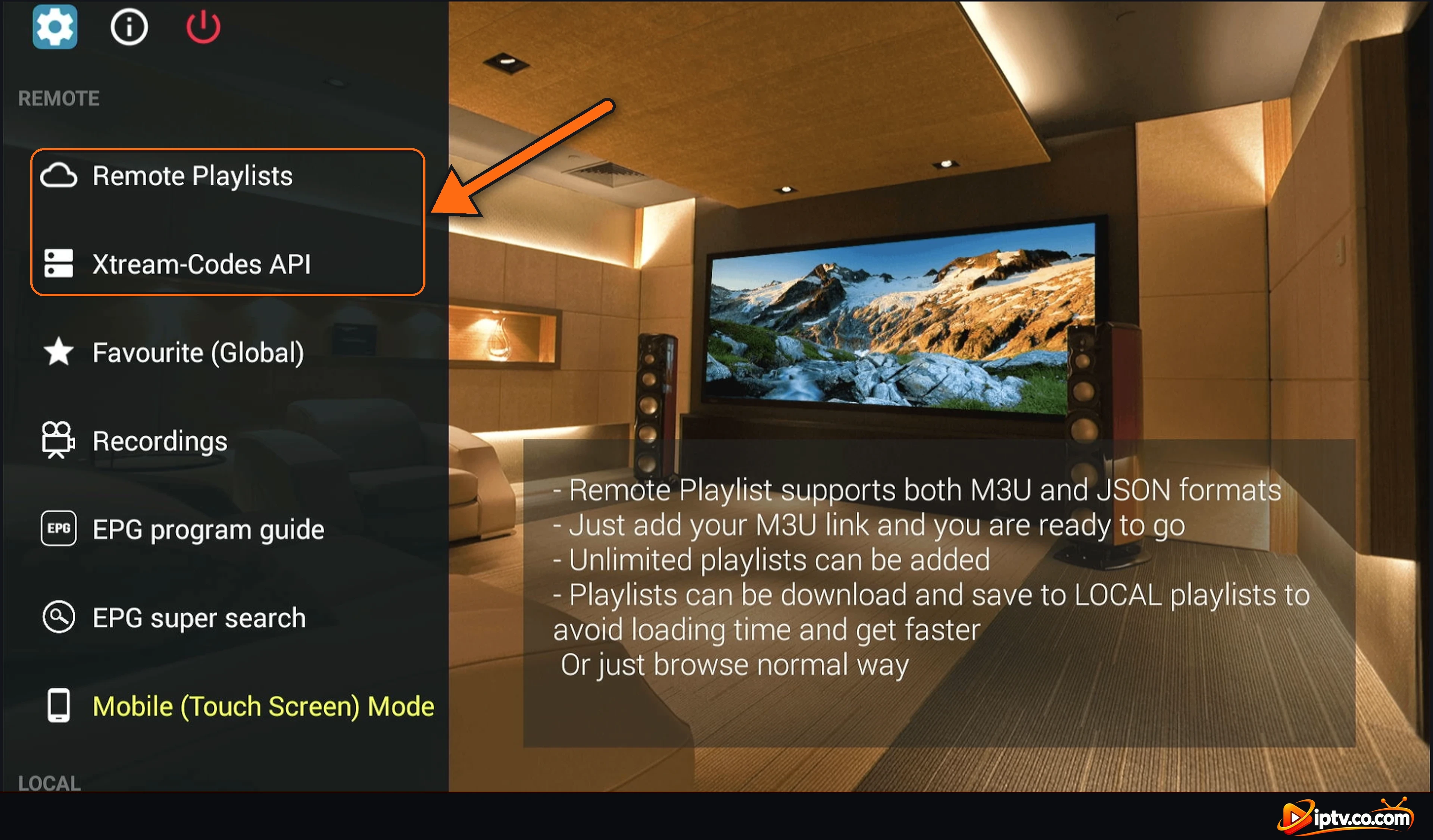
Step 8: GSE Smart IPTV Is Ready
The home screen opens. Use Remote Playlists to add an M3U link, or Xtream-Codes API to log in with your Xtream Codes from your IPTV provider.
How to Install GSE Smart IPTV on Android TV and Google TV
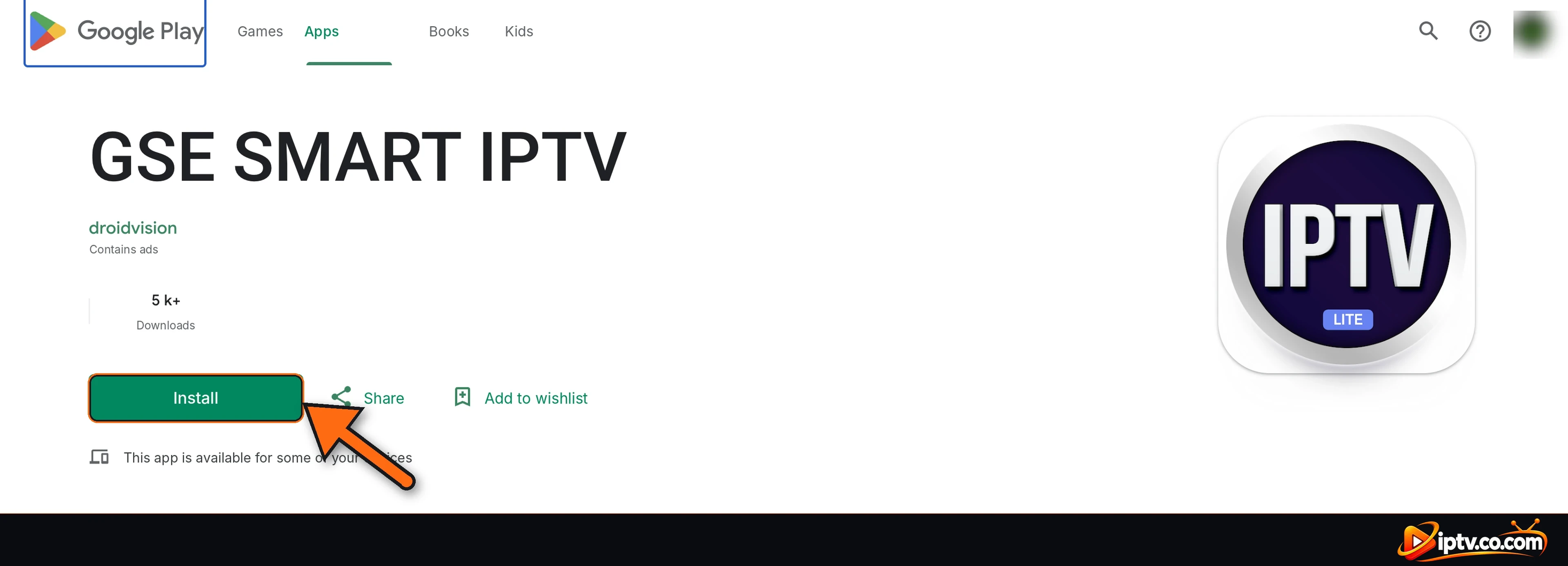
- Open the Google Play Store on your Android TV or Google TV (Sony, TCL, Philips, Hisense, Xiaomi Mi Box, NVIDIA Shield, Chromecast with Google TV).
- Search for GSE SMART IPTV (by droidvision).
- Select Install, then Open.
You can also install it from the Google Play website on your computer and send it to your TV. The first launch is the same as on Firestick: Allow, then AGREE. If it isn’t listed for your TV, use the Downloader app with code 354615.
How to Install GSE Smart IPTV on Android Phone and Tablet
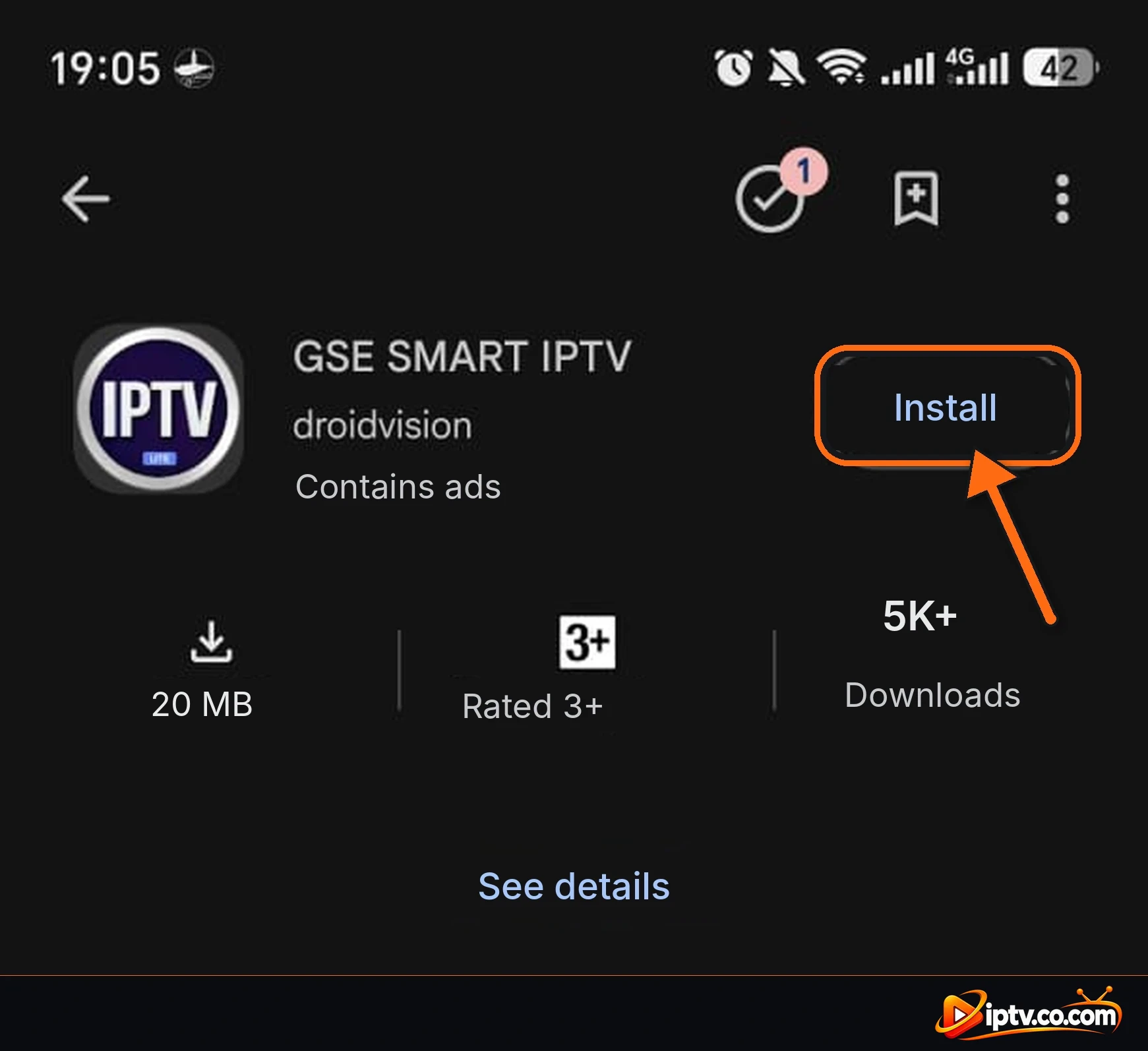
- Open the Google Play Store on your phone or tablet.
- Search for GSE SMART IPTV (by droidvision, about 20 MB).
- Tap Install, then Open.
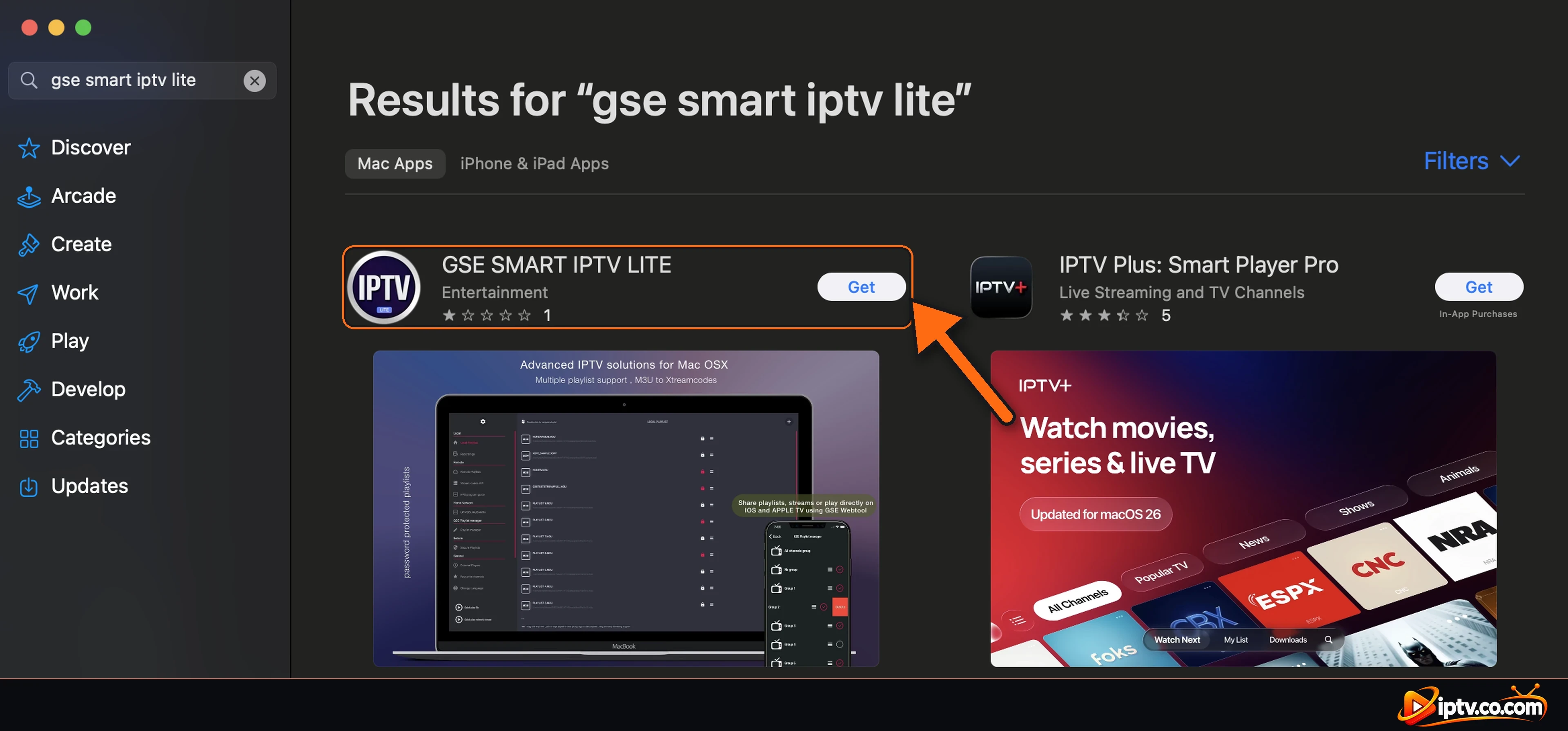
How to Install GSE Smart IPTV on Mac
Open the App Store on your Mac and search for GSE SMART IPTV LITE. Select Get, then Install, and open it from Launchpad or the Applications folder.
How to Install GSE Smart IPTV on iPhone, iPad and Apple TV
On Apple devices, the app is called GSE SMART IPTV PRO (by droidvision / GSE Technology Ltd). It is a paid app with no subscription.
- Open the App Store on your iPhone, iPad or Apple TV.
- Search for GSE SMART IPTV PRO and check that the developer is droidvision (other apps use “GSE” in their name).
- Tap the price button, confirm with Face ID, Touch ID or your password, then tap Open.
- Add your playlist: an M3U link or your Xtream-Codes API login from your IPTV provider (see how to activate GSE Smart IPTV).
The iPhone and iPad app costs about $2.99 in the US and supports Chromecast, AirPlay and live TV recording. The Apple TV app needs tvOS 12 or later, and its price varies by country. More about the versions: what is GSE Smart IPTV.
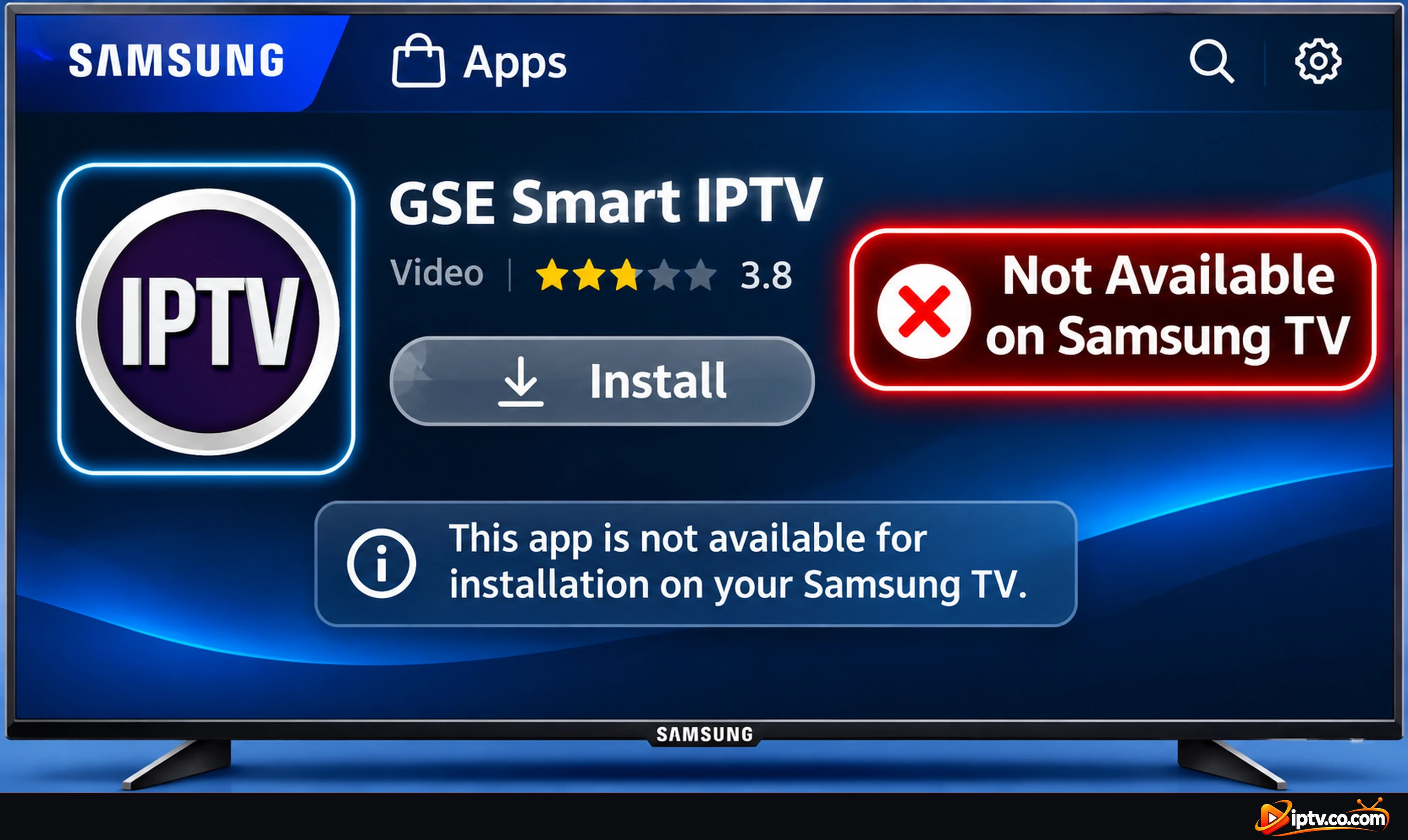
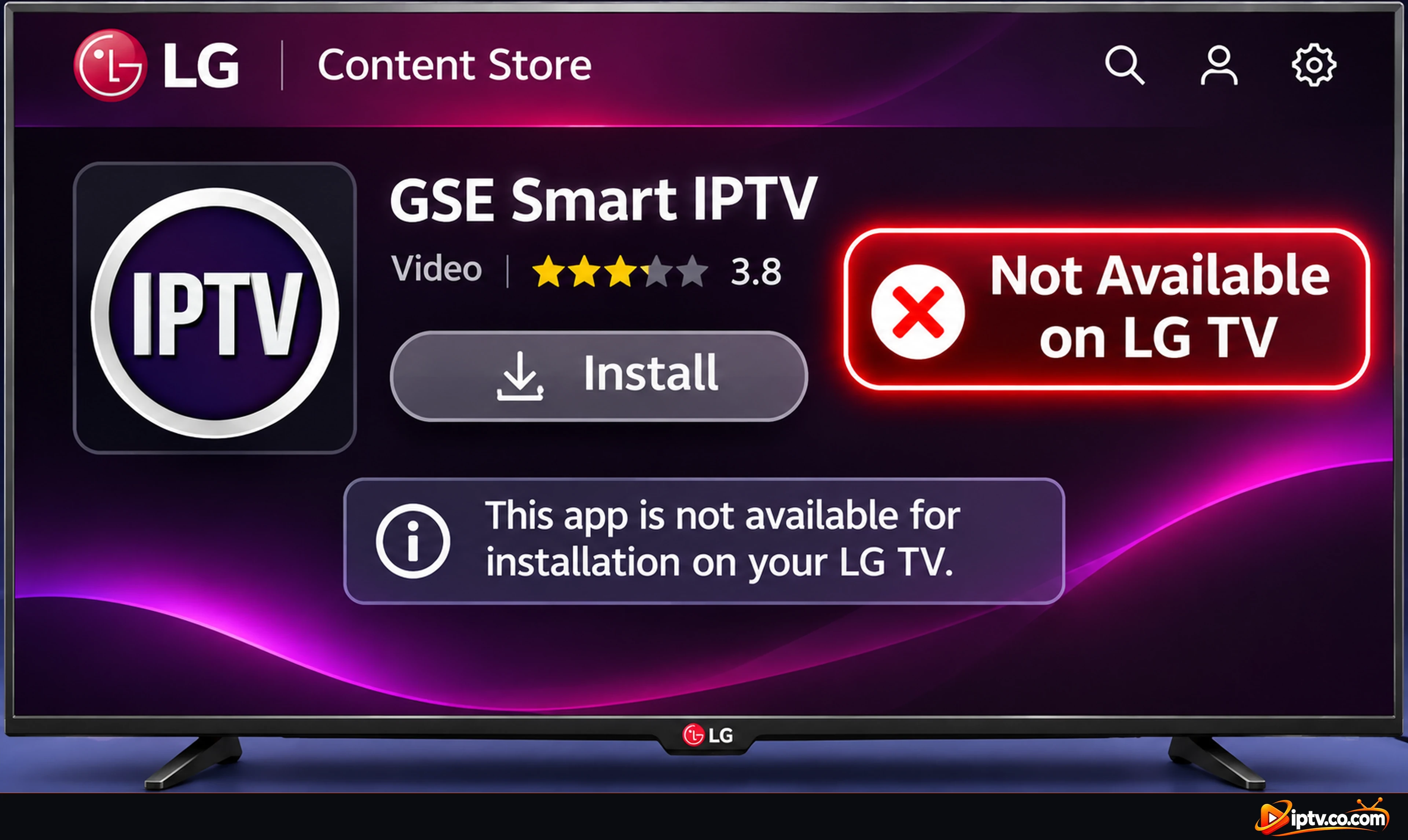
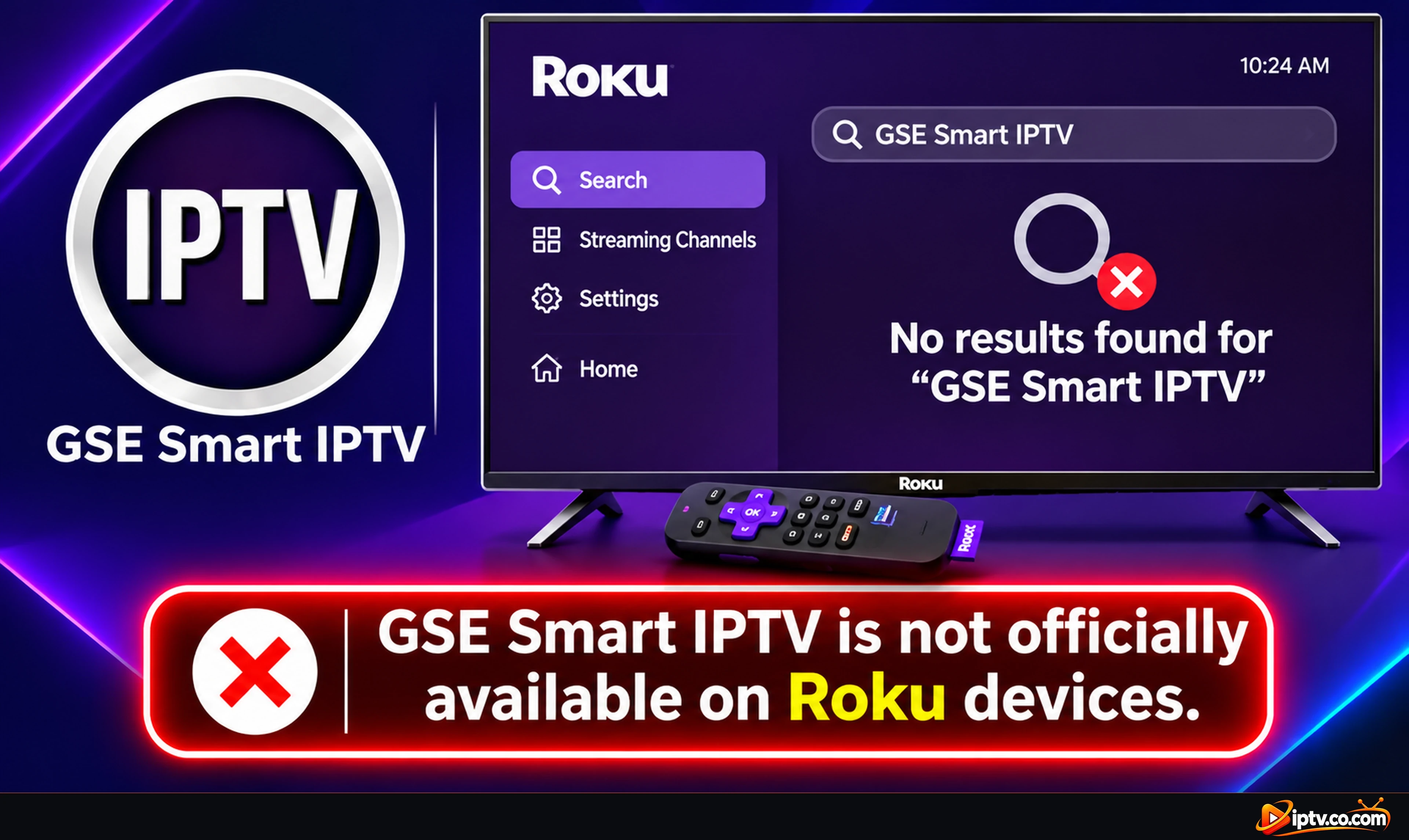
GSE Smart IPTV on Samsung, LG, Roku and Windows: Not Available
GSE Smart IPTV is not available in the Samsung Apps store, the LG Content Store, the Microsoft Store or the Roku Channel Store. On those devices, use another player with the same playlist from your IPTV provider, for example Hot Player or SET IPTV on Samsung and LG.
Samsung Smart TV
LG Smart TV
Roku
Windows PC
GSE Smart IPTV Won’t Install? Quick Fixes
- Downloader says the code is invalid: check that you typed 354615 and that your device is connected to the internet.
- “Install blocked”: turn ON Install unknown apps for Downloader.
- “App not installed” or not enough storage: the APK is about 38 MB. Uninstall apps you don’t use and try again.
- Can’t find it on Google Play: search for GSE SMART IPTV droidvision, or use Downloader on Android TV.
- Selected Deny by mistake: go to Settings > Applications > Manage Installed Applications > GSE IPTV > Permissions and allow storage.
Frequently Asked Questions
What is the Downloader code for GSE Smart IPTV?
The GSE Smart IPTV Downloader code is 354615. Open Downloader on your Firestick, type 354615 and select Next.
How do I install GSE Smart IPTV on Firestick?
Install Downloader, allow it to install unknown apps, enter code 354615, then select INSTALL and OPEN.
Is GSE Smart IPTV on Google Play?
Yes. Search for GSE SMART IPTV by droidvision on Google Play on your Android TV, phone or tablet.
Is GSE Smart IPTV available on Samsung, LG or Roku?
No. GSE Smart IPTV is not in the Samsung, LG or Roku app stores.
Can I use GSE Smart IPTV on iPhone or iPad?
Yes. Get GSE SMART IPTV PRO by droidvision from the App Store on iPhone, iPad and Apple TV. It is a paid app (about $2.99 on iPhone in the US).
Is GSE Smart IPTV available on Mac or Windows?
On Mac, install GSE SMART IPTV LITE from the Mac App Store. It is not available for Windows PC.
Does GSE Smart IPTV support Xtream Codes?
Yes. Use Xtream-Codes API on the home screen, or Remote Playlists for an M3U link.
Does GSE Smart IPTV include channels?
No. GSE Smart IPTV is a player only. Channels come from your IPTV provider.
Is GSE Smart IPTV available on Apple TV?
Yes. Open the App Store on Apple TV (tvOS 12 or later) and get GSE SMART IPTV PRO by droidvision.
What is GSE Smart IPTV Pro?
The paid Apple version of GSE. See what is GSE Smart IPTV.
GSE Smart IPTV is installed. Next, activate GSE Smart IPTV with M3U or Xtream Codes. Browse all GSE Smart IPTV guides or all IPTV players and apps.
2 Responses