BOB Player Guides: Download, Login, Activate & Fix

4/5

Step-by-step BOB Player tutorials for Firestick, Google TV, Samsung, LG, Android and iPhone: APK download, bobplayer.com login, playlists, price and fixes.

  • 5 guides
  • Updated November 2026
BOB Player IPTV app: install, activate and fix guides for every device

BOB Player is an IPTV player for Firestick, Android TV, Google TV, Samsung and LG smart TVs, Android phones and iPhone. It doesn’t include any channels: you add your own M3U URL or Xtream Codes on bobplayer.com using the Device ID and Device Key shown in the app. This page brings together every BOB Player guide on iptv.co.com, from the APK download and login to activation, price and fixes.

All BOB Player Guides

What Is BOB Player?

BOB Player is a media player app with 4K streaming, several themes and a built-in VLC player, from the same developer family as IBO Player. It plays M3U and Xtream Codes playlists, but it doesn’t sell or include any channels. Every new device gets a 7-day free trial; after that each device needs a one-time activation.

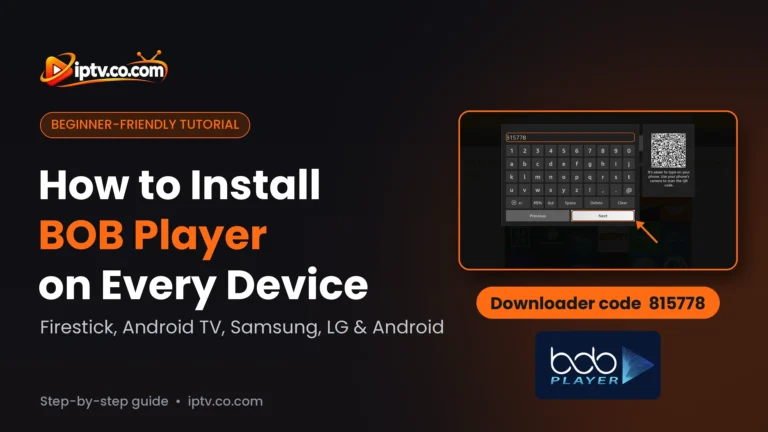
BOB Player APK Download and Downloader Code 815778

DeviceWhere to get BOB PlayerGuide
Firestick / Fire TVDownloader code 815778Firestick
Android TV / Google TVDownloader code 815778Google TV
Android phone and tabletBOB Player APKAndroid APK
Samsung Smart TVSamsung AppsSamsung
LG Smart TVLG Content StoreLG
iPhone and iPadApp StoreiPhone
Windows PC and MacNo official app (emulator or IBO Player)PC & Mac

BOB Player Login (bobplayer.com)

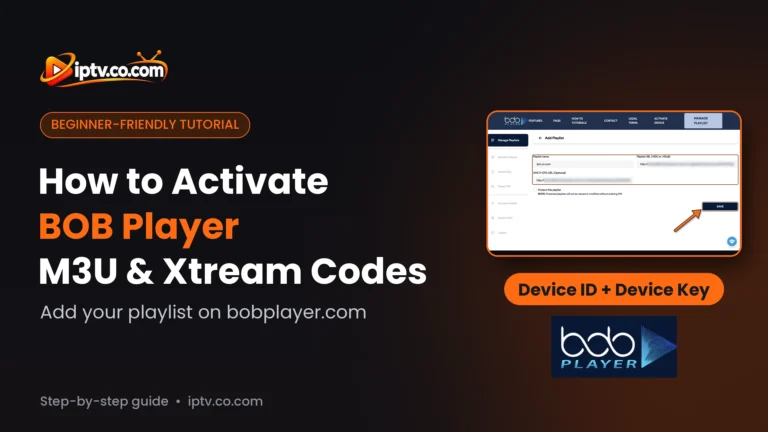
There is no email or password. Open BOB Player, select Change Server and note your Device ID and Device Key. Then open bobplayer.com, click Manage Playlist, enter both with the captcha and click LOGIN. Full guide: BOB Player login and manage playlists.

How to Add BOB Player Playlists

  1. Log in on bobplayer.com with your Device ID and Key.
  2. Click Add Playlist for an M3U URL or Add XC Playlist for Xtream Codes. Use http://, not https://.
  3. Save, then select the playlist in BOB Player under Change Server.

Screenshots of every step: how to activate BOB Player.

BOB Player Price and Free Activation

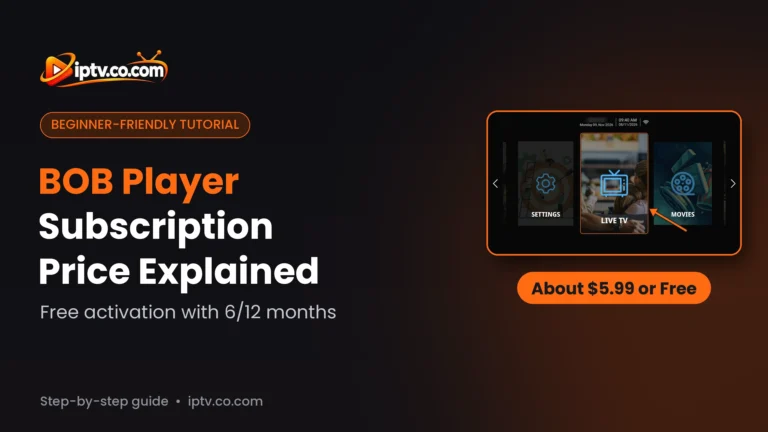
BOB Player is free to download with a 7-day trial. Activation is a one-time payment of about $5.99 per device, not monthly. Most IPTV providers activate it for free with a 6- or 12-month plan: send them your Device ID. Details: BOB Player subscription and price.

BOB Player Not Working?

Playlist not loading? Use http:// instead of https://. Stuck on loading? Open Settings > Clear Cache. Stopped after 7 days? The trial ended. All fixes: BOB Player not working.

BOB Player vs IBO Player and Other Alternatives

  • IBO Player: works the same way (Device ID and Key) and also runs on Windows, Mac and Roku.
  • IBO XPlayer: a similar player for Samsung, LG and Firestick.
  • IPTV Smarters Pro: free, with the login inside the app.
  • TiviMate: the best TV guide on Firestick and Android TV.

Frequently Asked Questions

What is BOB Player?

An IPTV media player for Firestick, Android TV, Google TV, Samsung, LG, Android and iPhone. It has no channels: you add your own M3U URL or Xtream Codes.

What is the BOB Player Downloader code?

The BOB Player Downloader code is 815778 for Firestick, Android TV and Google TV.

How do I log in to BOB Player?

Open bobplayer.com, click Manage Playlist and enter the Device ID (MAC address) and Device Key shown in the app under Change Server, plus the captcha.

How do I add a playlist to BOB Player?

Log in on bobplayer.com, click Add Playlist (M3U URL) or Add XC Playlist (Xtream Codes), save, then pick the playlist in the app under Change Server.

Is BOB Player free?

It is free to download with a 7-day free trial. After that it needs a one-time activation of about $5.99 per device, often free with your IPTV plan.

Is there a BOB Player APK?

Yes. Use the Downloader code 815778 on Firestick and Android TV, or the APK link on Android phones. Avoid modified APKs from unknown sites.

Is BOB Player available for Windows?

There is no official Windows version. Use an Android emulator such as BlueStacks, or IBO Player for Windows from the same developer.

Does BOB Player work on Google TV?

Yes, install it with the Downloader app and code 815778.

Why is BOB Player not working?

Usually an https:// playlist URL, an expired trial or IPTV subscription, or a full cache. Clear the cache and check your playlist.

Is BOB Player safe and legal?

Yes from official stores and the Downloader code. It is a legal player; only use playlists from providers with the rights to their channels.