
The Amazon Firestick (Fire TV Stick, Fire TV Stick 4K, 4K Max and Fire TV Cube) is the most popular device for IPTV. It isn’t in the Amazon Appstore, so you install your IPTV app on Firestick with the free Downloader app and a short code, then add the Xtream Codes or M3U playlist from your IPTV provider. This page brings together the best IPTV players for Firestick, every Downloader code, and step-by-step guides to install, set up and fix IPTV on your Fire TV.
Best IPTV Apps for Firestick
All these IPTV players work on Firestick and Fire TV. Click a card to open its Firestick install guide.
IPTV Smarters
Free player on almost every device, including iPhone, Apple TV, Windows and Mac.
- Firestick
- Android
- Samsung
- LG
- iPhone
- Apple TV
- Windows
- Mac
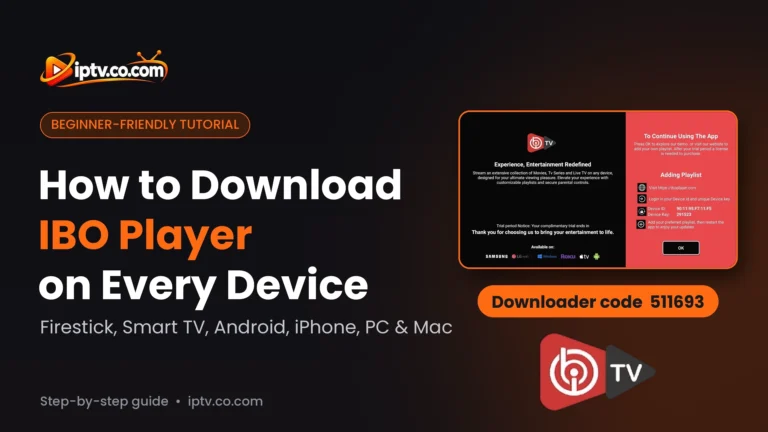
IBO Player
All-round player for smart TVs, Firestick, phones, Windows and Mac.
- Firestick
- Android
- Samsung
- LG
- iPhone
- Windows
- Mac
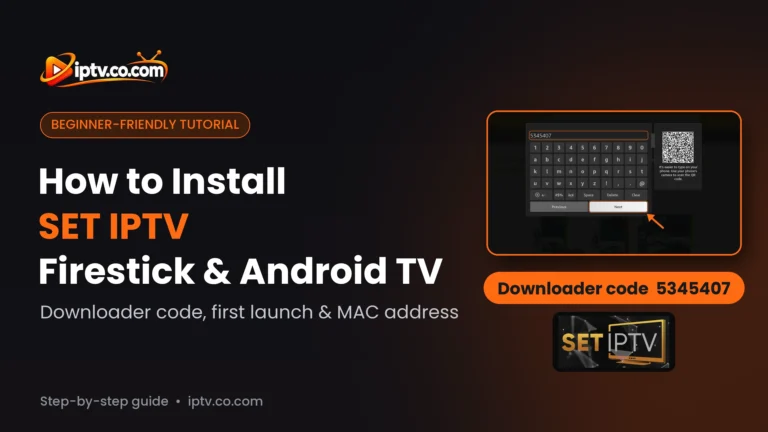
SET IPTV
Smart TV favourite with a lifetime activation per TV.
- Firestick
- Android
- Samsung
- LG
TiviMate
The best TV-style program guide on Firestick and Android TV.
- Firestick
- Android TV
IBO XPlayer
IBO-style player for Firestick, Android and smart TVs, set up from its website.
- Firestick
- Android
- Samsung
- LG
BOB Player
Simple player for smart TVs, Firestick, Android and iPhone.
- Firestick
- Android
- Samsung
- LG
- iPhone
Hot Player
One of the few IPTV players on Roku, plus Windows and Mac.
- Firestick
- Android
- Samsung
- LG
- Roku
- Windows
- Mac
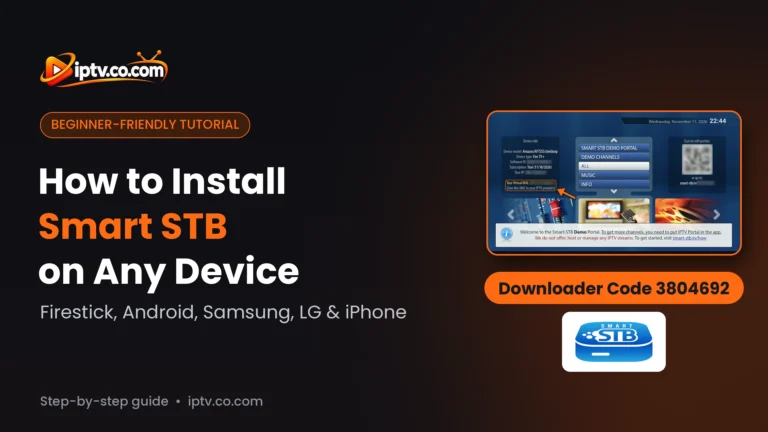
Smart STB
MAG-style portal player for TVs, Firestick and iPhone.
- Firestick
- Android
- iPhone
- Samsung
- LG
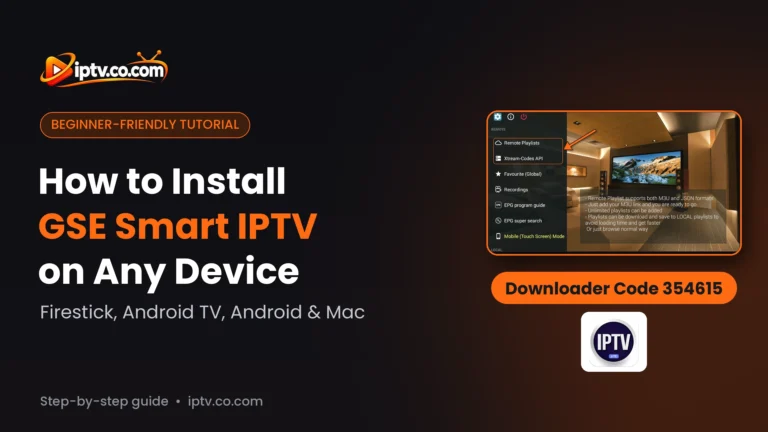
GSE Smart IPTV
Advanced player for Android devices and Mac.
- Firestick
- Android
- Mac
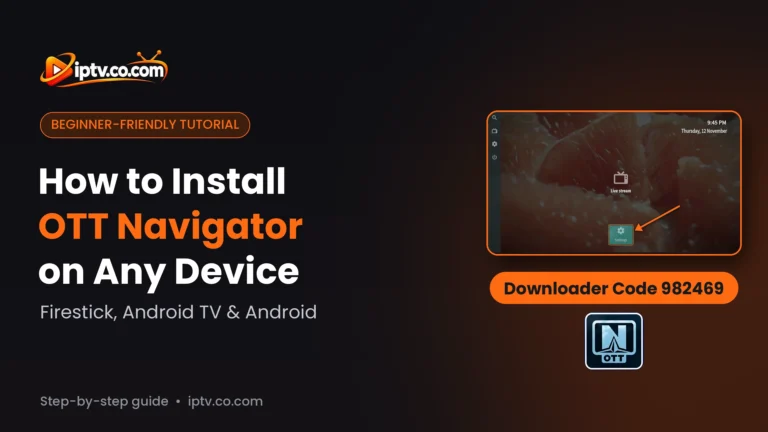
OTT Navigator
100% free Android player for Xtream Codes.
- Firestick
- Android
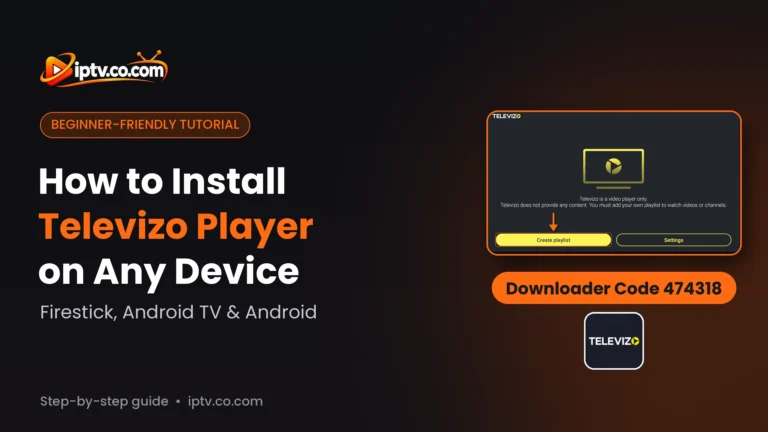
Televizo
Free Android player for M3U and Xtream Codes (with ads).
- Firestick
- Android
How to Install IPTV on Firestick (Step by Step)
Every IPTV player is installed the same way on a Firestick. It takes about 5 minutes. The screenshots show IPTV Smarters Pro; for another app, just use its Downloader code.
Step 1: Install the Downloader App
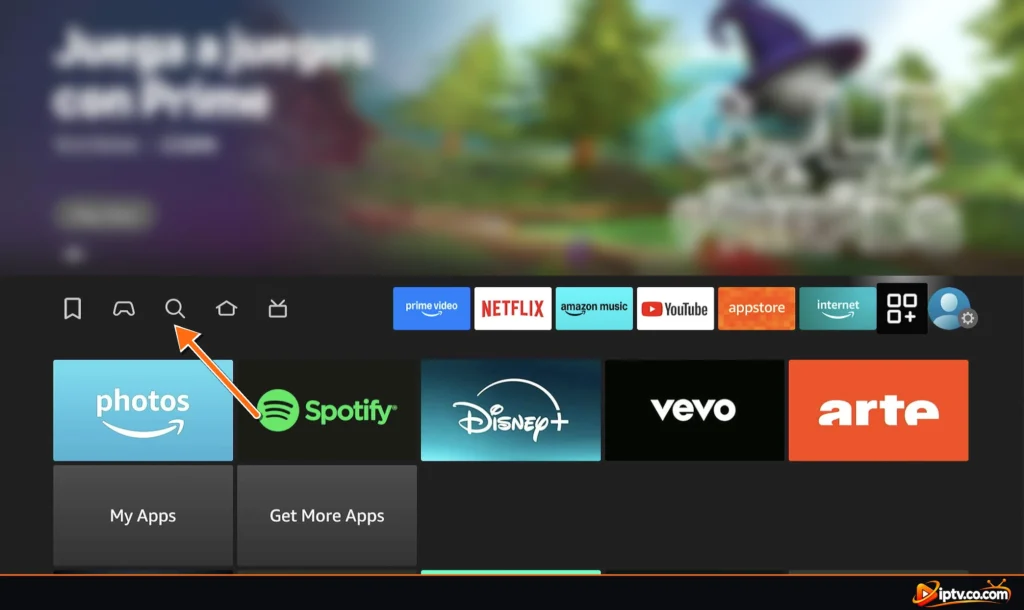
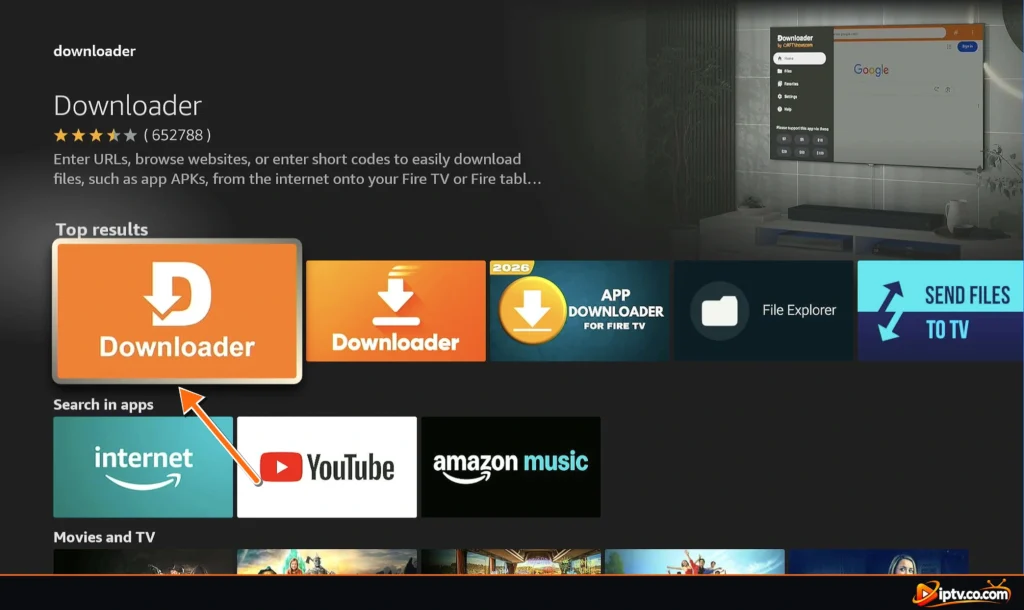
On the Fire TV home screen, open Find > Search, type Downloader, select Downloader by AFTVnews and select Download. Full steps: how to install the Downloader app.
Step 2: Enter the Downloader Code
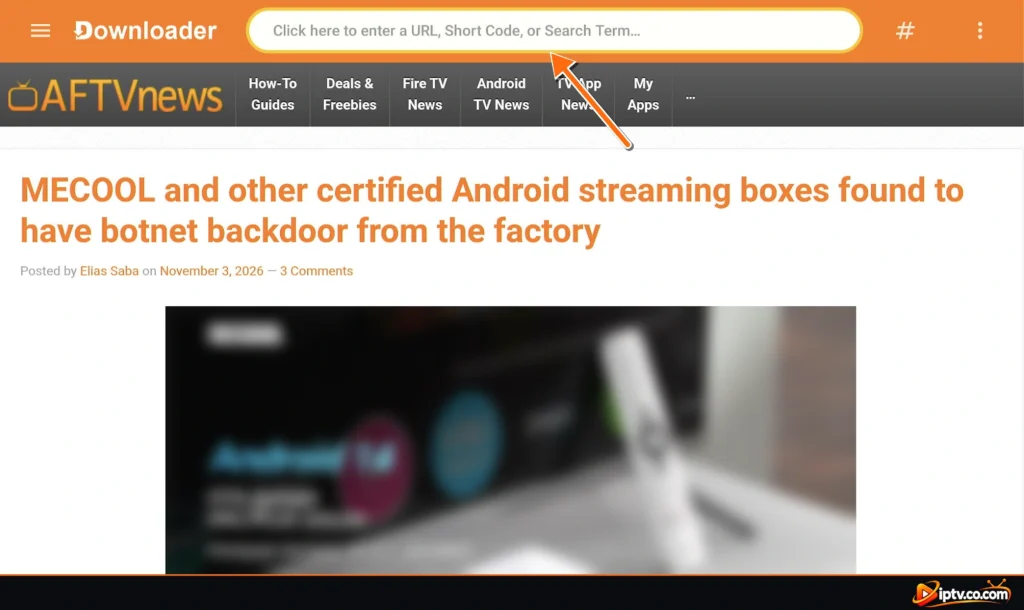
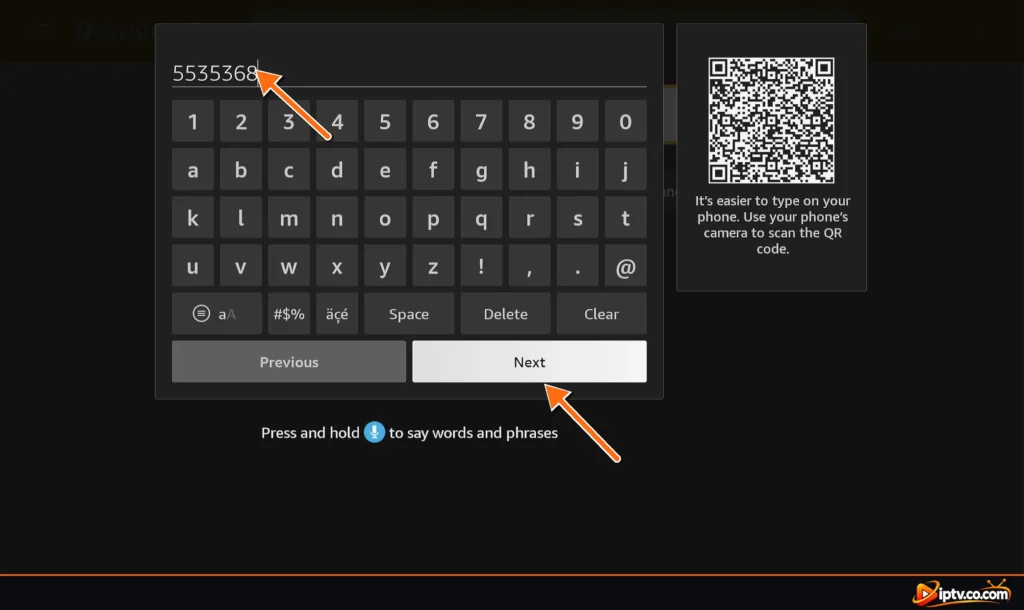
Open Downloader, select the address bar and type the code of your IPTV app (see the Downloader codes below), then select Go.
Step 3: Allow Downloader to Install Unknown Apps
The first time, the Firestick blocks the install. Select Settings, then in Install unknown apps turn Downloader to ON and press Back. You can also open Settings > My Fire TV > Developer Options > Install unknown apps. Don’t see Developer Options? Open Settings > My Fire TV > About and click your Fire TV name 7 times.
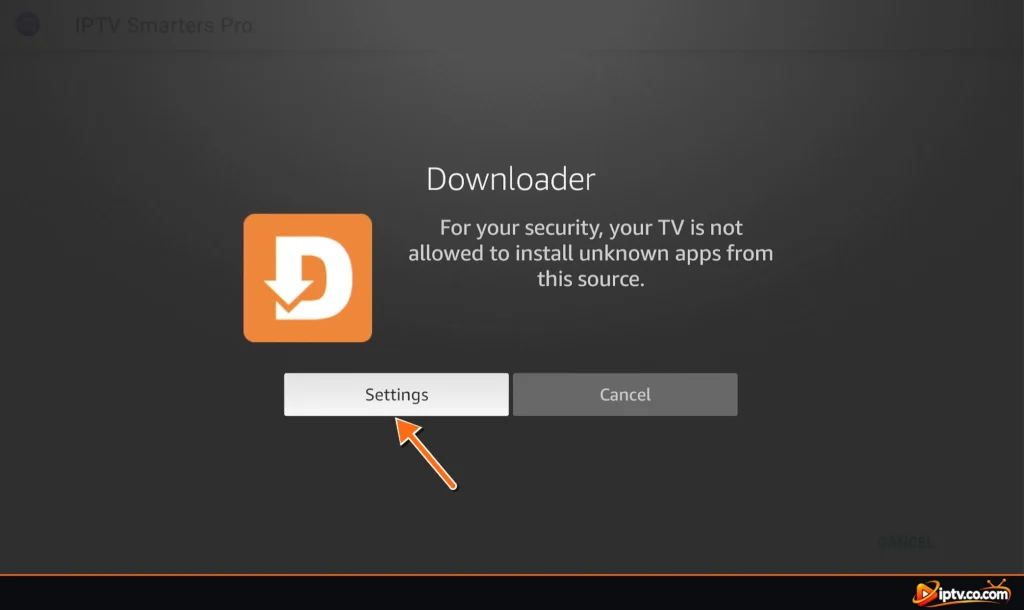
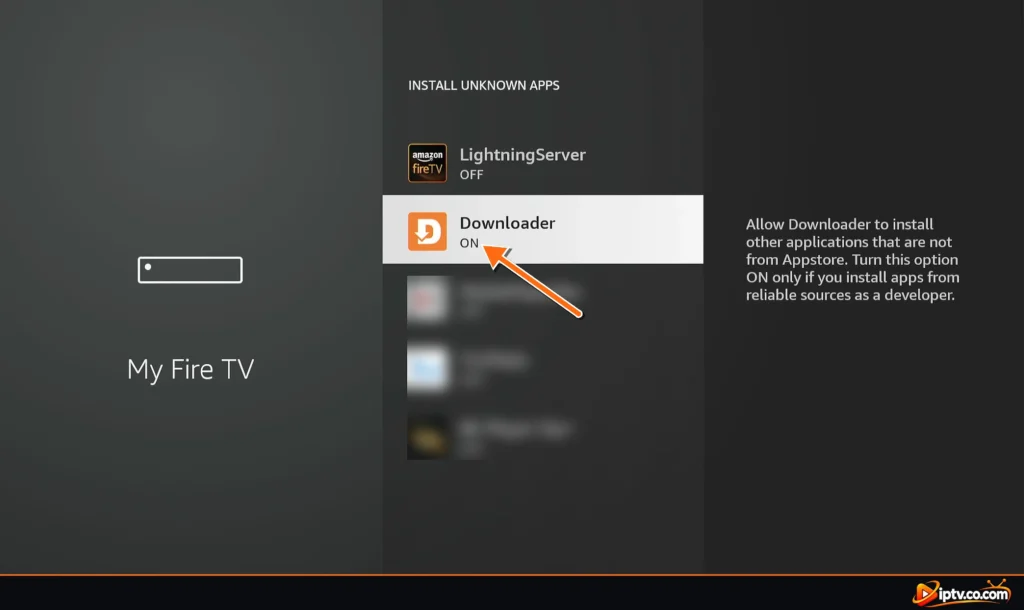
Step 4: Install and Open the IPTV App
When the APK has downloaded, select INSTALL, then OPEN. Back in Downloader, select Delete to free up space.
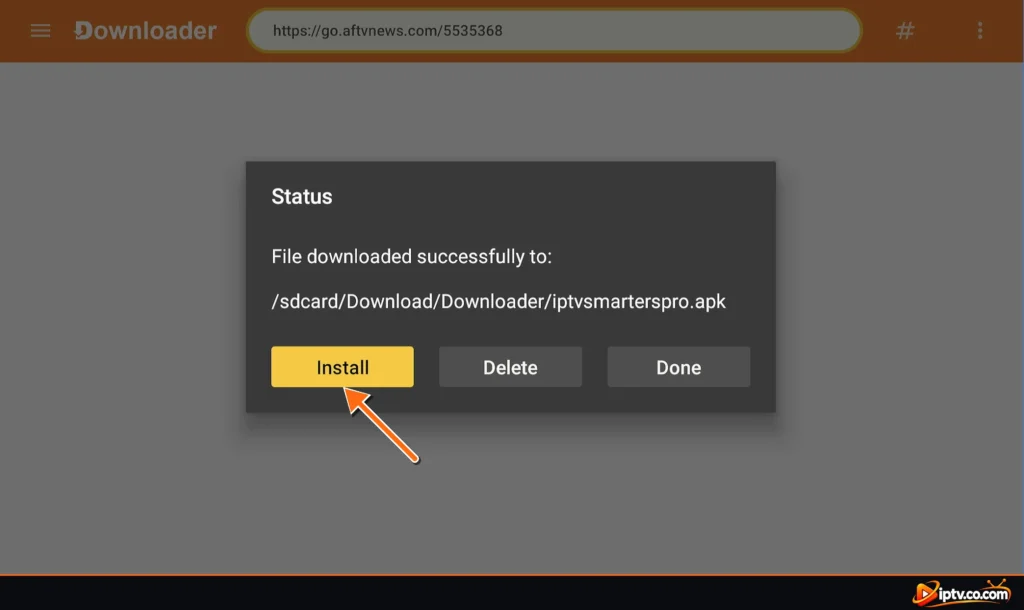
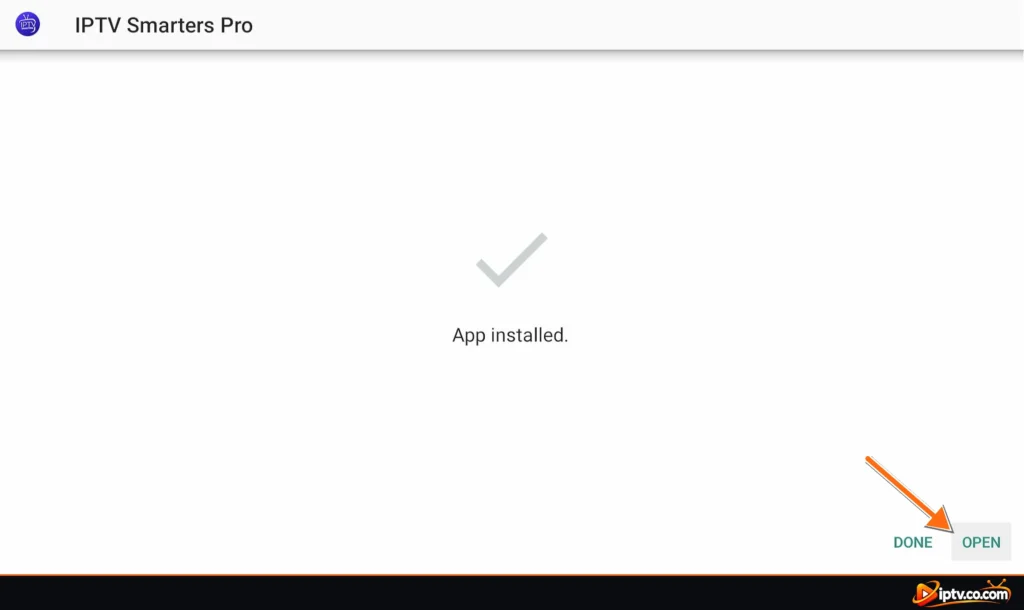
Step 5: Add Your IPTV Playlist
Log in with your Xtream Codes or add your M3U link (see how to set up IPTV on Firestick). Your channels, movies and series load in the app.
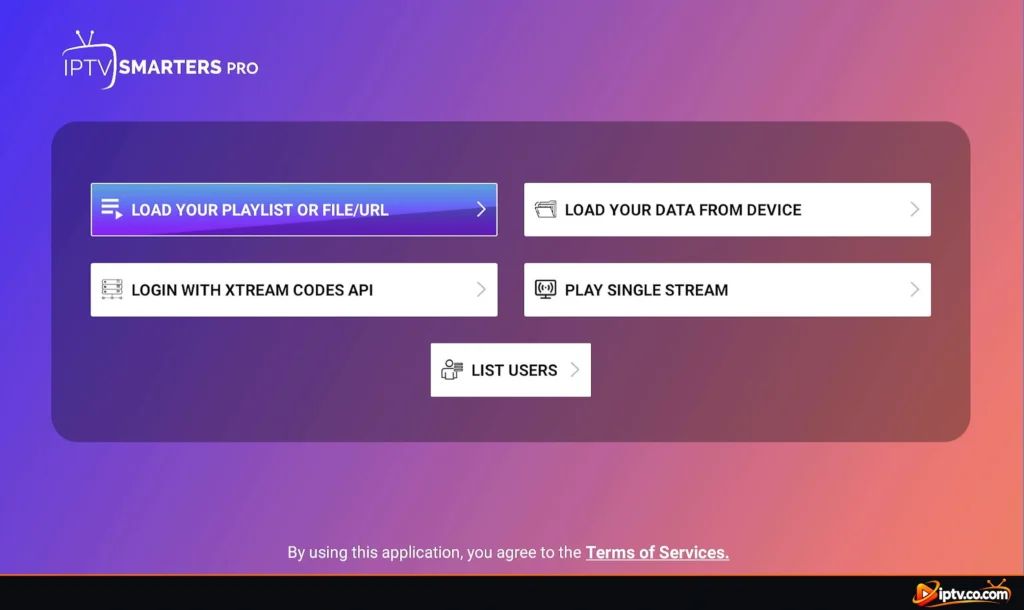
Tip: hold the Home button on the Fire TV remote and select Apps to move your IPTV app to the front row.
IPTV Downloader Codes for Firestick
Type these free codes in the Downloader app to install each IPTV player. They are the codes we use in our own step-by-step guides.
| IPTV app | Downloader code | Guide |
|---|---|---|
| IPTV Smarters Pro | 5535368 | Firestick guide |
| IBO Player | 511693 | Firestick guide |
| SET IPTV | 5345407 | Firestick guide |
| TiviMate | 272483 | Firestick guide |
| IBO XPlayer | 7947185 | Firestick guide |
| BOB Player | 815778 | Firestick guide |
| Hot Player | 395800 | Firestick guide |
| Smart STB | 3804692 | Firestick guide |
| GSE Smart IPTV | 354615 | Firestick guide |
| OTT Navigator | 982469 | Firestick guide |
| Televizo | 474318 | Firestick guide |
The most popular choice is IPTV Smarters Pro on Firestick, code:
5535368How to Set Up IPTV on Firestick
An IPTV player has no channels. After installing it, you add the login from your IPTV provider in one of two ways:
- Xtream Codes (recommended): a username, password and server URL. Movies, series and the TV guide load better. Don’t have one? See how to get Xtream Codes.
- M3U playlist: one long link. See how to get an M3U URL.
Some players, like IBO Player, BOB Player and SET IPTV, show a MAC address (Device ID) on screen: you add the playlist on the app’s website instead of typing it with the remote. Each app has its own activation guide: IPTV Smarters, IBO Player, TiviMate, SET IPTV and more.
Free IPTV Players for Firestick
| App | Cost on Firestick |
|---|---|
| IPTV Smarters Pro | Free |
| OTT Navigator | Free (Premium optional) |
| Televizo | Free with ads |
| TiviMate | Free for live TV; Premium for the TV guide, movies and series |
| IBO Player, BOB Player, SET IPTV, Hot Player | Free trial, then an activation per device, often free from your IPTV provider with 6 or 12 months |
The app is free, but the channels are not: you still need an IPTV subscription. Many providers offer a free trial, which is the easiest way to test IPTV on your Firestick.
How to Install IPTV on Firestick Without Downloader
Downloader is the easiest way, but not the only one. You can also use the Send files to TV app (send the APK from your phone) or a file manager such as ES File Explorer with the same Downloader code URL. In every case, turn on Install unknown apps for the app you use. On Android TV and Google TV you don’t need Downloader for most players: install them from Google Play.
IPTV Not Working on Firestick? Quick Fixes
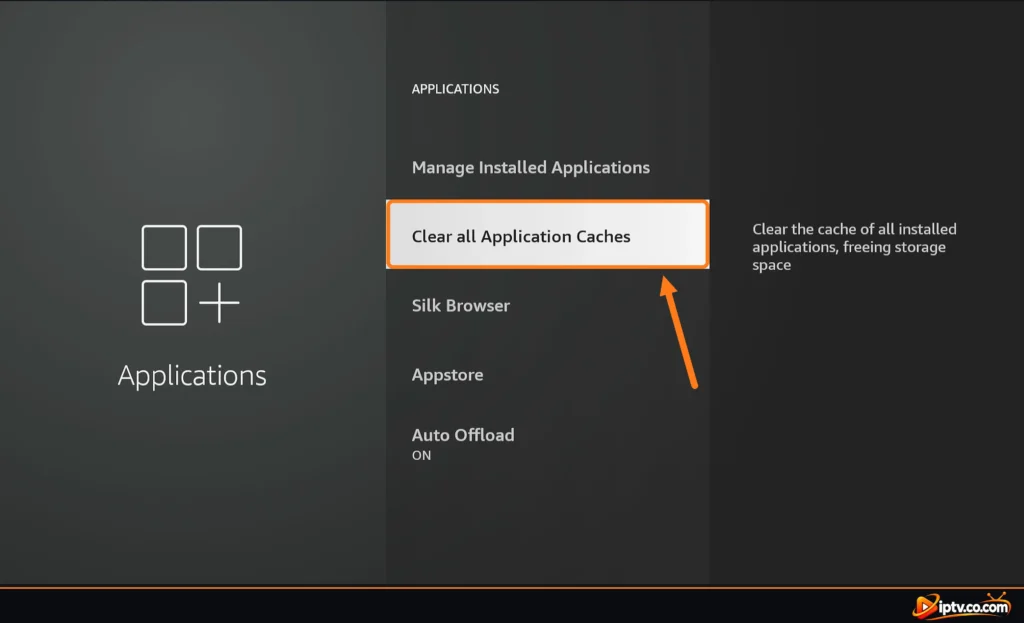
- Restart the Firestick: hold Select + Play on the remote for 5 seconds, or unplug it for 30 seconds.
- Clear the cache: Settings > Applications > Manage Installed Applications > your IPTV app > Clear cache.
- Free up storage: uninstall apps you don’t use and delete old APK files in Downloader. Firesticks have little space.
- Check the URL: most IPTV servers need http://, not https://.
- Buffering: use the 5 GHz Wi-Fi or an Ethernet adapter. HD needs about 10 Mbps, 4K about 25 Mbps.
- “Unfortunately the app has stopped”: clear the cache and data, then reinstall the app with its Downloader code.
Full fixes for each app: IPTV Smarters not working, IBO Player not working, TiviMate not working, SET IPTV not working.
Do I Need a VPN for IPTV on Firestick?
A VPN isn’t required, but some internet providers slow down or block IPTV. If you use one, many IPTV servers block VPN IP addresses, so ask your IPTV provider for their VPN DNS (it starts with vpn, for example http://vpn.dream-4k.co) and use it as your server URL.
Which Firestick Is Best for IPTV?
Any current model works. For 4K IPTV, the Fire TV Stick 4K or 4K Max is the best choice: more storage and faster Wi-Fi mean less buffering and quicker channel lists. Older Fire TV Sticks (2nd generation and earlier) can be slow with big playlists.
Frequently Asked Questions
Does IPTV work on Firestick?
Yes. Install an IPTV player such as IPTV Smarters Pro, TiviMate or IBO Player with the Downloader app, then add the Xtream Codes or M3U playlist from your IPTV provider.
What is the best IPTV app for Firestick?
TiviMate has the best TV guide, IPTV Smarters Pro is free and easy, and IBO Player and SET IPTV are popular when your provider activates them for you. See the rated list on this page.
How do I install IPTV on Firestick?
Install Downloader, turn on Install unknown apps for it, type the Downloader code of your IPTV app, select INSTALL and OPEN, then add your playlist.
What is the Downloader code for IPTV Smarters Pro on Firestick?
The code is 5535368. Type it in the Downloader app on your Firestick.
Is there a free IPTV player for Firestick?
Yes. IPTV Smarters Pro and OTT Navigator are free, Televizo is free with ads and TiviMate is free for live TV. You still need an IPTV subscription for the channels.
Can I install IPTV on Firestick without Downloader?
Yes, with the Send files to TV app or a file manager, but Downloader is the easiest way.
Why is IPTV not working on my Firestick?
Restart the Firestick, clear the app cache, free up storage and check that your server URL starts with http://. If you use a VPN, use your provider’s VPN DNS.
Do I need a VPN for IPTV on Firestick?
No, but it can help if your internet provider blocks IPTV. Use the VPN DNS from your IPTV provider so the server accepts the VPN.
How do I clear the cache of an IPTV app on Firestick?
Go to Settings > Applications > Manage Installed Applications, select the app and choose Clear cache.
Can I record IPTV on Firestick?
Some players can. TiviMate Premium supports recording on Firestick if your playlist allows it; most other players don’t record.