
Google TV is the newer version of Android TV. It runs on the Google TV Streamer, Chromecast with Google TV and smart TVs from Sony, TCL, Hisense and Philips. Every popular IPTV player works on it, but Google TV hides the Play Store and blocks apps from outside Google Play until you turn on Developer options. This page shows the best IPTV apps for Google TV, both ways to install them, and step-by-step guides to set up and fix IPTV on your Google TV device.
Best IPTV Apps for Google TV
Every one of these IPTV players works on Google TV, Chromecast with Google TV and the Google TV Streamer. Click a card to open its install guide.
IPTV Smarters
Free player on almost every device, including iPhone, Apple TV, Windows and Mac.
- Firestick
- Android
- Samsung
- LG
- iPhone
- Apple TV
- Windows
- Mac
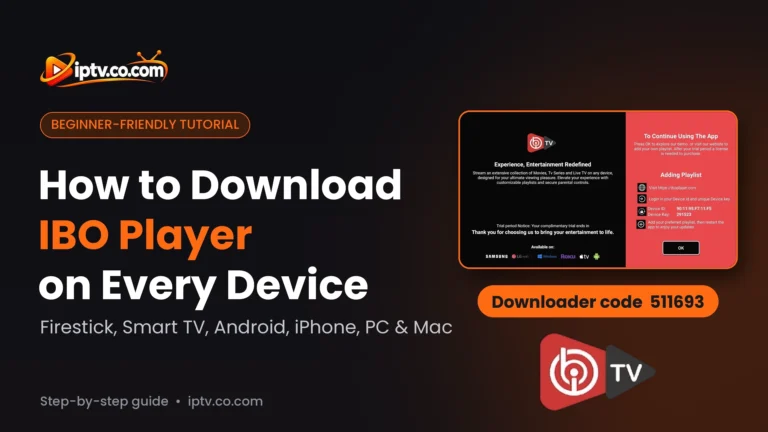
IBO Player
All-round player for smart TVs, Firestick, phones, Windows and Mac.
- Firestick
- Android
- Samsung
- LG
- iPhone
- Windows
- Mac
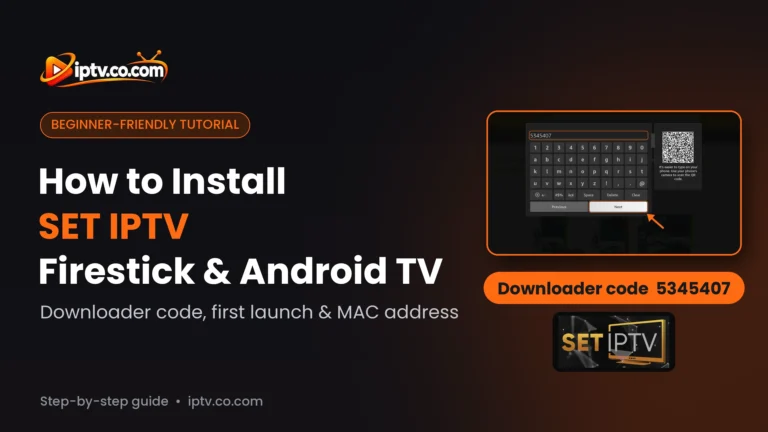
SET IPTV
Smart TV favourite with a lifetime activation per TV.
- Firestick
- Android
- Samsung
- LG
TiviMate
The best TV-style program guide on Firestick and Android TV.
- Firestick
- Android TV
IBO XPlayer
IBO-style player for Firestick, Android and smart TVs, set up from its website.
- Firestick
- Android
- Samsung
- LG
BOB Player
Simple player for smart TVs, Firestick, Android and iPhone.
- Firestick
- Android
- Samsung
- LG
- iPhone
Hot Player
One of the few IPTV players on Roku, plus Windows and Mac.
- Firestick
- Android
- Samsung
- LG
- Roku
- Windows
- Mac
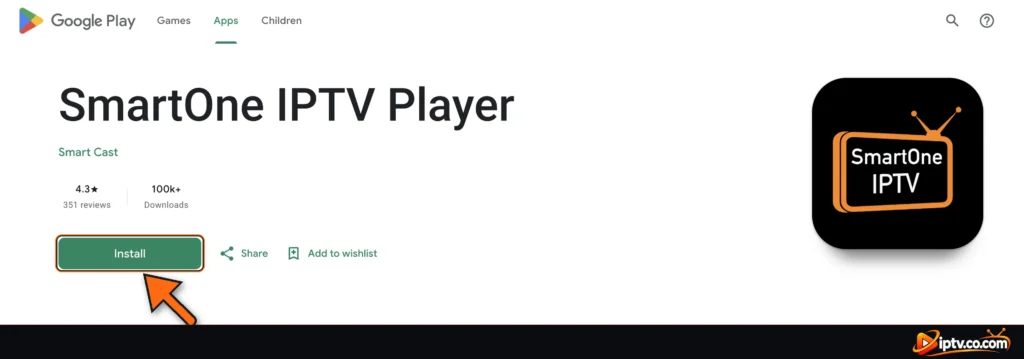
SmartOne IPTV
Smart TV player with a low yearly license.
- Android TV
- Samsung
- LG
Smart STB
MAG-style portal player for TVs, Firestick and iPhone.
- Firestick
- Android
- iPhone
- Samsung
- LG
GSE Smart IPTV
Advanced player for Android devices and Mac.
- Firestick
- Android
- Mac
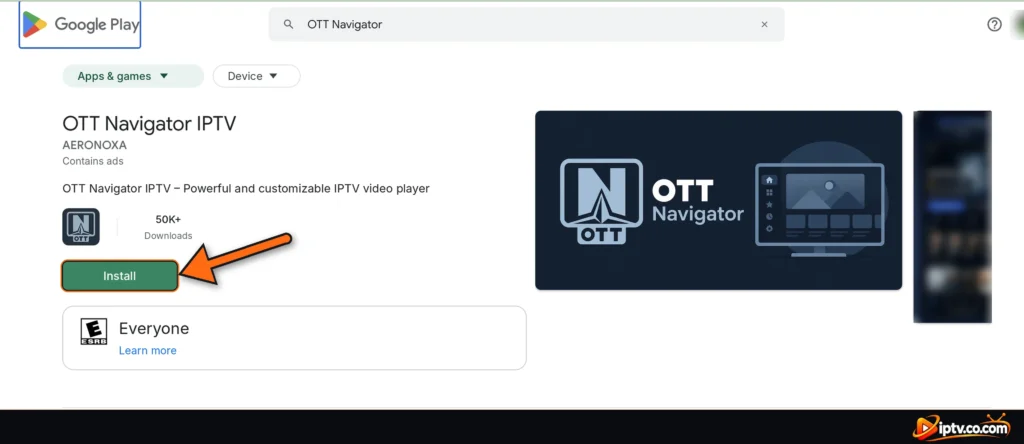
OTT Navigator
100% free Android player for Xtream Codes.
- Firestick
- Android
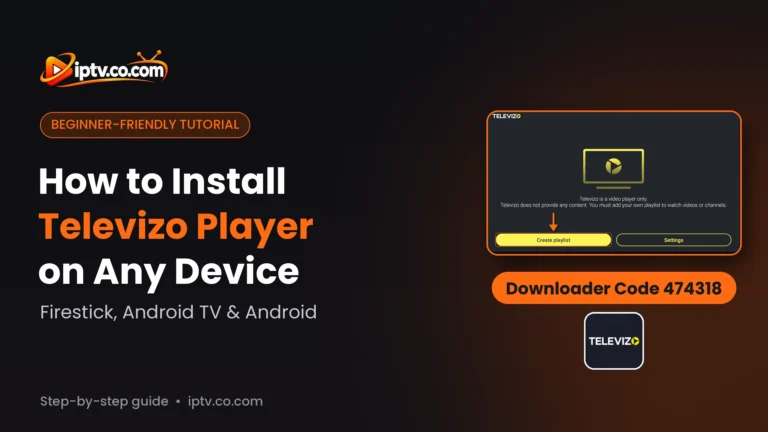
Televizo
Free Android player for M3U and Xtream Codes (with ads).
- Firestick
- Android
How to Install IPTV on Google TV From the Apps Tab
Google TV has no Play Store icon on the home screen, but the store is built in. TiviMate, SET IPTV, IBO XPlayer, SmartOne, OTT Navigator, Televizo and GSE Smart IPTV install this way:
Step 1: Search for the App
On the Google TV home screen, open Apps and select Search for apps, or select Search and type the name of the IPTV player, for example OTT Navigator or SmartOne.
Step 2: Install and Open
Open the app page, select Install and then Open. The app appears in Your apps on the home screen.
Tip: from your phone, open the Google Play Store, find the app, tap the arrow next to Install and choose your Google TV: it installs on the TV automatically.
Turn On Developer Options and Unknown Apps on Google TV
Before you can install IPTV Smarters Pro, IBO Player, BOB Player, Hot Player or Smart STB, allow apps from outside Google Play:
- Open Settings > System > About, scroll to Android TV OS build and click it 7 times until you see “You are now a developer”.
- Open Settings > Apps > Security & restrictions > Unknown sources and turn Downloader on.
How to Install IPTV on Google TV With Downloader
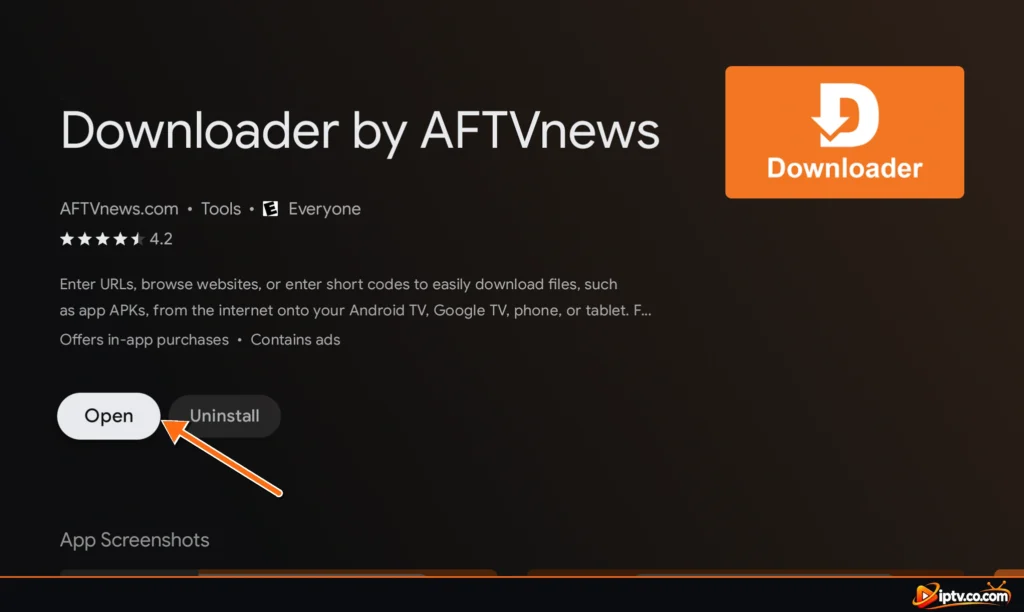
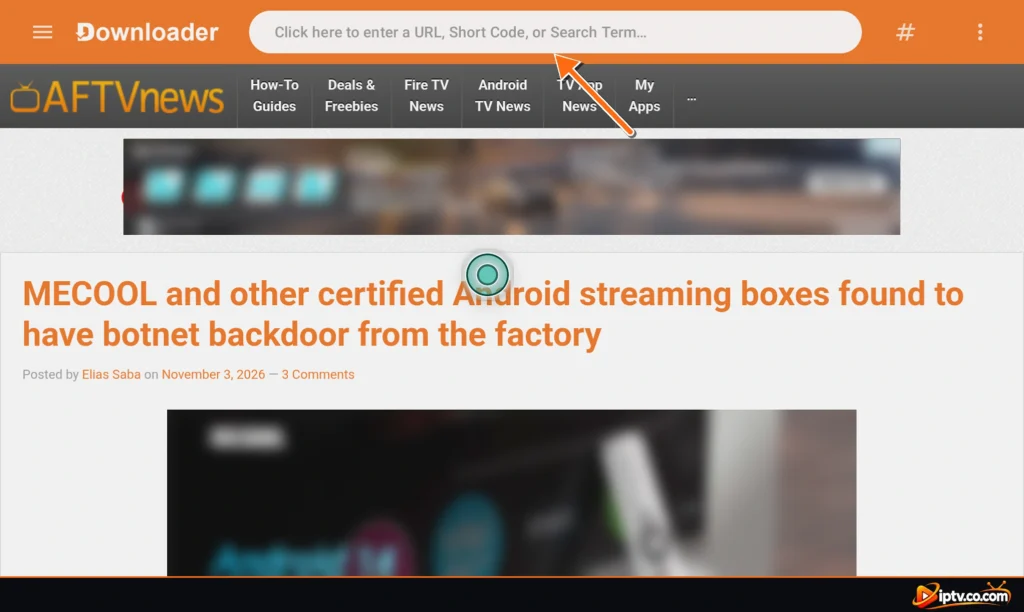
- Install Downloader by AFTVnews from the Apps tab (full steps: how to install Downloader).
- Turn on Developer options and Unknown sources for Downloader.
- Open Downloader, type the code of your IPTV app (see the table below) and select Go.
- Select Install, then Open. Delete the APK afterwards: Chromecast with Google TV has only 8 GB of storage.
IPTV Apps for Google TV: Apps Tab or Downloader Code
| IPTV app | How to install on Google TV | Guide |
|---|---|---|
| TiviMate | Google Play | Google TV guide |
| SET IPTV | Google Play | Google TV guide |
| IBO XPlayer | Google Play | Google TV guide |
| SmartOne IPTV | Google Play | Google TV guide |
| OTT Navigator | Google Play | Google TV guide |
| Televizo | Google Play | Google TV guide |
| GSE Smart IPTV | Google Play | Google TV guide |
| IPTV Smarters Pro | Downloader 5535368 | Google TV guide |
| IBO Player | Downloader 511693 | Google TV guide |
| BOB Player | Downloader 815778 | Google TV guide |
| Hot Player | Downloader 395800 | Google TV guide |
| Smart STB | Downloader 3804692 | Google TV guide |
The most popular choice is IPTV Smarters Pro on Google TV, Downloader code:
5535368How to Set Up IPTV on Google TV
An IPTV player has no channels. After installing it, add the login from your IPTV provider:
- Xtream Codes (recommended): a username, password and server URL. Movies, series and the TV guide load better. Don’t have one? See how to get Xtream Codes.
- M3U playlist: one long link. See how to get an M3U URL.
MAC-based players such as IBO Player, BOB Player and SET IPTV show a MAC address (Device ID) on your Google TV: you add the playlist on the app’s website instead of typing it with the remote. Activation guides: TiviMate, IPTV Smarters, IBO Player, SET IPTV and more.
Free IPTV Players for Google TV
| App | Cost |
|---|---|
| IPTV Smarters Pro | Free |
| OTT Navigator | Free (Premium optional) |
| Televizo | Free with ads |
| TiviMate | Free for live TV; Premium for the TV guide, movies and series |
| GSE Smart IPTV | Free with ads |
| IBO Player, BOB Player, IBO XPlayer, SET IPTV, Hot Player | Free trial, then an activation per device, often free from your IPTV provider with 6 or 12 months |
| SmartOne, Smart STB | Free trial, then a paid activation |
The app is free, but the channels are not: you still need an IPTV subscription. Many providers offer a free trial, which is the easiest way to test IPTV on your Google TV.
IPTV Not Working on Google TV? Quick Fixes
- Restart: Settings > System > Restart, or unplug the device for 30 seconds.
- Clear the cache: Settings > Apps > See all apps > your IPTV app > Clear cache.
- Free up storage: Chromecast with Google TV fills up fast. Check Settings > System > Storage and uninstall apps you don’t use.
- App missing in search? Some players aren’t listed for every device. Use Downloader and the app’s code instead.
- Check the URL: most IPTV servers need http://, not https://.
- VPN: if you use one, set your provider’s VPN DNS (for example
http://vpn.dream-4k.co) as the server URL.
Full fixes for each app: IPTV Smarters not working, TiviMate not working, IBO Player not working, SET IPTV not working, OTT Navigator not working, Televizo not working.
Which Google TV Device Is Best for IPTV?
The Google TV Streamer is the best choice: it is faster and has 32 GB of storage and Ethernet built in. Chromecast with Google TV (4K or HD) works well but has only 8 GB of storage, so keep few apps installed. Google TV smart TVs from Sony, TCL, Hisense and Philips work the same way. For older Android TV boxes, see our Android TV IPTV guide.
Frequently Asked Questions
Does IPTV work on Google TV?
Yes. Install an IPTV player such as TiviMate, IPTV Smarters Pro or IBO Player, then add the Xtream Codes or M3U playlist from your IPTV provider.
What is the best IPTV app for Google TV?
TiviMate has the best TV guide, IPTV Smarters Pro is free and easy, and IBO Player and SET IPTV are popular when your provider activates them. See the rated list on this page.
Where is the Play Store on Google TV?
Open the Apps tab and select Search for apps, or use Search on the home screen. The Play Store is built into Google TV.
How do I install IPTV Smarters Pro on Google TV?
Turn on Developer options and Unknown sources for Downloader, then type code 5535368 in Downloader and select Install.
How do I turn on Developer options on Google TV?
Open Settings > System > About and click Android TV OS build 7 times.
Does IPTV work on Chromecast with Google TV?
Yes. Every player on this page works on Chromecast with Google TV. Delete APK files after installing because it has only 8 GB of storage.
Is there a free IPTV player for Google TV?
Yes. IPTV Smarters Pro and OTT Navigator are free, Televizo and GSE Smart IPTV are free with ads, and TiviMate is free for live TV.
Why is IPTV not working on my Google TV?
Restart the device, clear the app cache in Settings > Apps > See all apps, free up storage and check that the server URL starts with http://.
Is Google TV the same as Android TV?
Google TV is the newer interface built on Android TV, so the same IPTV apps work on both. The menus and the way you open the Play Store are different.
Is IPTV free on Google TV?
The players are free or have a free trial, but the channels come from a paid IPTV subscription. Many providers offer a free trial.